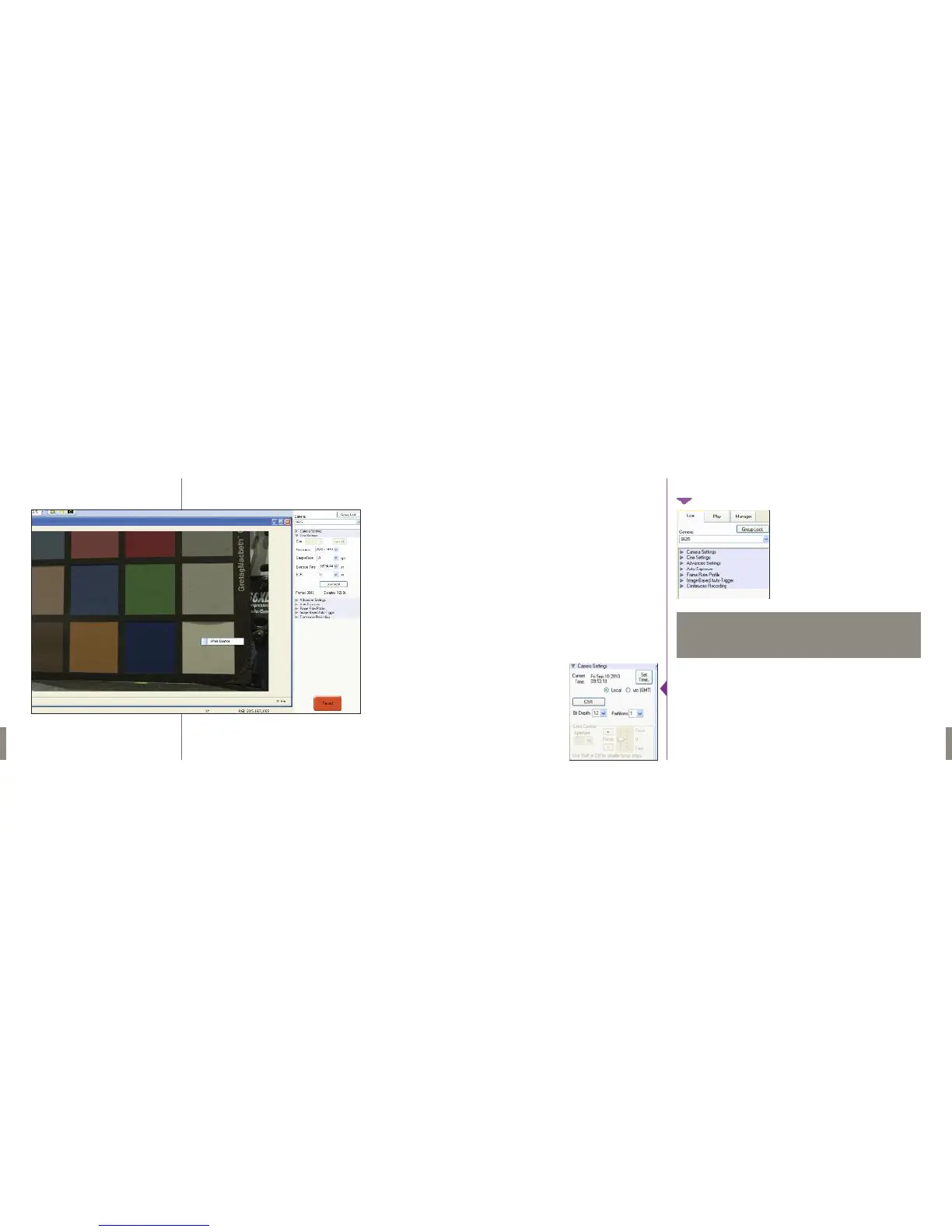
Beneath the Camera selector are a series of expandable headers which
contain groups of related camera settings.
From the Camera Settings section you can set the time of the internal clock
in the camera. This will affect the time stamps that are embedded in the
recorded cines.The simplest way to set the time is to click the “SetTime…”
button, then in the resultant pop-up window click the “Update and Set”
button.This will set the camera’s time to the computer’s time.
The Phantom Flex always operates in 12 bit mode - no other option will be
available in thr “Bit Depth” pull down selector.
6968
Phantom Flex Manual
Phantom Flex Manual
Right-clicking on a point on the displayed image brings up a white balance
popup. It is not necessary to fill the frame with white – a small target can
be used.
We will cover the most commonly used settings in this manual.
For explanations of more rarely-used settings, please select
“Pcc Help” from the “Help” menu.
NOTE



 To Next Page