56
Phantom Ultrahigh-speed Camera Manual
phantom cinemag iv
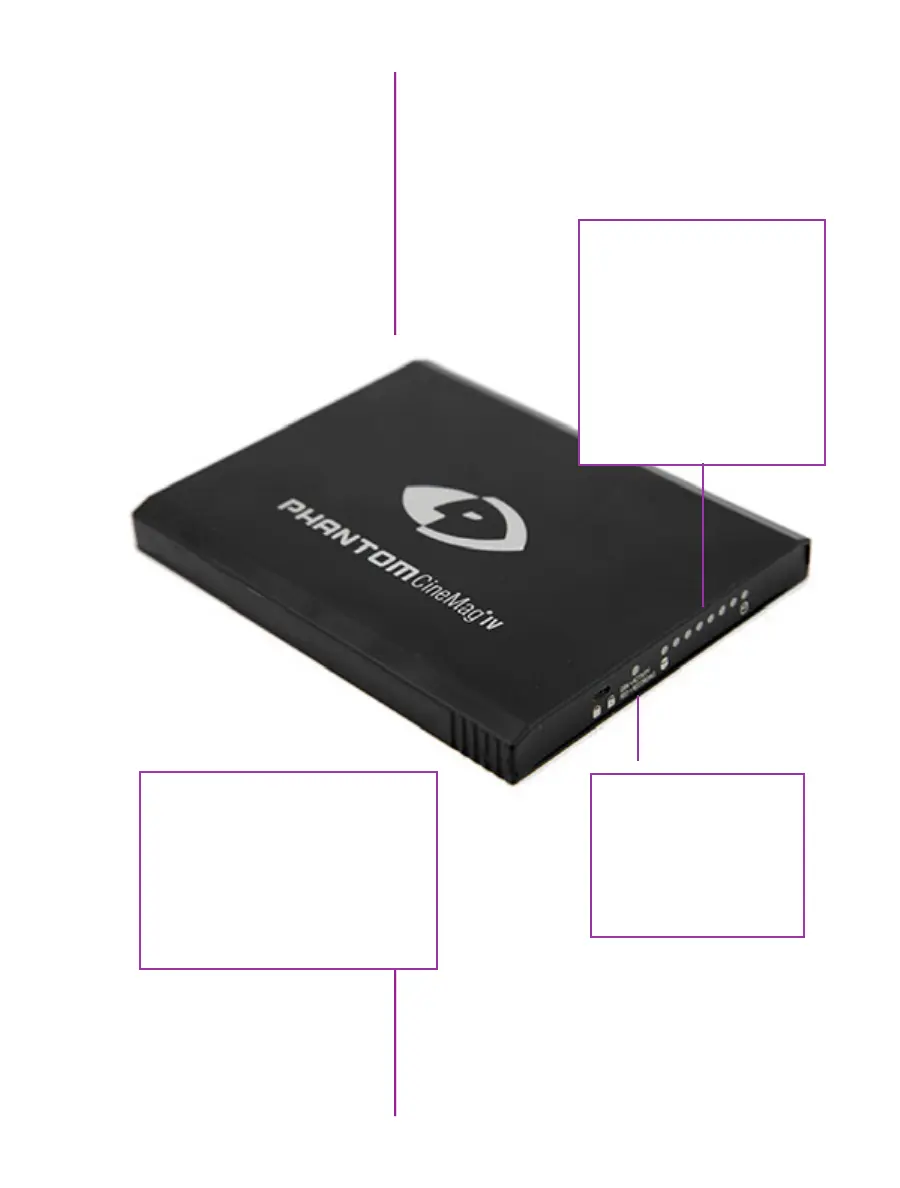
On the back of the Phantom CineMag IV are a number
of LED indicators that show the current Phantom
CineMag IV status.
Phantom CineMag IV
Indicators
Mag Capacity Indicator:
When a Phantom CineMag IV
is empty, all LEDs will be
illuminated. As material
is recorded to the mag,
the LEDs will turn off.
The last LED will always
stay on to indicate power.
Activity LED:
Green for read activity
Red indicates recording
Orange indicates erasing
Erase protect switch:
When the erase-protect switch is
in the lock position, the CineMag IV
cannot be erased. Use an appropriate
tool, such as a micro-flathead
screwdriver to flip the switch.



 To Next Page