55
Chapter 6: On-Screen Displays
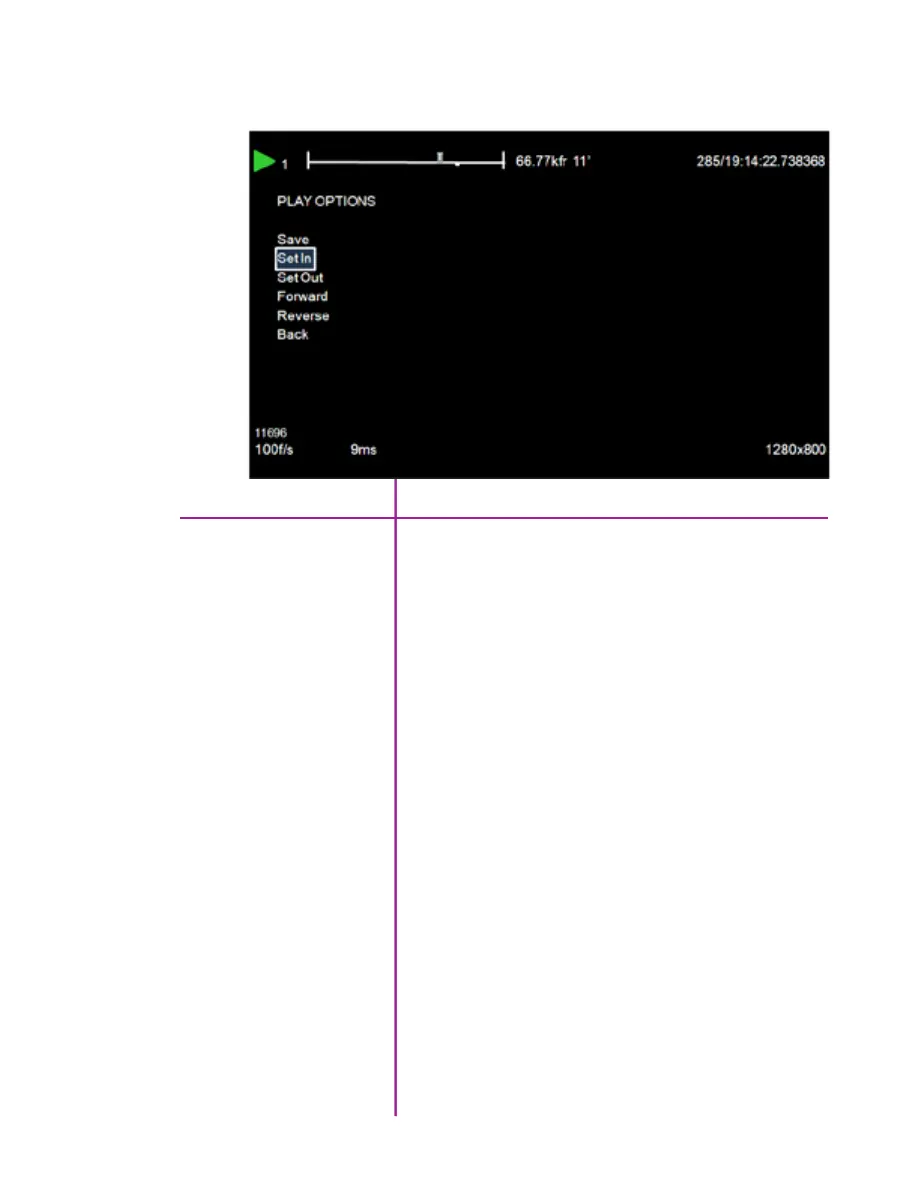
play cine options
The ‘Play Cine Options’ screen includes all the on-screen
display information displayed in the ‘Playback’ screen
along with the following additions:
Used to save the cine to an attached CineMag IV.
Defines the new start point of the selected cine file.
Defines the new end point of the selected cine file.
Plays the selected cine in the forward direction.
Plays the selected cine in the reverse (backward) direction.
Returns the display screen to the ‘Playback’ screen.
Save
Set In
Set Out
Forward
Reverse
Back



 To Next Page