54
Phantom Ultrahigh-speed Camera Manual
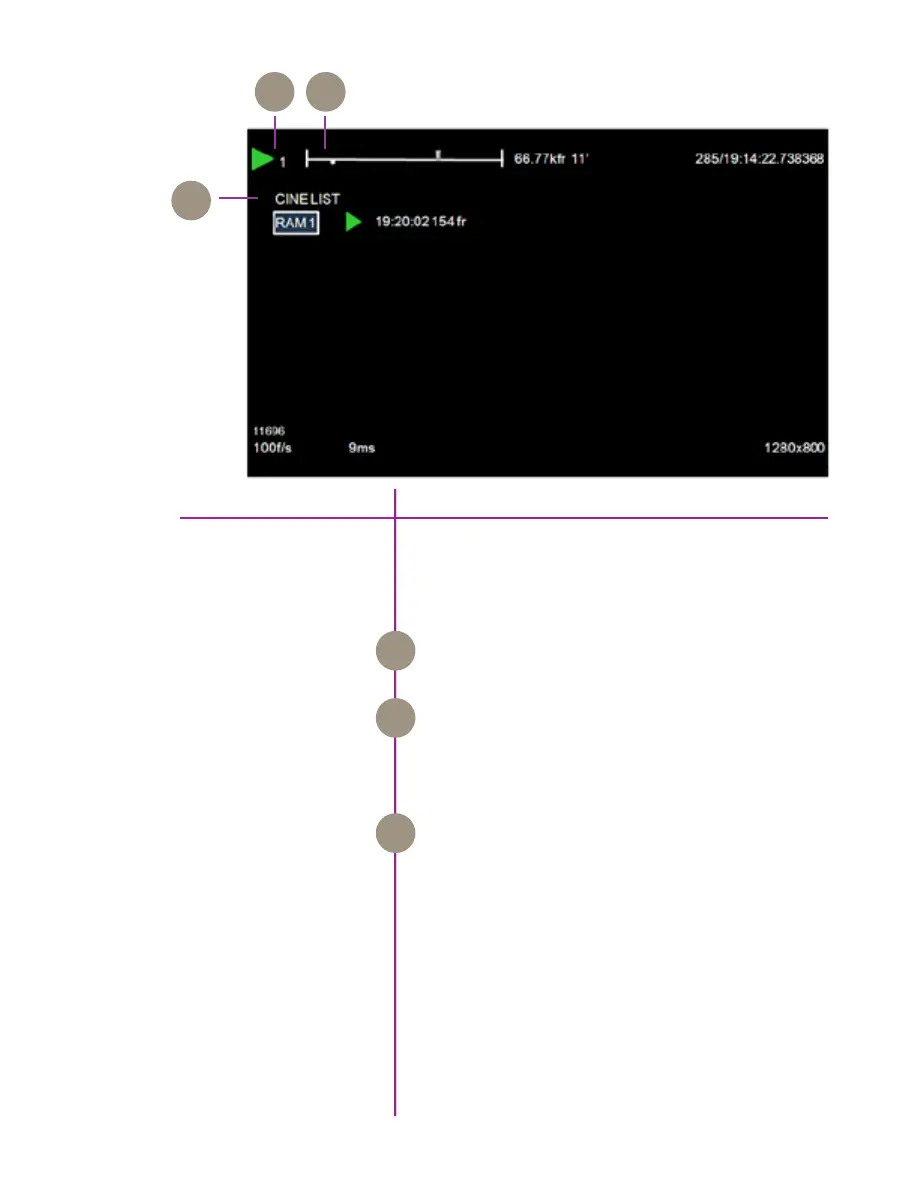
playback screen
The Playback’ screen includes all the on-screen display
information shown in the ‘Cine Stored’ screen along
with the following additions:
The Cine Number indicates the cine selected via the
Cine List to review, edit, and/or save.
The white square, below the internal memory ‘time line’
represents where the frame being displayed is located
within the internal memory buffer or attached Phantom
CineMag
The Cine List displays the list of cines the end user can
select to review, edit, and/or save.
Cine Number
Cine List
Frame Position Indicator
A B
C
A
B
C



 To Next Page