Vision Research, Inc. | Phantom Ultrahigh-Speed Camera Manual
MENU OVERVIEW
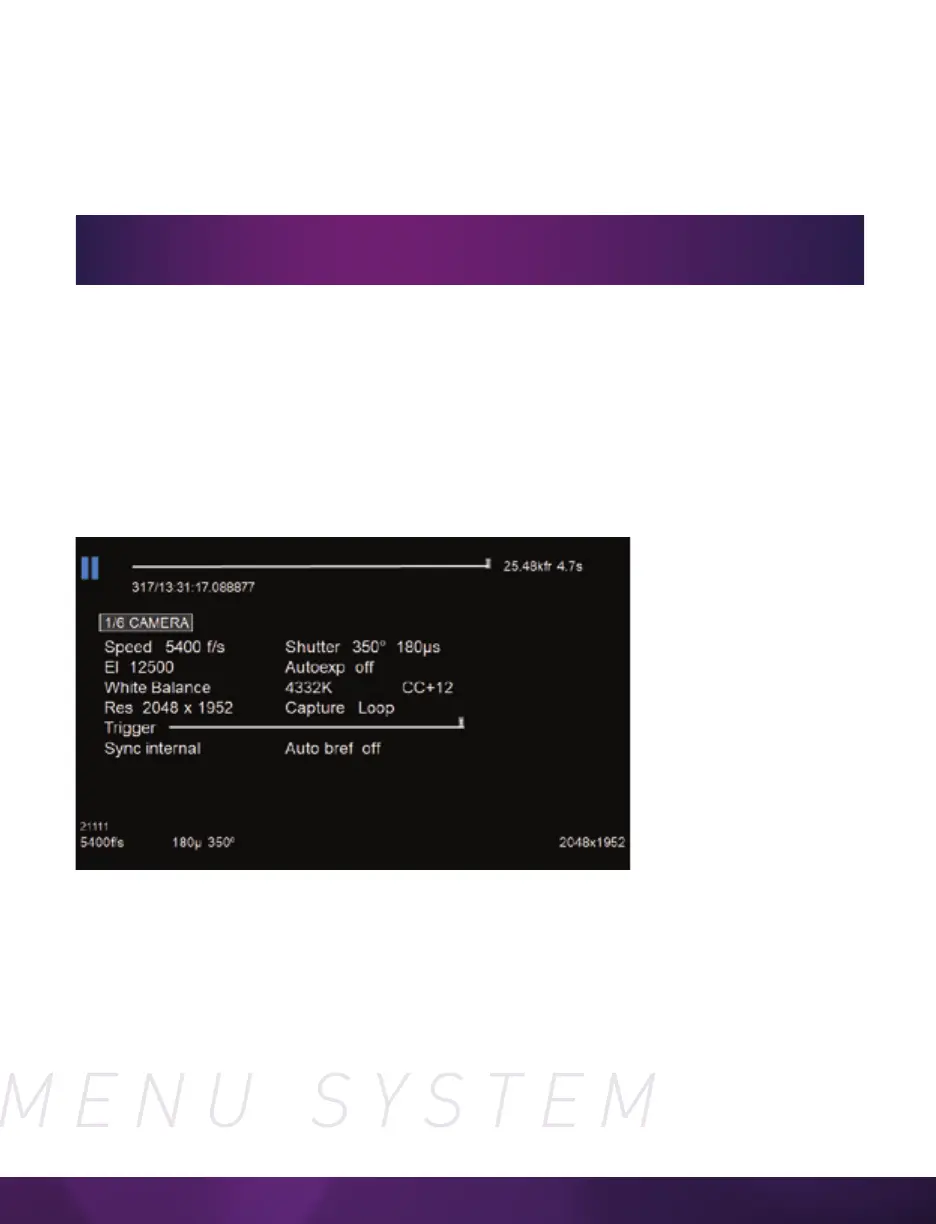
The Phantom Ultrahigh-Speed On-Camera Control menus provide access to almost all
camera settings. The menu is activated with a press of the menu knob and displayed
through the camera’s video outputs (SDI) as a video overlay, on top of the live image.
NAVIGATION
Activate the menu by pressing the ‘Menu’ knob on the side of the camera. Turn the
knob to scroll through each menu item and press to select. The six menu pages can be
quickly jumped between by selecting the page title (‘1/6 CAMERA’ in this example) and
scrolling through them.
To exit the menu, tap the ‘Trigger’ button. The menu will also turn itself off after a
period of inactivity.
The menu is subject to change as functionality may be added with future
firmware updates.
SIX MENU PAGES
1/6 CAMERA
2/6 IMAGE
3/6 SETTINGS
4/6 INFO
5/6 AUTO
6/6 ADVANCED



 To Next Page