Chapter 4: On-Camera Controls & On-Screen Displays | 19
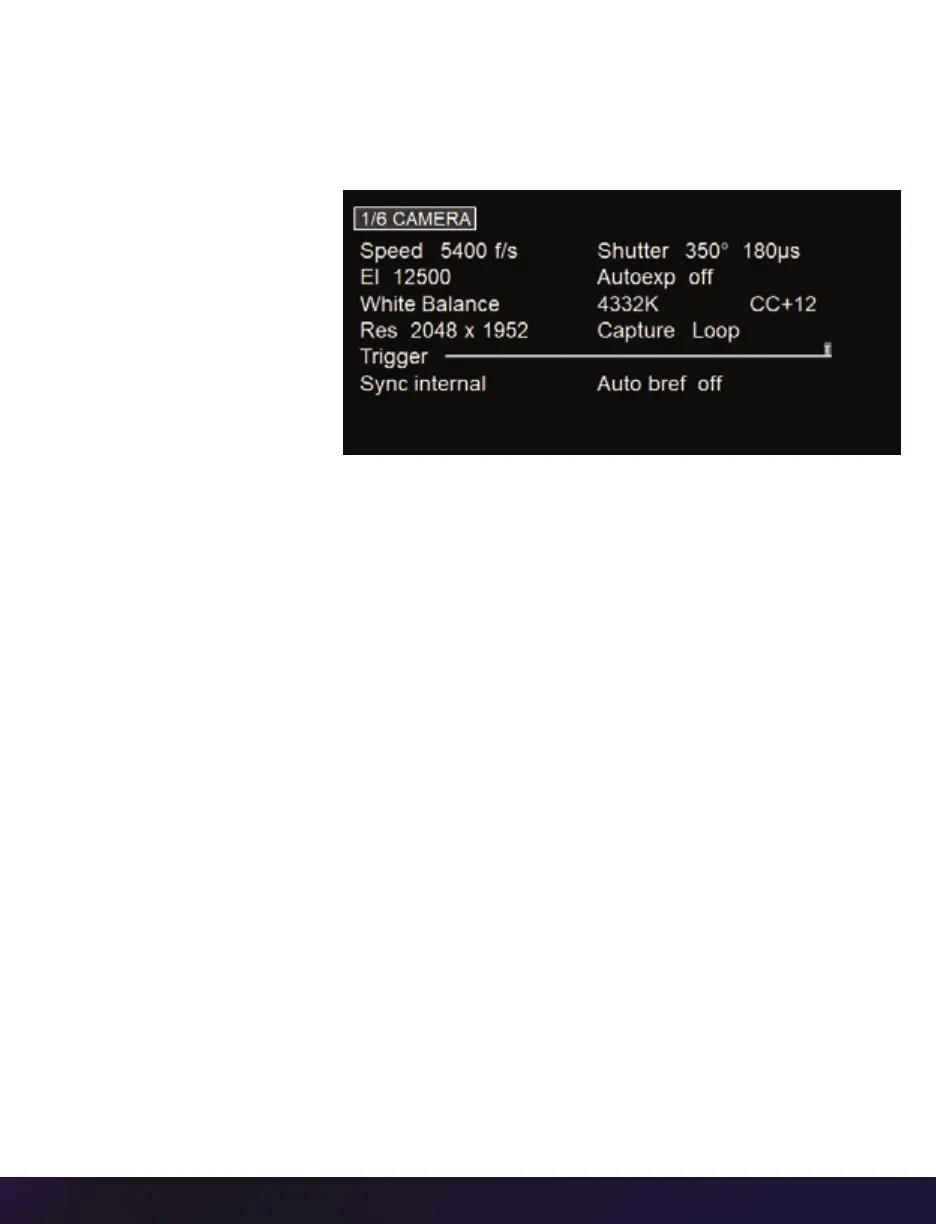
1/6 CAMERA
The CAMERA menu page includes controls for the fundamental settings.
SPEED
Sets the acquisition frame
rate in frames-per-second.
SHUTTER
Sets the exposure time.
EI
Sets the Exposure Index (EI).
AUTOEXPOSURE
Enables autoexposure for changing lighting conditions.
WHITE BALANCE
For color cameras, place a white or neutral gray object in front of the camera. Ensure
that the white subject is not fully saturated. Select the phrase ‘White Balance’ and rotate to
select ‘OK.’
RESOLUTION
Sets the acquisition resolution of the sensor.
TRIGGER
Sets the trigger point. The timeline represents all frames available in RAM.
SYNC
Changes the frame sync (F-Sync) from internal to an external source.
AUTO B-REF
When enabled, a black reference will be automatically performed when the camera enters
‘Capture’ mode.



 To Next Page