Chapter 4: On-Camera Controls & On-Screen Displays | 21
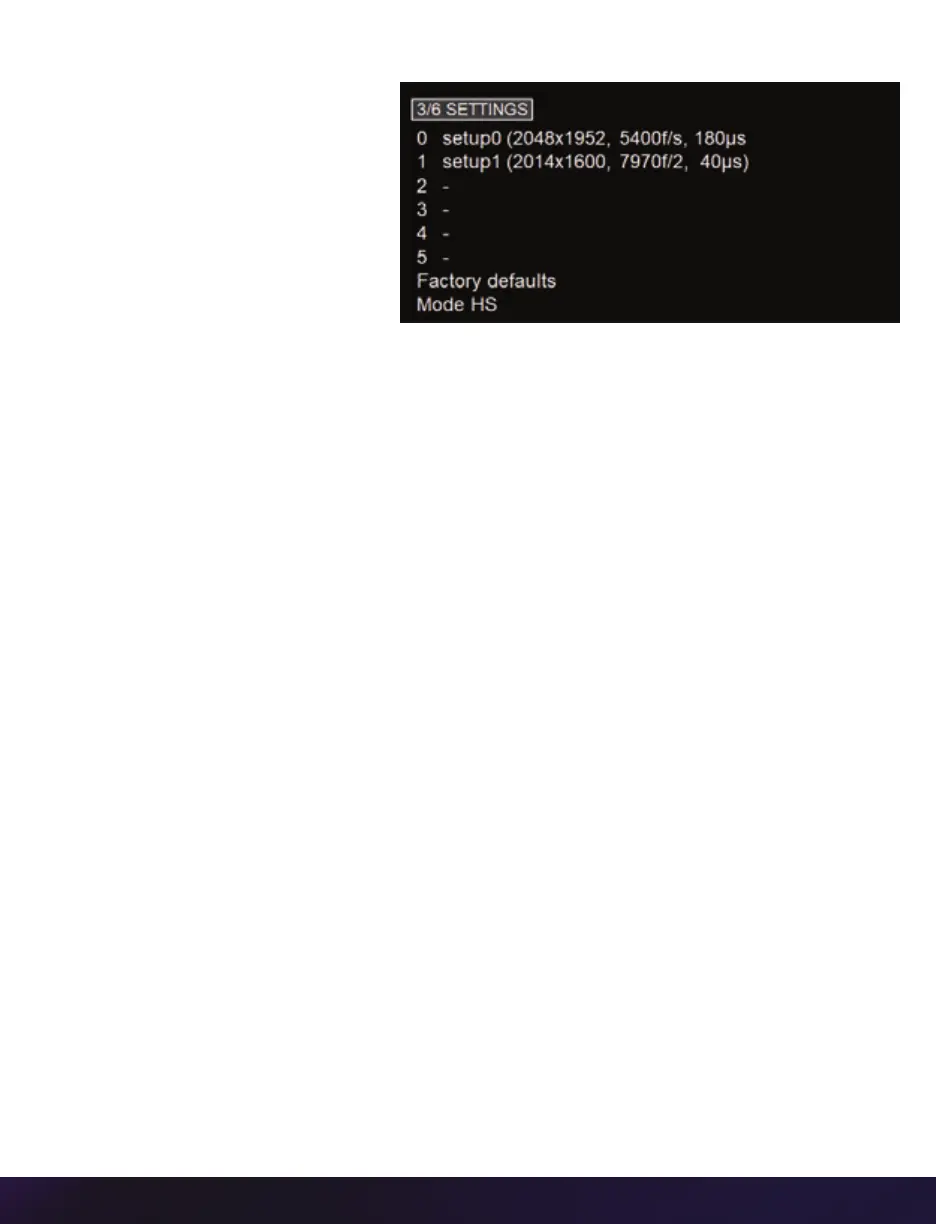
3/6 SETTINGS
The SETTINGS page allows
for user setups to be saved
and recalled.
0–5
There are six available entries.
By selecting one of the slots,
users can save or recall that
particular setup to quickly
change all parameters of the camera at a later date. The values in parentheses are meant
as a quick reminder of camera settings.
Please note that all camera settings, including video mode, sync mode, image and
advanced settings are included. These settings are saved after the camera powers down.
FACTORY DEFAULTS
Recalls the factory defaults to bring the camera back to the original settings from the
last time it left the Vision Research factory. This includes all capture, calibration, image
processing and video parameters.
This is an important troubleshooting step.
MODE
The v1840 ad v2640 have five ‘Sensor Acquisition Modes’ used to select the required
operational mode of the sensor.



 To Next Page