Vision Research, Inc. | Phantom Ultrahigh-Speed Camera Manual
Once complete, all data on the CineMag will be erased and it will be ready for
recording again immediately.
ERASE PROTECTION
In order to protect the contents, there is a tiny erase protect switch on the front of
the CineMag. When locked, the CineMag can be recorded to but not erased. If you
find it impossible to erase the CineMag, check that the erase protect switch is in the
unlocked position.
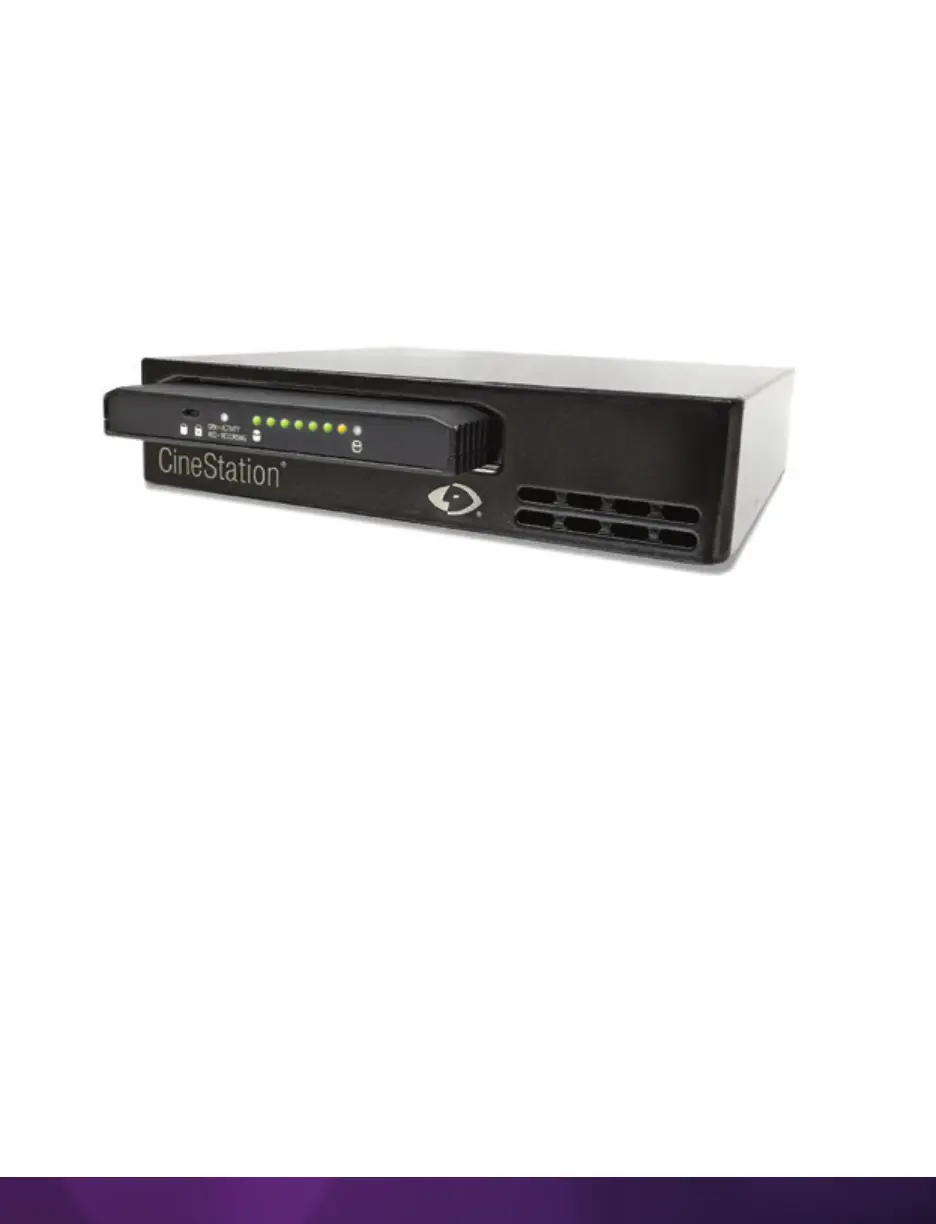
PHANTOM CINESTATION IV
The CineStation IV is a simple device meant to quickly and efficiently download the
contents of a CineMag IV. When connected to a computer running Phantom software,
the CineStation behaves almost identically to a camera, except that no capture or live
functions will be enabled.
CONNECTING A CINESTATION IV TO PHANTOM SOFTWARE
The CineStation IV comes standard with both a 1Gb and 10Gb Ethernet port. The 1Gb
network works with the same settings needed for a Phantom camera:
Network IP: 100.100.100.1
Subnet: 255.255.0.0
Ensure no firewalls or virus protections are enabled.



 To Next Page