Chapter 6: Phantom PCC Software | 39
KEY ADVANCED SETTINGS
The “Start/End of Recording Actions” section provides options of actions that can
automatically be performed at the start or end of each shot, including:
• ‘Auto save to CineMag/Built-in Flash’: This feature saves a user-specified portion of a
clip to the Phantom CineMag immediately after recording.
• ‘Auto play Video Out’: Begins playback after recording. The range marked under ‘Auto
play Video Out’ affects both playback and saving to the Phantom CineMag.
• ‘Restart Recording’: When enabled, automatically restarts the recording process after
the ‘Auto’ actions have been performed.
‘External Sync’ instructs the camera to utilize one of the following frame sync clock
options:
• Internal: Instructs the camera to utilize its internal crystal oscillator to drive the
camera’s frame rate.
• External: Should be selected when an externally supplied frame sync clock pulse
is supplied to drive the frame rate. This can be used to synchronize two cameras
together via F-Sync.
• IRIG: Should be selected when an IRIG-B signal is supplied to drive the camera’s
frame rate.
• LockToVideo: Frame rate is driven by the camera’s current video rate. Fps will jump to
the closest multiple of the current video rate (23.98, 24, 25, 29.97 or 30).
• Sync to Trigger: Instructs the camera to adjust its frame clock, upon detection of a
trigger signal, to ensure all post trigger frames occur at the same moment in time
from trigger when repetitive tests are required.
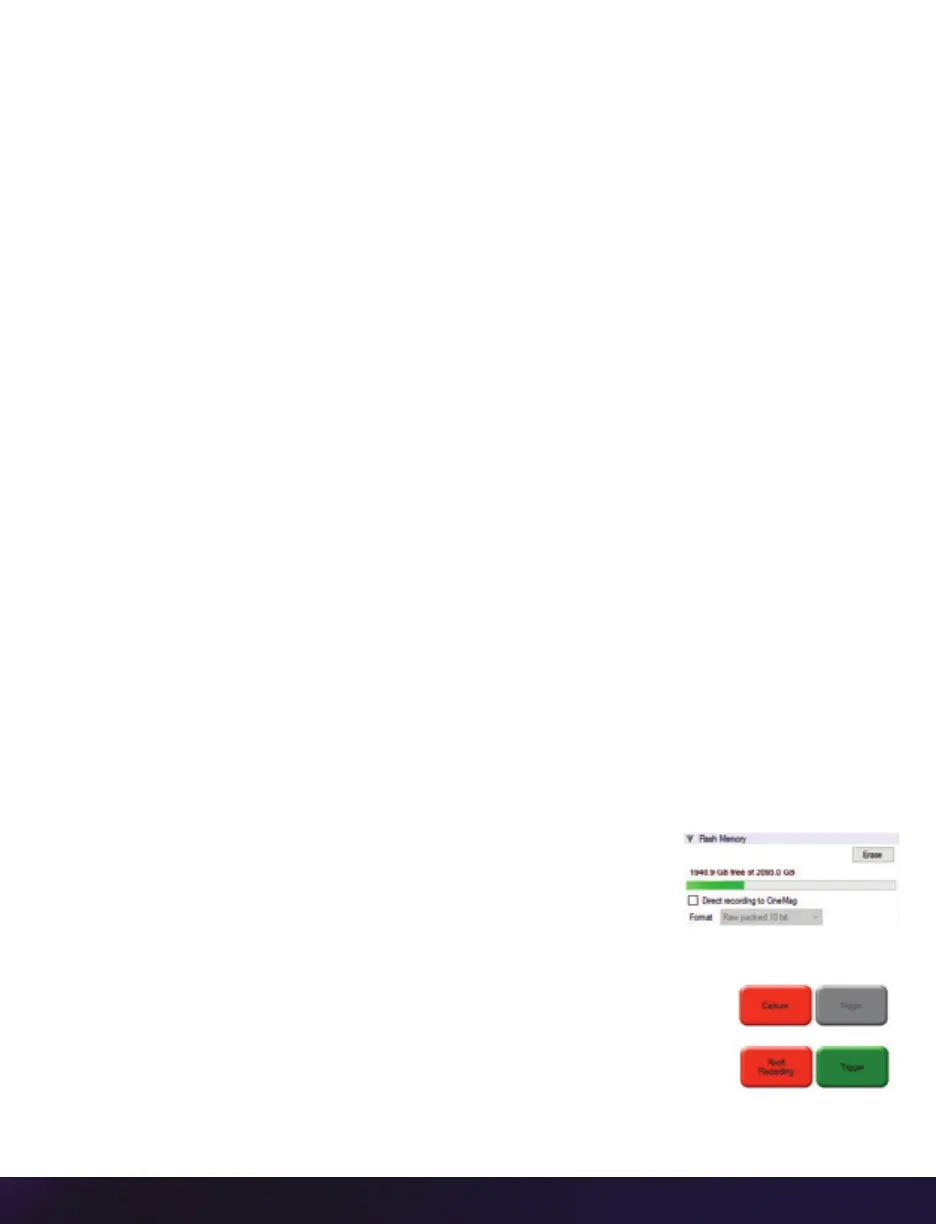
FLASH MEMORY
Specifies the camera’s operation mode in relation to CineMag
recording: ‘Loop’ (record to RAM first) or ‘R/S’ (bypass RAM and
record directly to CineMag). It also displays the amount of free
space and size (in Gigabytes) of the Phantom CineMag.
RECORDING A CINE
To begin recording to the camera’s RAM click the red ‘Capture’ button.
The red ‘Capture’ button changes to ‘Abort Recording’ and the green
’Trigger’ button is enabled when the camera is recording. The ‘Abort
Recording’ button instructs the camera to stop recording, leaving the
camera’s RAM empty.


 To Next Page
 Loading...

