Vision Research, Inc. | Phantom Ultrahigh-Speed Camera Manual
TRIGGERING THE CAMERA
Selecting the ‘Trigger’ button instructs the camera to immediately stop recording
when the ‘Trigger Position’ is set to zero. If a value greater than zero is set, the camera
will continue to record ‘post-trigger’ frames until the user-specified value is met.
Set ‘R/S’ (Run/Stop) mode by selecting the ‘Direct Recording to CineMag’ box in the
‘Flash Memory’ section. Start recording by clicking the red ‘Record’ button. Once the
camera is recording directly to the Phantom CineMag, the ‘Record’ button changes to
a ‘Stop Recording’ button.
REVIEWING A CINE
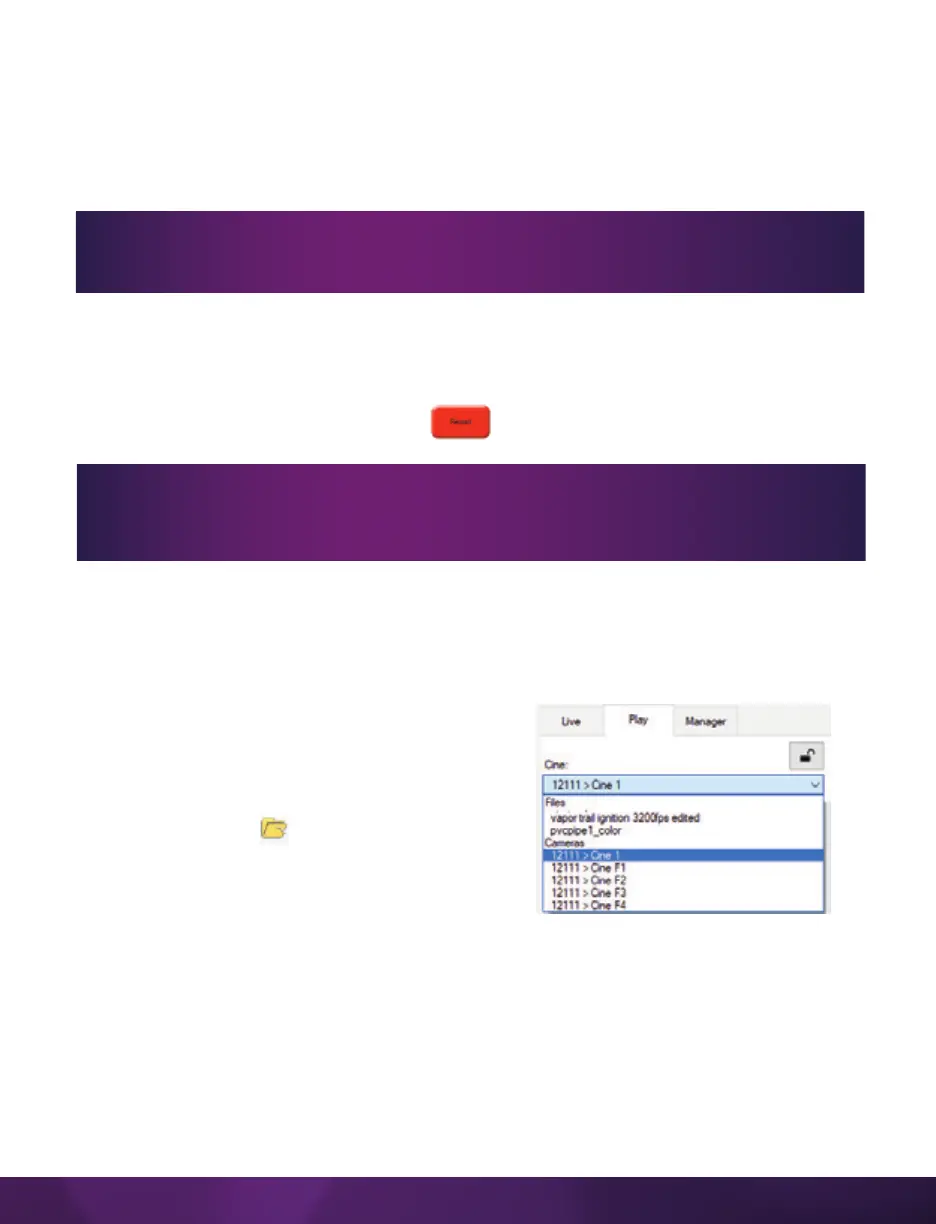
Once the camera has completed recording a Cine in the camera’s RAM or CineMag,
it can be reviewed by selecting it from the ‘Cine’ pull-down selection list in the PCC
‘Play’ tab.
A previously saved Cine stored on the
computer’s hard drive can be opened using the
‘Open File’ toolbar button. (When utilized, it also
places the file under the ‘Cines’ group folder in
the ‘Manager’ tab.)
Playback can be changed via the ‘Play Speed &
Options’ and the Cines’ metadata can be viewed
in the ‘Frame Info’ and ‘Cine Info’ sections.
If a clip exists in the camera’s memory, you will be asked if you are sure you
wish to delete it before continuing. If yes, click ‘Delete Cine(s) and Start New
Recording.’
Using the camera’s ‘Trigger’ button, or an external trigger signal, provides a
more accurate trigger to the camera.


 To Next Page
 Loading...

