Vision Research, Inc. | Phantom Ultrahigh-Speed Camera Manual
If you are converting the Cine file into a ‘movie-like’ format, leave the file name as
‘All Selected File.’ The software automatically assigns the original file name to the
converted file.
If converting each Cine file into a sequence of
images, then the ‘+’ or ‘!’ annotators must be
used, followed by the specified number (example:
image+5).
PCC creates a separate folder for each Cine file,
assigns the original file name and appends the appropriate image number and
extension to each image.
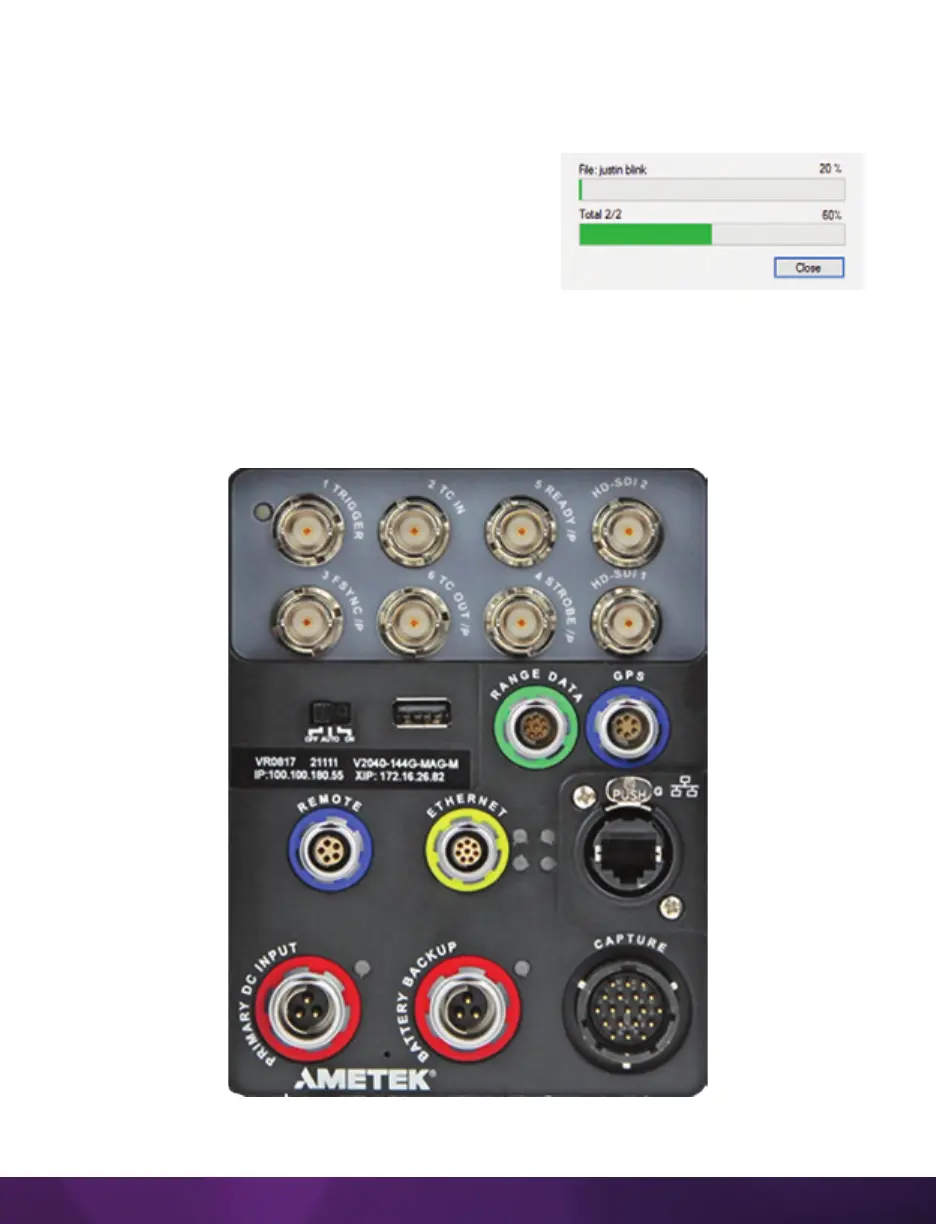
Once the ‘Convert’ button is clicked, a progress window appears for the duration of
the conversion process. Each converted Cine will be placed in its own folder named
after the original Cine file.
View of Phantom v2640 rear connector panel.



 To Next Page