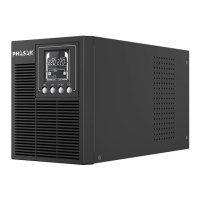
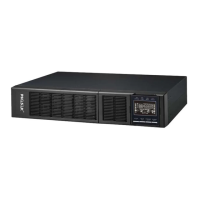
ON-LINE 1000VA / 2000VA / 3000VA
PH 9210 - PH 9220 - PH 9230 .
SOFTWARE INSTALLATION
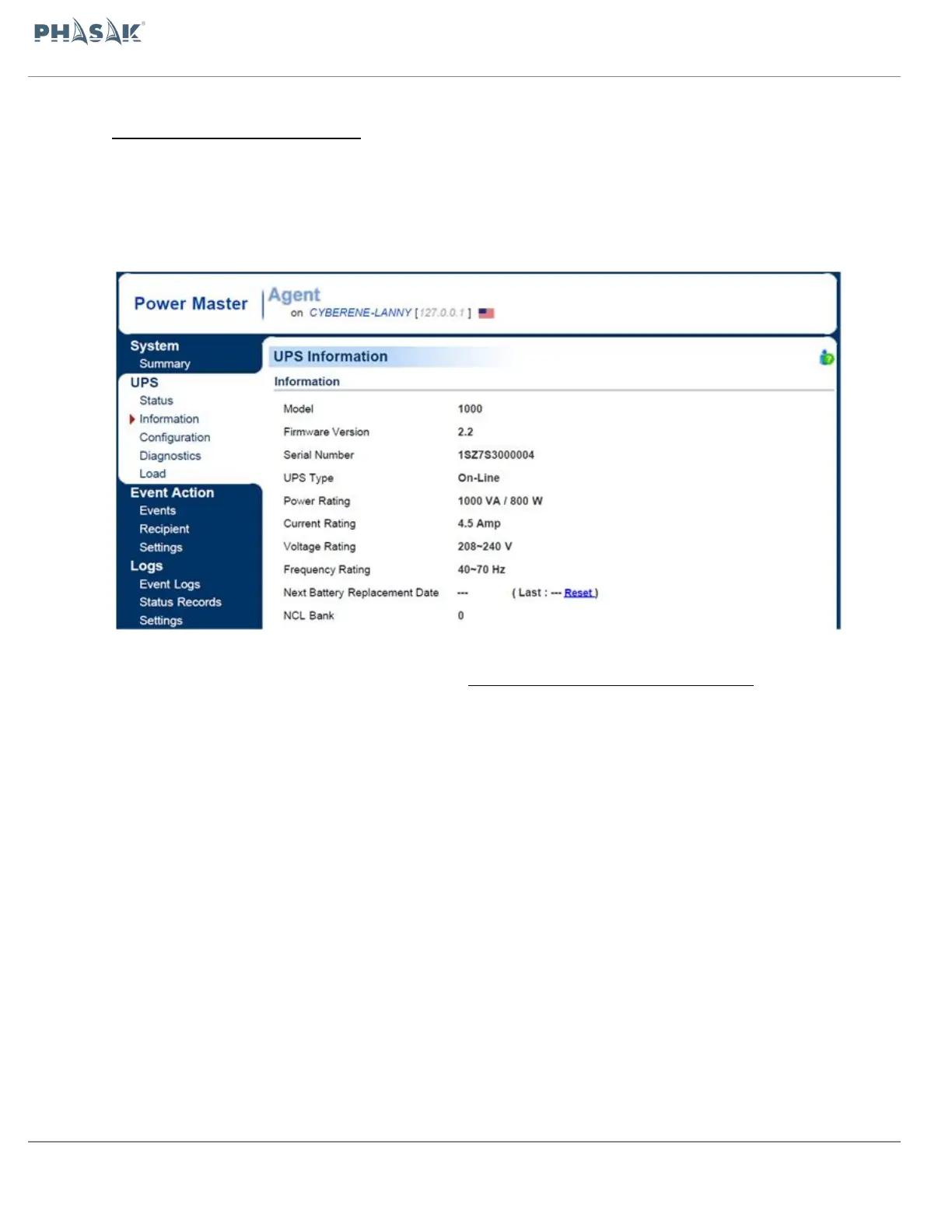
Power Master management software provides a user-friendly interface for your power
systems. The graphic user-interface is intuitive and displays essential power information
at a glance. Please follow procedure below to install the software.
Installation procedure:
Download Power Master from the website: http://www.powermonitor.software/
Double-click the file and follow the installation steps.
When your computer restarts, the Power Master software will appear as a blue icon
located in the system tray.


 To Next Page