ON-LINE 1000VA / 2000VA / 3000VA
PH 9210 - PH 9220 - PH 9230 .
2. Installation and setup
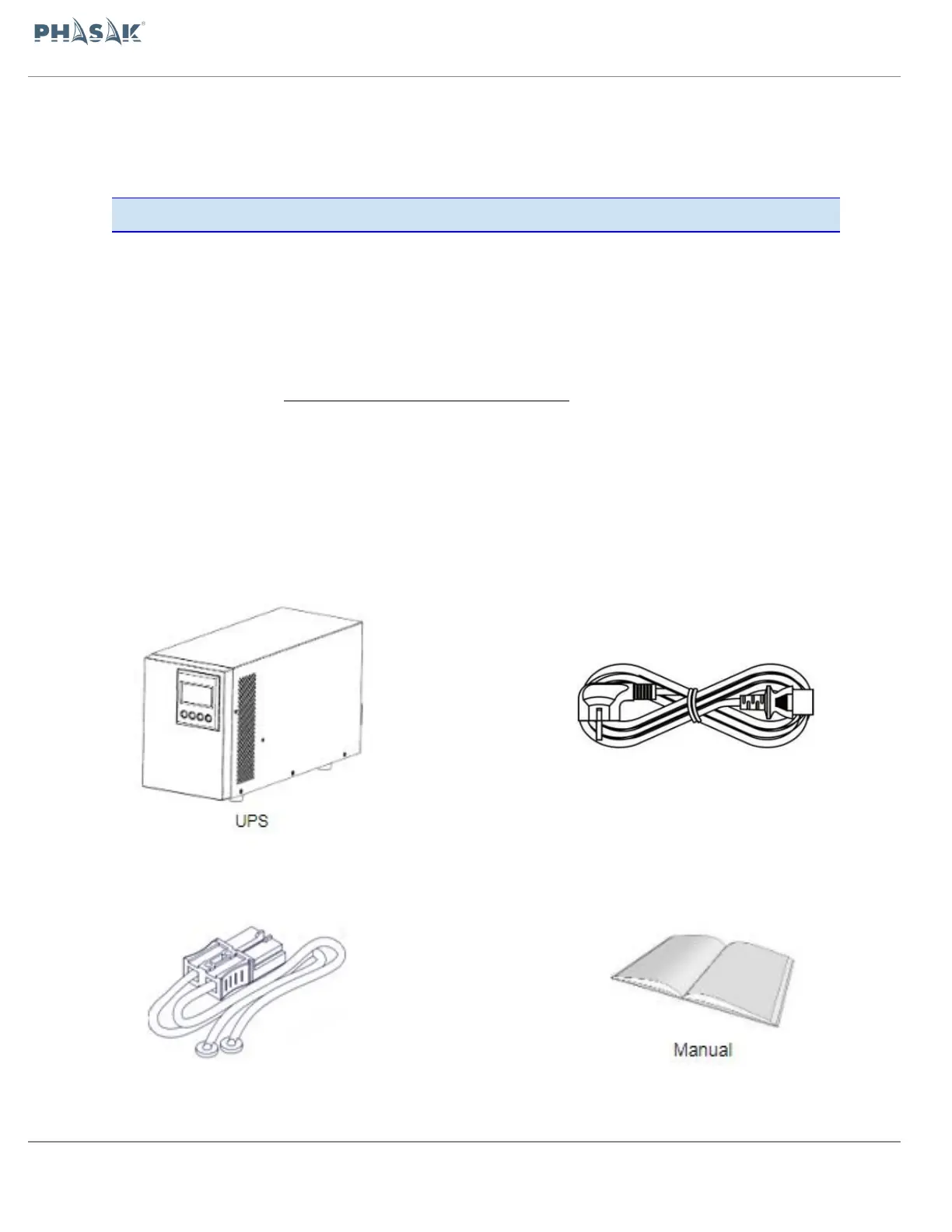
2.1.Package content
Install monitor software for optimal computer system protection, install UPS monitoring
software to fully configure UPS shutdown. Please follow steps below to download and
install monitoring software from the internet:
1. Go to the website http://www.powermonitor.software/
2. Click Power Master software icon and then choose your required OS to download the
software.
3. Follow the on-screen instructions to install the software.
.



 To Next Page