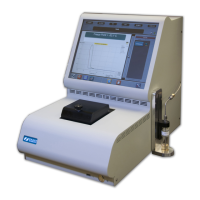
70Xi Cold Flow Properties Laboratory Analyzer User Guide
10
a. The STOP TEST button will abort a test that is in progress.
b. After the run has finished, the REPEAT TEST button
will rerun the test using
the same settings.
1. The analyzer’s current test settings, such as the Sample ID, Run Mode, and Temperature unit,
etc. can be viewed or modified from the Settings window (Fig. 2). The Settings window can be
opened by tapping a favorite or pressing the arrow button
beside the Favorites
window.
2. Changing the analyzer settings requires permission to be enabled by the administrator (see
section 9.How to Change User Access Levels).
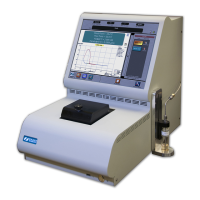
Figure 2: Settings
How to Change Test Settings
4


 To Next Page