9
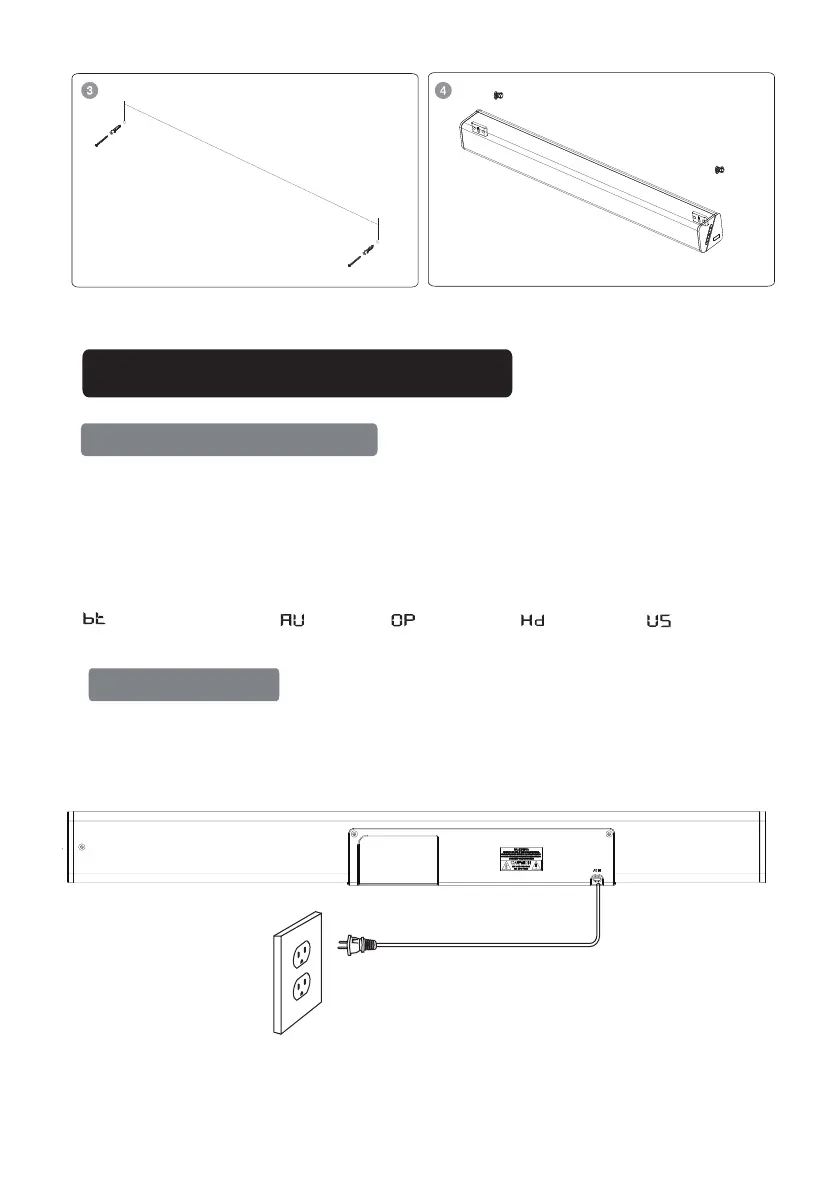
5. Plug the sound bar into a wall outlet, it will automatically enter standby mode
6. Short-press the multi-function button to turn on the sound bar
7. To turn off, press and hold the multi-function button for 2 seconds or unplug from wall outlet
Setting the Soundbar
Powering On/Off
OPERATE INSTRUCTIONS
1: Plug in the power cord and the display will light up (Standby mode)
2: Switch on the soundbar by using power button on soundbar or by using STANDBY button on remote. After
switching on, the default input mode will appear on display
3: lnput mode can be changed by pressing the power button again or by using the INPUT button on remote
4:Below are input mode names appearing in the soundbar display:
-Bluetooth Pairing mode,
-AUX mode,
-Optical mode,
-USB mode,
-HDMI mode,


 To Next Page