5
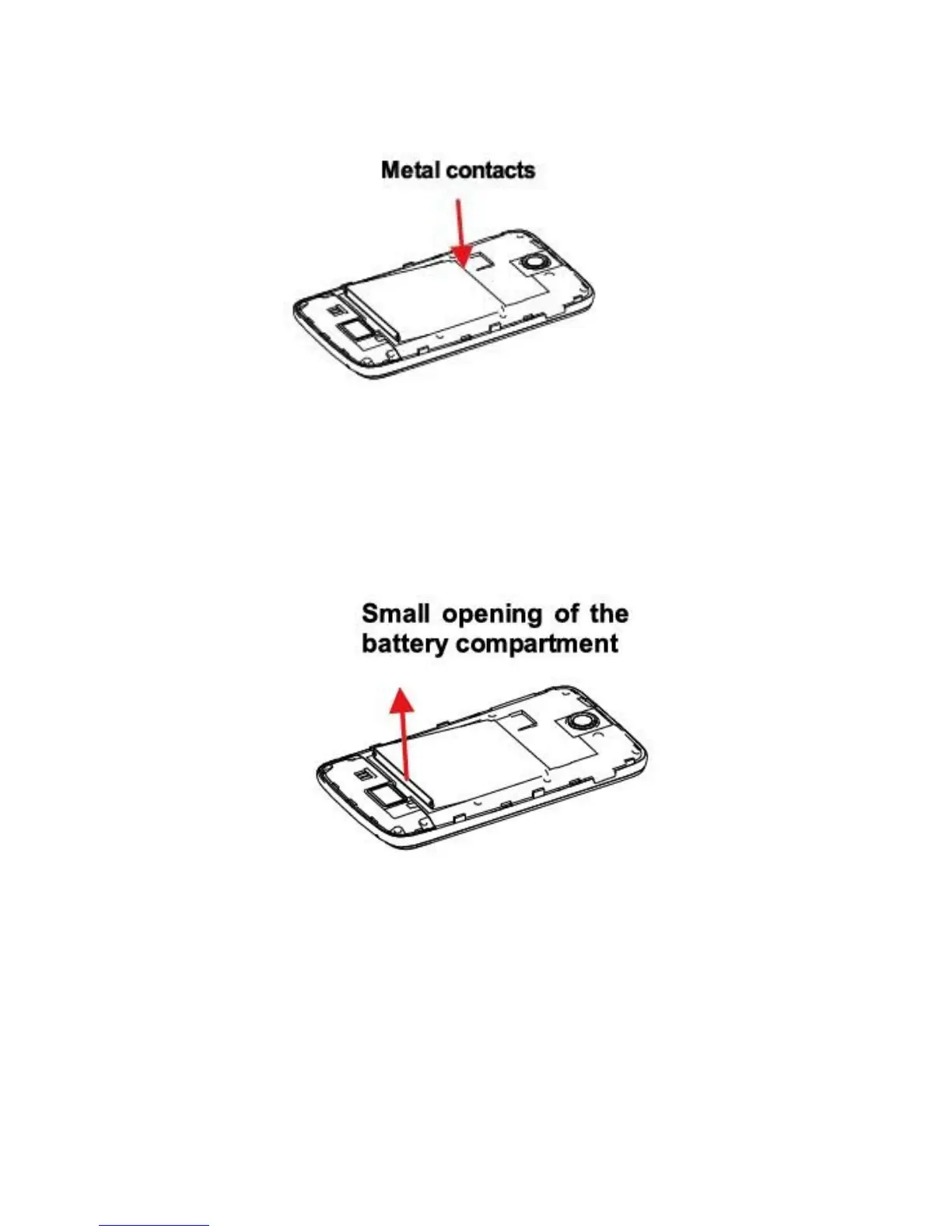
2. Insert the contact’s side of the battery first and then
gently push the battery into place.
3. Replace the back cover.
Remove battery
1. Make sure the phone is off.
2. Remove the back cover.
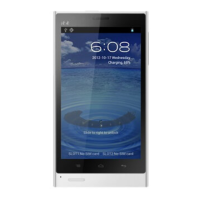
3. Remove the battery from the small opening on top
side of the battery compartment.
SD CARD
Please install microSD card in your phone to store photos,
music and apps.
The camera and gallery application can only be initiated after
the installation of microSD card.
Install SD card
Insert the microSD card into the slot with its gold contacts
facing down.



 To Next Page