43
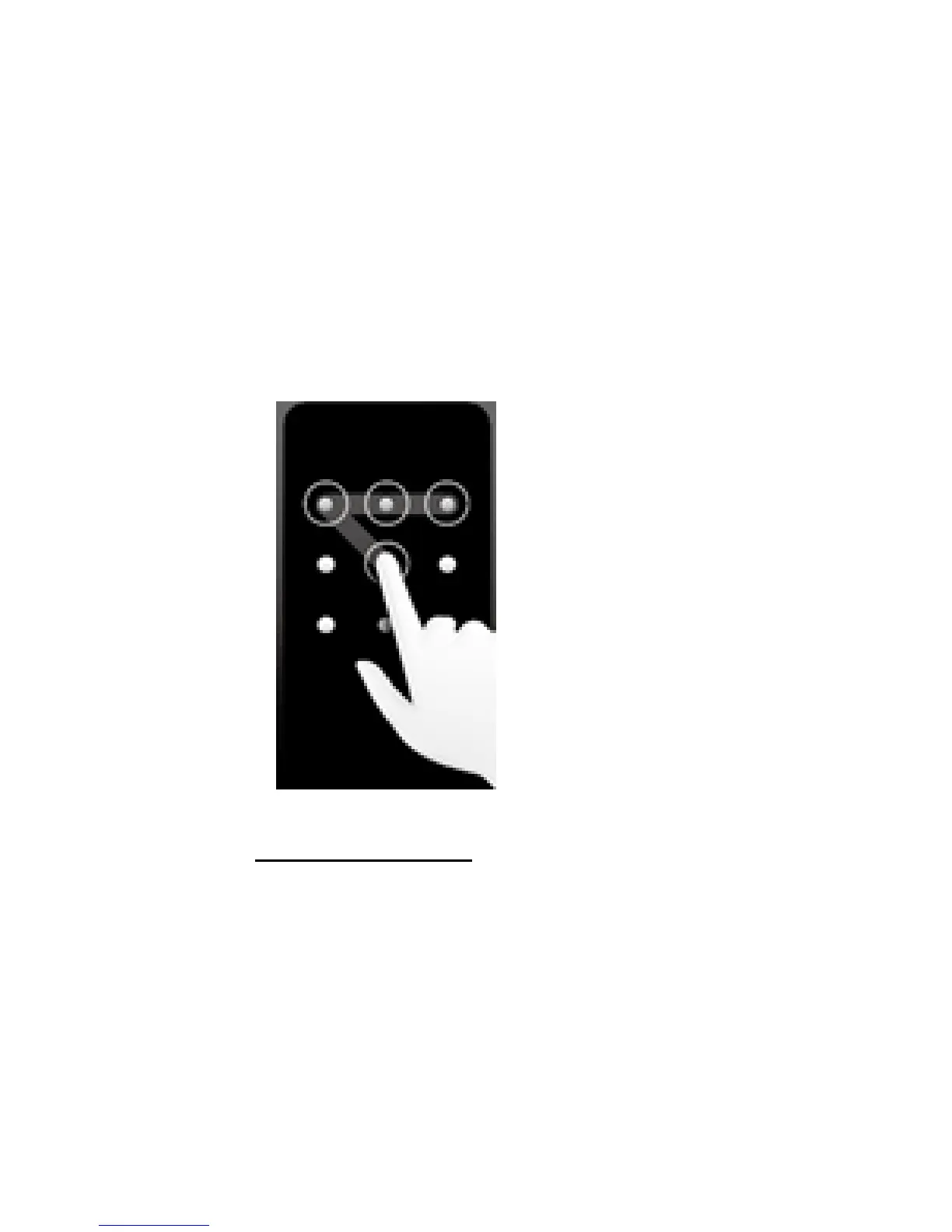
for spots to draw your unlock pattern, then release
your fingers.
NOTICE:You have to draw the pattern with your fin-
gers instead of clicking the spots individually.
6. Your phone will record your pattern. When prompted,
draw again your screen unlock pattern and tap Con-
firm.
NOTICE:If you haven’t draw the right screen unlock
pattern five times, you will be prompted to wait 30
seconds for another try. .
8.3 MANAGING MEMORY
You can double check your phone storage by tapping home
screen> Applications> Settings> Storage.
MANAGING AND DELETING INSTALLED APPS
1. Tap home screen>Menu> Settings> Apps> Manage
apps
2. The application list will appear. Select the app you
want to delete. You can delete apps from the Down-
loaded section, from the SD card or from the Running
section.
3. Tap uninstall and confirm with OK:



 To Next Page