Skyworth RGB R&D Centre Technical Document
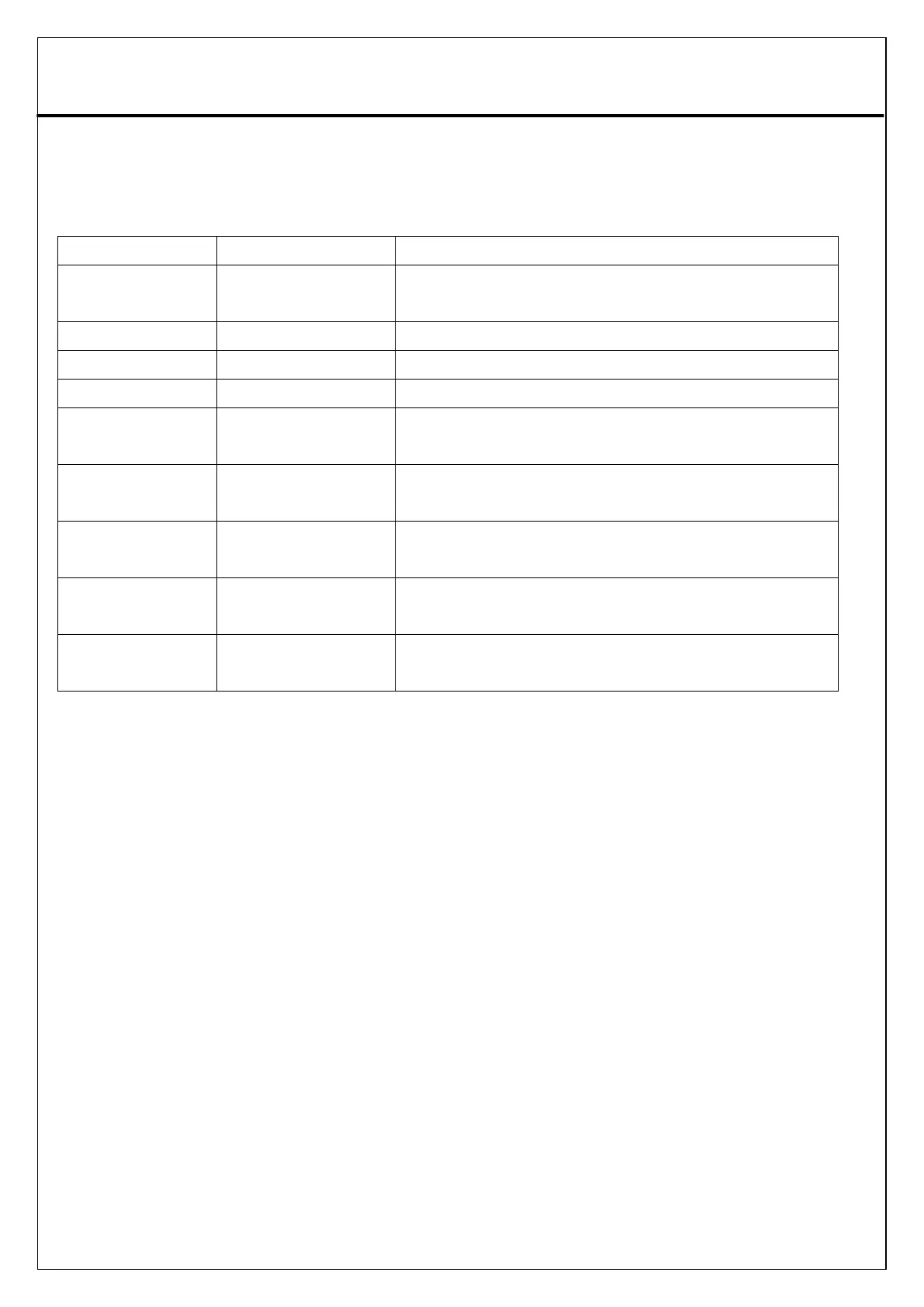
6. Setting Hotle Mode Menu
Enable Hotel model and allow enable all other
functions of MENU
Block all keyboard keys from TV set
Enable or block the Setup Menu
Set the max volume value you can adjust
AV/ATV/DVB-C/DVB-
T/T2/HDMI1/HDMI2
Allow select which source TV will be set ever
y time POWER ON
Set the default volume value of every timg PO
WER ON
Set the Power On mode when power is cut and b
ack
Allow to copy all TV settings of hotel mode t
o be transfered to another model.
The data copied from another TV can be input
in the TV



 To Next Page