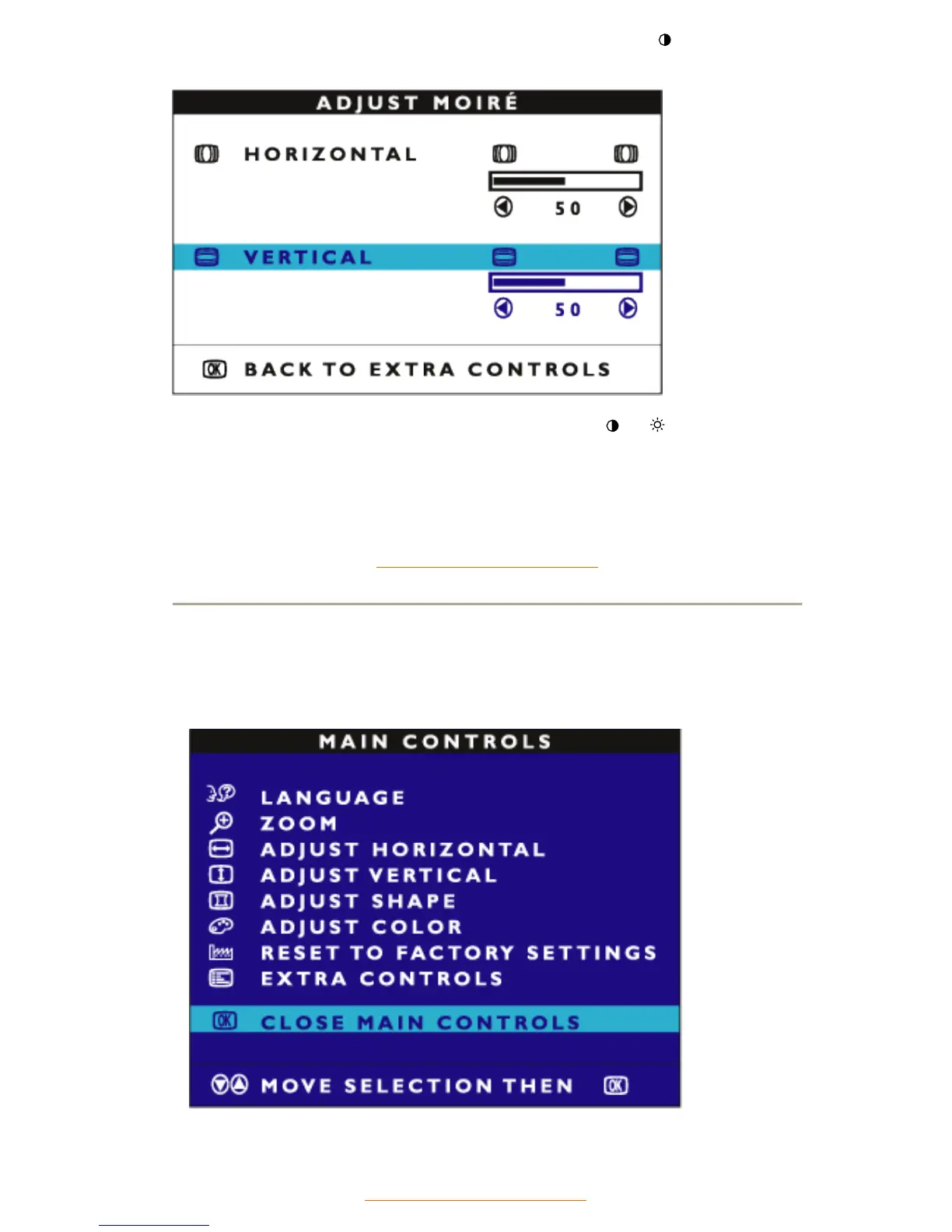
6) When the horizontal moire is adjusted, press MENU to confirm. Press the (-) button to
highlight VERTICAL.
7) To adjust the vertical moire, press MENU to confirm. Then press (-)or
(+) button to adjust.
8) When the vertical moire is adjusted, press the MENU to confirm. Press the MENU button to
return to the EXTRA CONTROLS window. BACK TO MAIN CONTROLS will be highlighted.
RETURN TO TOP OF THE PAGE
CLOSE MAIN CONTROLS
RETURN TO TOP OF THE PAGE



 To Previous Page