On-Screen Display
Description of the On-Screen Display • The OSD Tree • The OSD Controls
Description of the On Screen Display
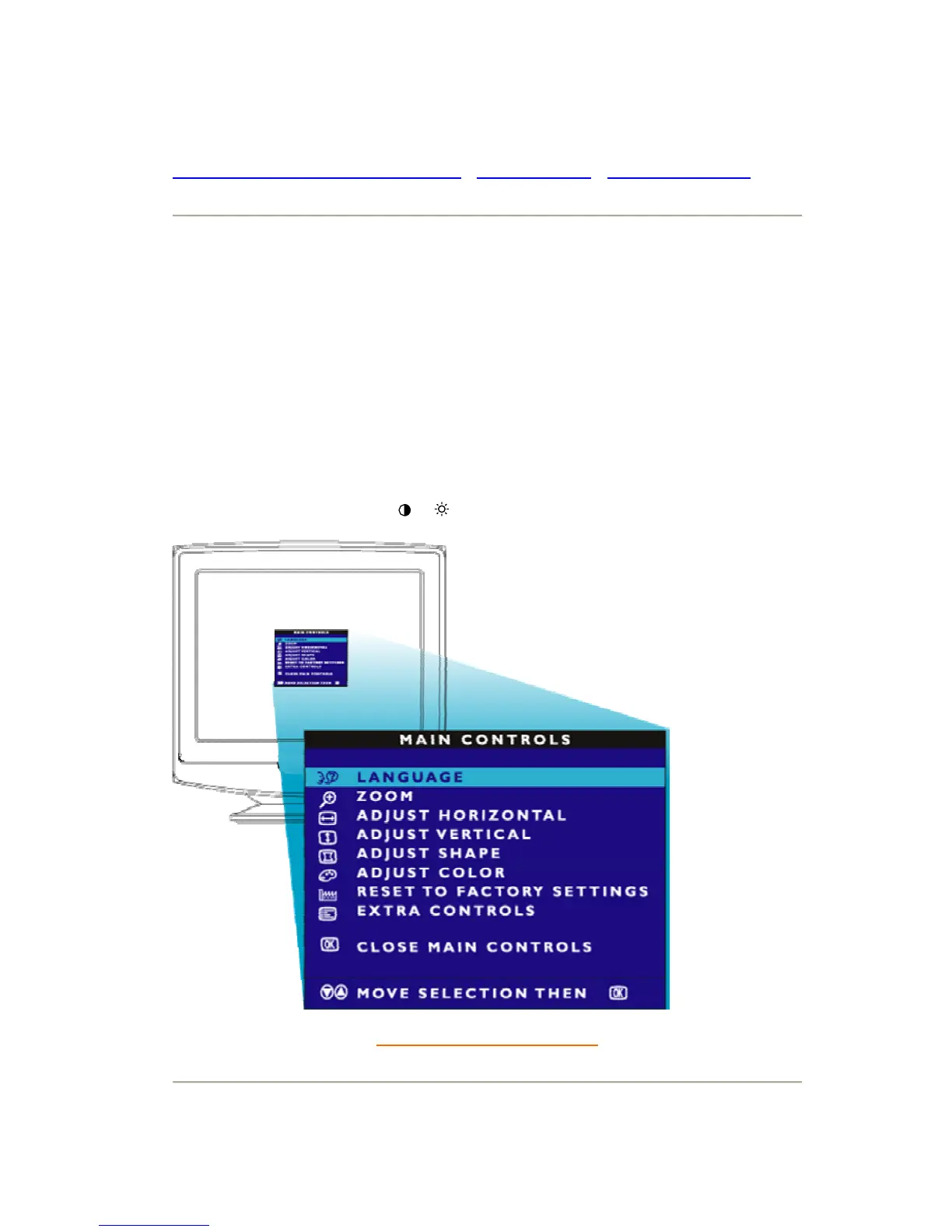
What is the On-Screen Display?
This is a feature in all Philips monitors which allows an end-user to adjust screen performance of
monitors directly through an on-screen instruction window. The user interface provides user-
friendliness and ease-of-use when operating the monitor.
Basic and simple instruction on the control keys.
On the front controls of your monitor, once you press the MENU
button, the On Screen Display
(OSD) Main Controls window will pop up and you can now start making adjustments to your
monitor's various features. Use the
(-) (+) to make your adjustments within.
RETURN TO TOP OF THE PAGE



 To Next Page