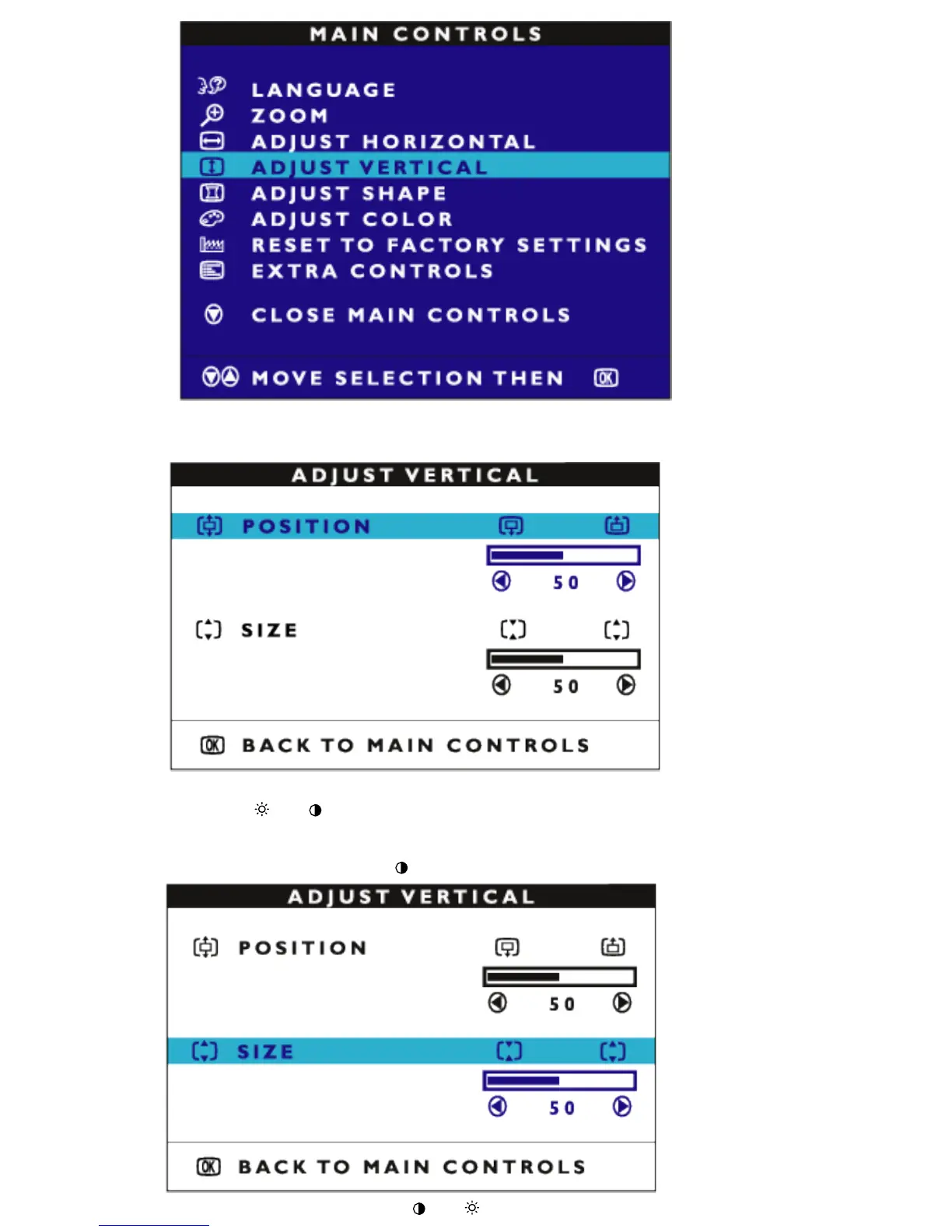
3) Press the MENU button. The ADJUST VERTICAL window appears. press MENU POSITION
should be highlighted.
4) Press the (+)or (-)button to move the image up or down.
5) When the position is adjusted, press the MENU button. Press MENU again to return to MAIN
CONTROLS window, or press the
(-) to highlight SIZE and MENU to confirm.
6) To adjust the vertical size, press the (-) or (+) button.



 To Next Page