6
E
N
Control locations and functions
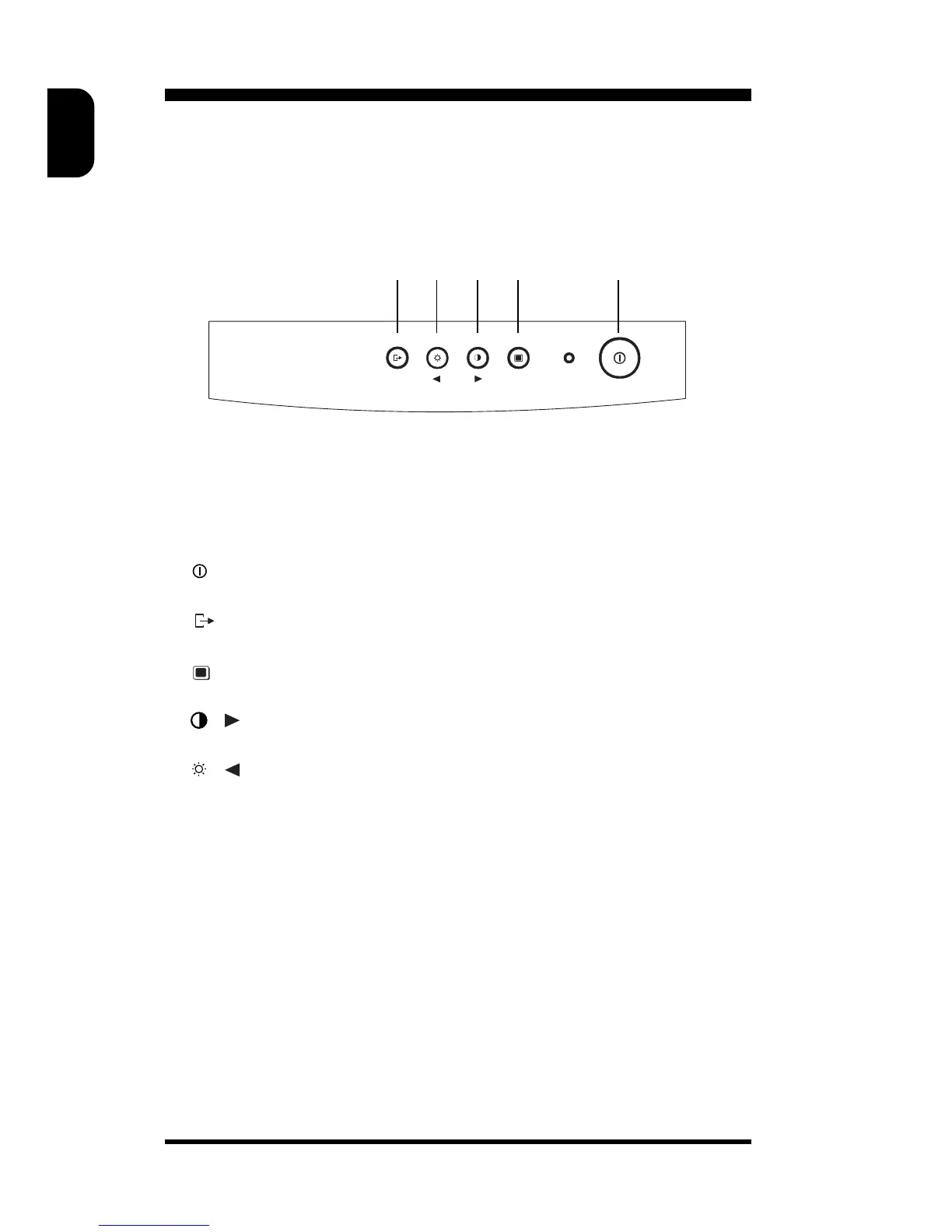
Monitor control panel
Descriptions of knobs and keypads on front control panel
➀ • Press this knob to switch ON and OFF of monitor’s power
➁ • OSD rotary control knob.
➂ • Active OSD menu.
√ / • Adjust contrast or the display.
➄ / • Adjust brightness or the display.
MENU
EXIT
➀➁➂➃➄



 To Next Page