7
E
N
On-Screen-Display
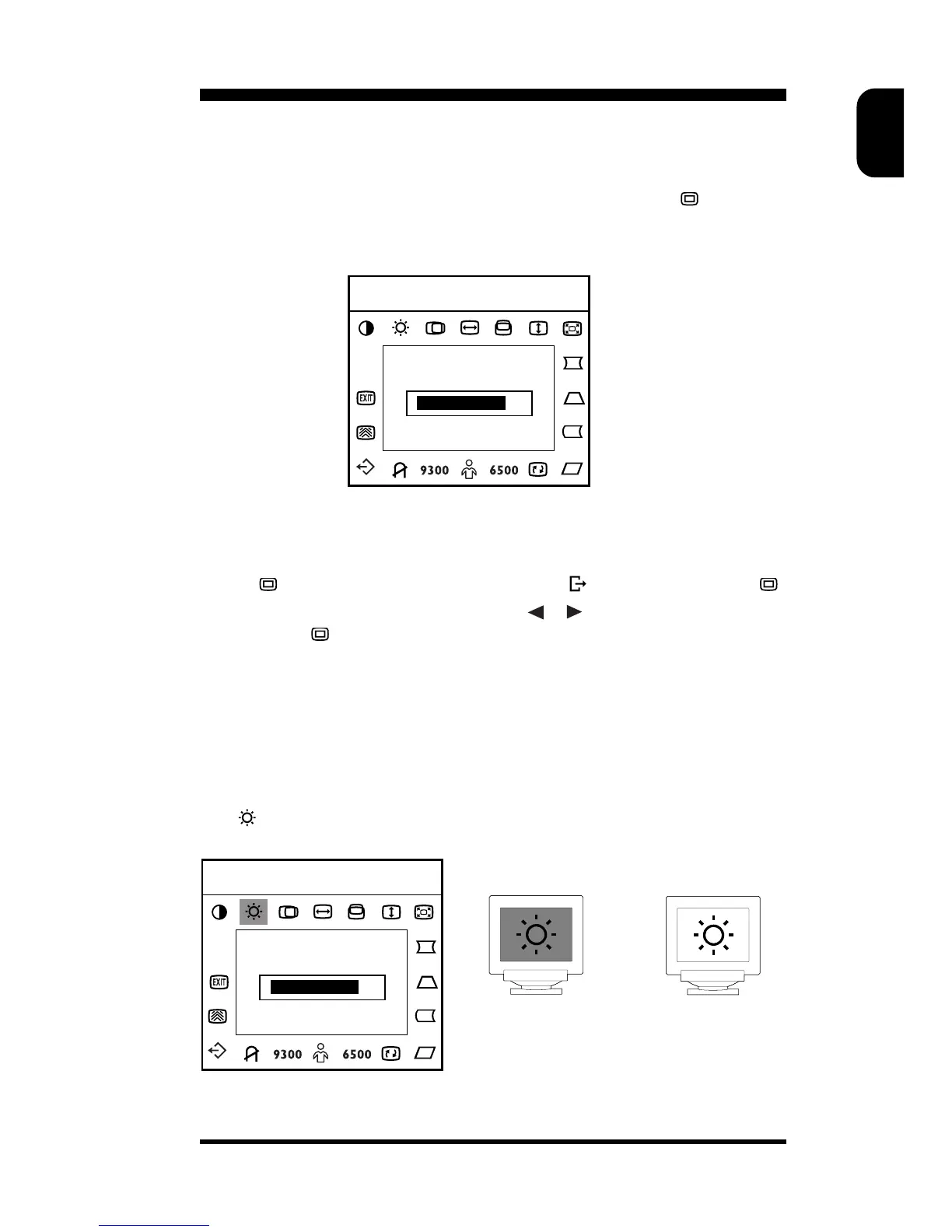
Activating the On-Screen-Display
The monitor controls are accessed by pressing button
to enable
OSD (On-Screen-Display). The main menu will be displayed as follows.
Each Function is selected by highlighting it via the tact key and pressing
button
to confirm. To exit OSD, highlight press select button .
While operating Function, please use
, to select or adjust and
press button
to confirm.
Note: If adjustment or selection of any OSD menu is not made for more
than 10 seconds, the current setup will be saved and the OSD will
disappear automatically.
BRIGHTNESS & CONTRAST
● Brightness : Adjusts background brightness.
H:68.8KHz V:85Hz
70
CONTRAST
H:68.8KHz V:85Hz
70
BRIGHTNESS



 To Next Page