Parental control
This function will prevent unauthorised use of your TV-VIDEO
Combi. All button-functions will be locked.
DYou can make programmed recordings while the parental
control is on.
a Press the MENU button. The main menu appears.
b Select the line ’Setup’ with the P rB or AP q
button and confirm with the SqC button.
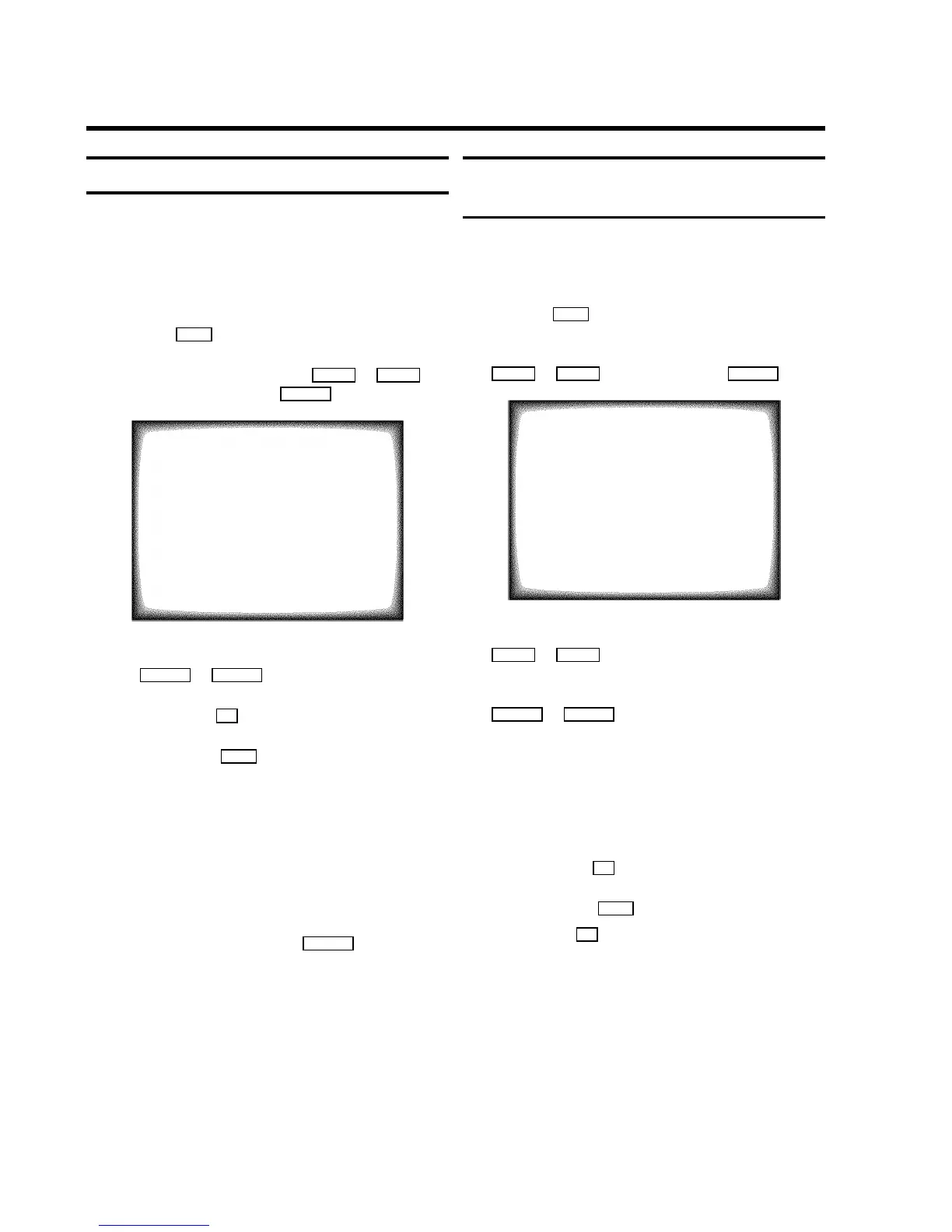
SETUP
Clock Brightness BRIGHT
Parental control ON
Display MAX
Format 16:9 NORMAL
ã Exit:
« press MENU
c In the line ’Parental control’ select ’ON’ with
the DSr or SqC button.
d Confirm with the OK button.
e To end, press the MENU button.
Keep the remote control in a safe place.
f If you want to switch off the parental control, select
’OFF’ in line ’Parental control’.
DIf a button is pressed with activated parental
control, ’Parental Control active’ will
appear in the display.
DIf you want to eject a cassette with activated
parental control, press the STOP h button several
seconds.
Switching the On-screen display (OSD) on
or off
You can switch the On Screen Display of the current operating
information on or off.
a Press the MENU button. The main menu appears.
b Select the line ’Setup’ with the menu buttons
P rB or AP q and confirm with the SqC button.
SETUP
Clock Brightness BRIGHT
Parental control ON
Display MAX
Format 16:9 NORMAL
ã Exit:
« press MENU
c Select the line ’Display’ with the menu buttons
P rB or AP q .
d Select one of the options indicated with the menu buttons
SqC or DSr .
’MAX’: OSD appears for a few seconds each time an
operating mode is selected and then disappears.
’MIN’: OSD is minimised.
’PROGR.’: the programme number is constantly
indicated.
’COUNTER’: the counter is constantly indicated.
e Confirm with the OK button.
f To end, press the MENU button.
DWith the OK button you can superimpose the On
Screen Display of current operating mode on the TV
screen.
22











 To Next Page