Switching to 16:9 wide screen picture
If you are using a cassette with 16:9 wide screen recordings,
you can switch this function ’ON’. The TV-VIDEO Combi will
now automatically switch to wide screen.
a Press the MENU button. The main menu appears.
b Select the line ’Setup’ with the P rB or AP q
button and confirm with the SqC button.
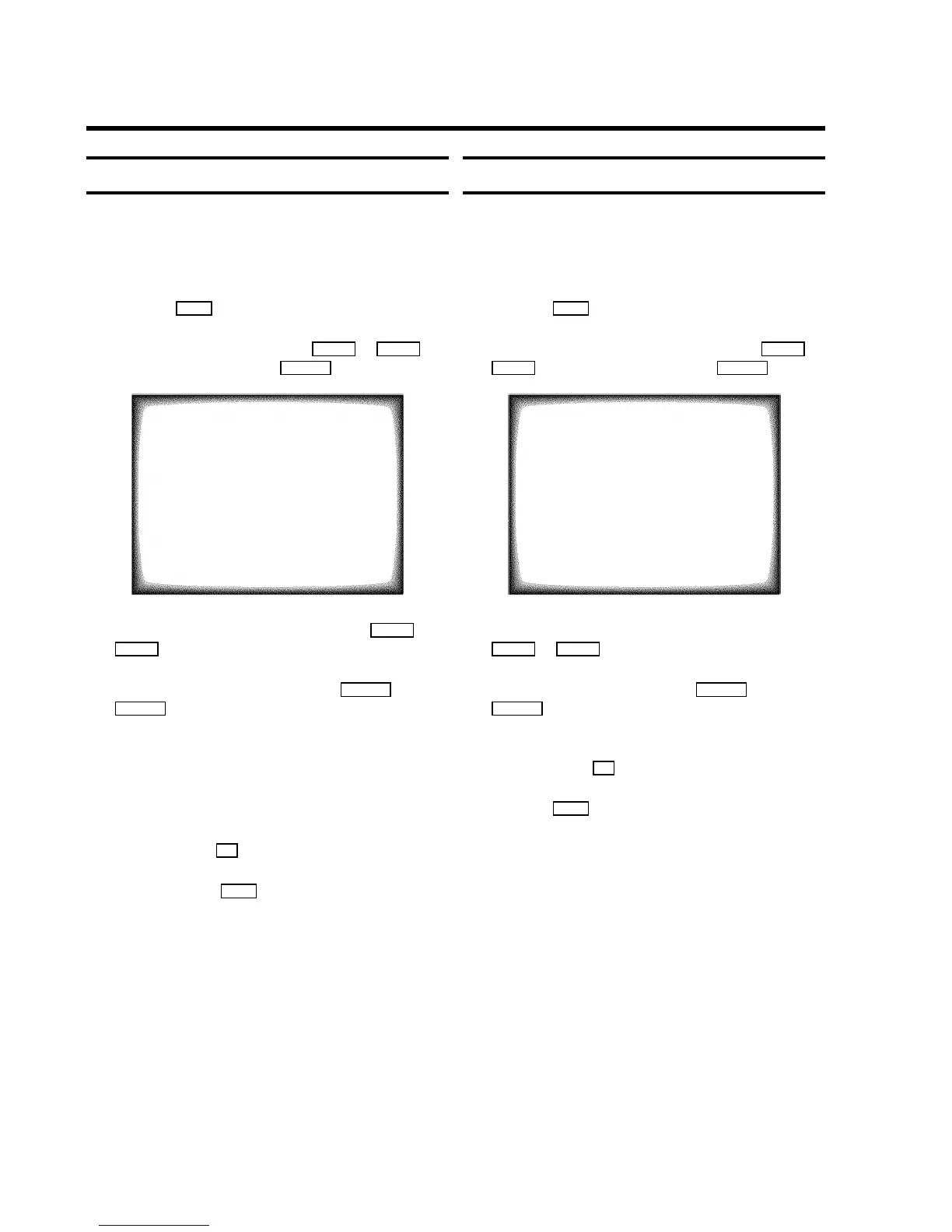
SETUP
Clock Brightness BRIGHT
Parental control ON
Display MAX
Format 16:9 NORMAL
ã Exit:
« press MENU
c Select the line ’Format 16:9’ with the AP q or
P rB button.
d Select one of the possibilities with the SqC or
DSr button.
’NORMAL’ : Normal size picture.
’EXTEND.’ : Extended size picture.
’COMPR.’ : 16:9 format picture.
DWhen you watch TV you can select between
’EXTEND.’ and ’NORMAL’.
e Confirm with the OK button.
f To end, press the MENU button.
Continuous playback
You can automatically play a cassette again and again. When
the end of the tape or the recording has been reached, it will
rewind and start again.
a Press the MENU button. The main menu appears.
b Select the line ’TAPE’ with the menu buttons P rB or
AP q . Confirm with the menu buton SqC .
TAPE
Tape speed SP
Tape counter USED
Repeat play ON
Jitter N. ACT.
Tracking (,,,,,,,,=,,,,,,$
Cleaning
ã Exit:
« press MENU
c Select the line ’Repeat play’ with the menu buttons
P rB or AP q .
d Select ’ON’ with the menu buttons DSr or
SqC . If you select ’OFF’, the function will be
switched off.
e Confirm with the OK button.
f Press the MENU button.
23










 To Next Page