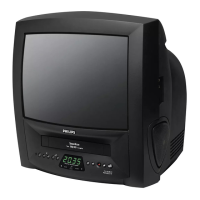
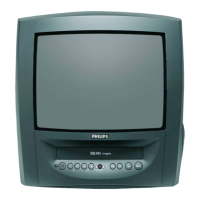
Searching for a tape position with
picture (scanning)
1.
1.While a cassette is playing, press
(reverse) or (forward) one or more
times.
2.
2.Press to resume playback.
Still picture
1.
1.During playback, press to stop the
tape and display a still picture.
2.
2.To continue playback, press .
Scanning and still motion interferes with the pic-
ture quality. The sound is switched off. This is not
a fault in your TV-Video Combi.
Searching for tape position without
picture (forward wind and rewind)
1.
1.Stop the tape with .
2.
2.Press (reverse) or (forward).
3.
3.To stop the tape, press .
Automatic search for a tape position
(index search)
Every time a tape is recorded an index marking
is written on the tape.
These marked positions can be found again
quickly and easily later.
1.
1.To search for the previous marking, press
and then .
2.
2.For the next marking, press and then
.
3.
3.As soon as the TV-Video Combi finds this
marking, it automatically switches to play-
back.
Manual Tracking
To adjust the tracking manually, press or
on the TV/VCR during playback
.
Tracking returns to Automatic Tracking
Adjustment when you press or insert a
tape.
LC
P-
P+
B1
INDEX
s0
INDEX
LC
B1
s0
LC
KB
STILL
2
KB
B1
s0
11
EN



 To Next Page
 Loading...