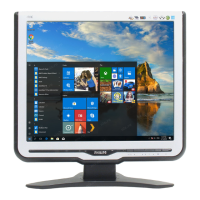
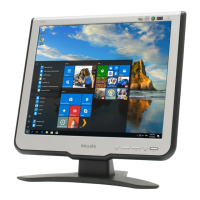
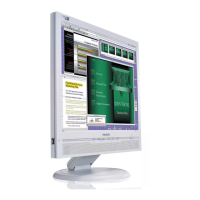
Front View & Connection to PC
4
170S5 LCD
Go to cover page
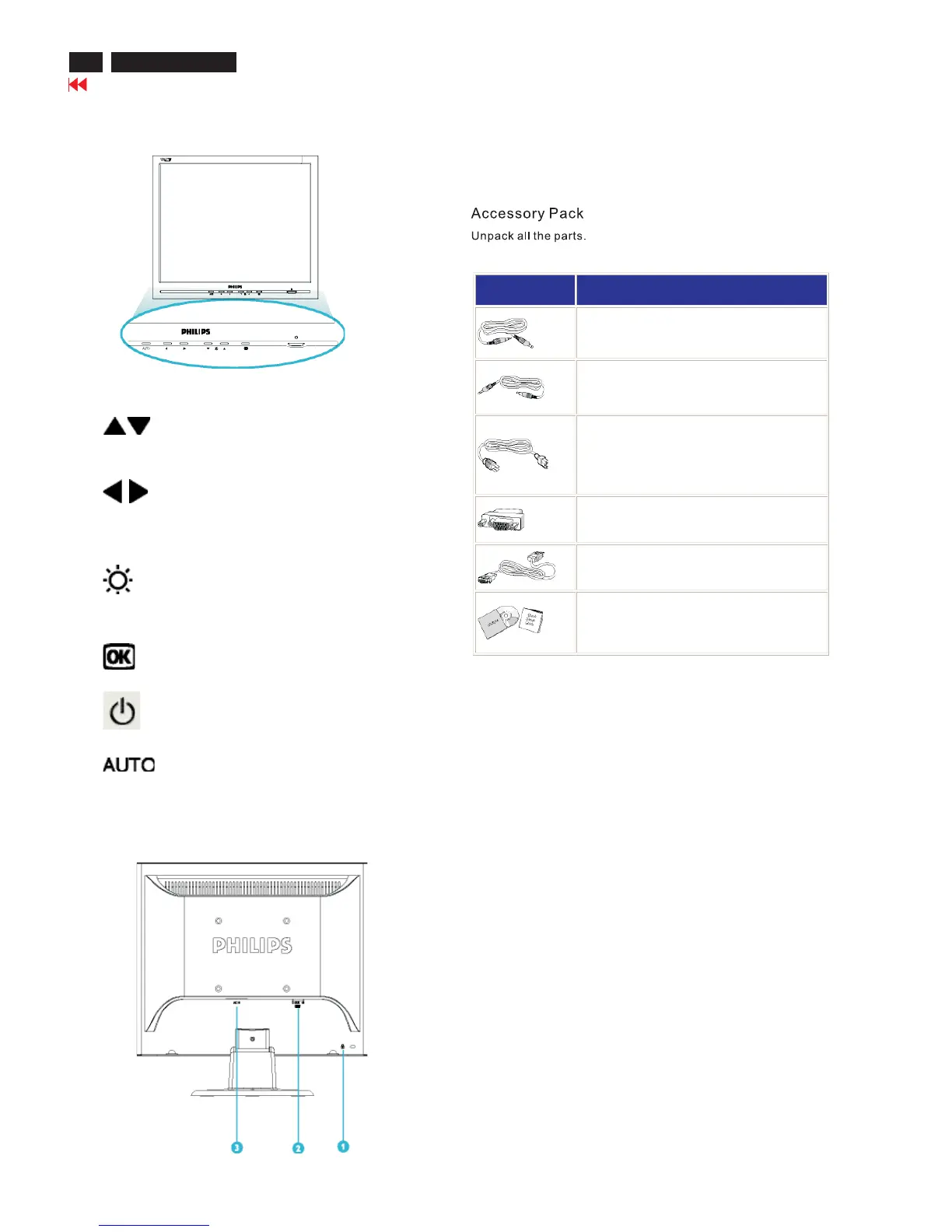
Front View Product Description
UP and DOWN buttons are used when
adjusting the OSD of your monitor.
LEFT and RIGHT buttons, like the UP
and DOWN buttons, are also used in
adjusting the OSD of your monitor.
BRIGHTNESS hotkey. When the UP
and DOWN arrow buttons are
pressed, the adjustment controls
for the BRIGHTNESS will show up.
OK button which when pressed will take
you to the OSD controls.
POWER button switches your monitor on.
Automatically adjust the horizontal position,
vertical position, phase and clock setting.
Rear View
1 . Kensington anti-thief lock
2 . VGA input
3 . AC power input
Item Description
1) Audio in Cable (Option only available for Multimedia
version)(color lime)
2) Microphone out Cable (Option only available for Multimedia
version)(color pink)
3) Power Cable (socket may differ for different countries)
4) Macintosh Adapter (optional)
5) VGA Signal Cable
6) E-DFU package with Quick Setup Guide and CD-ROM.


 To Next Page