6
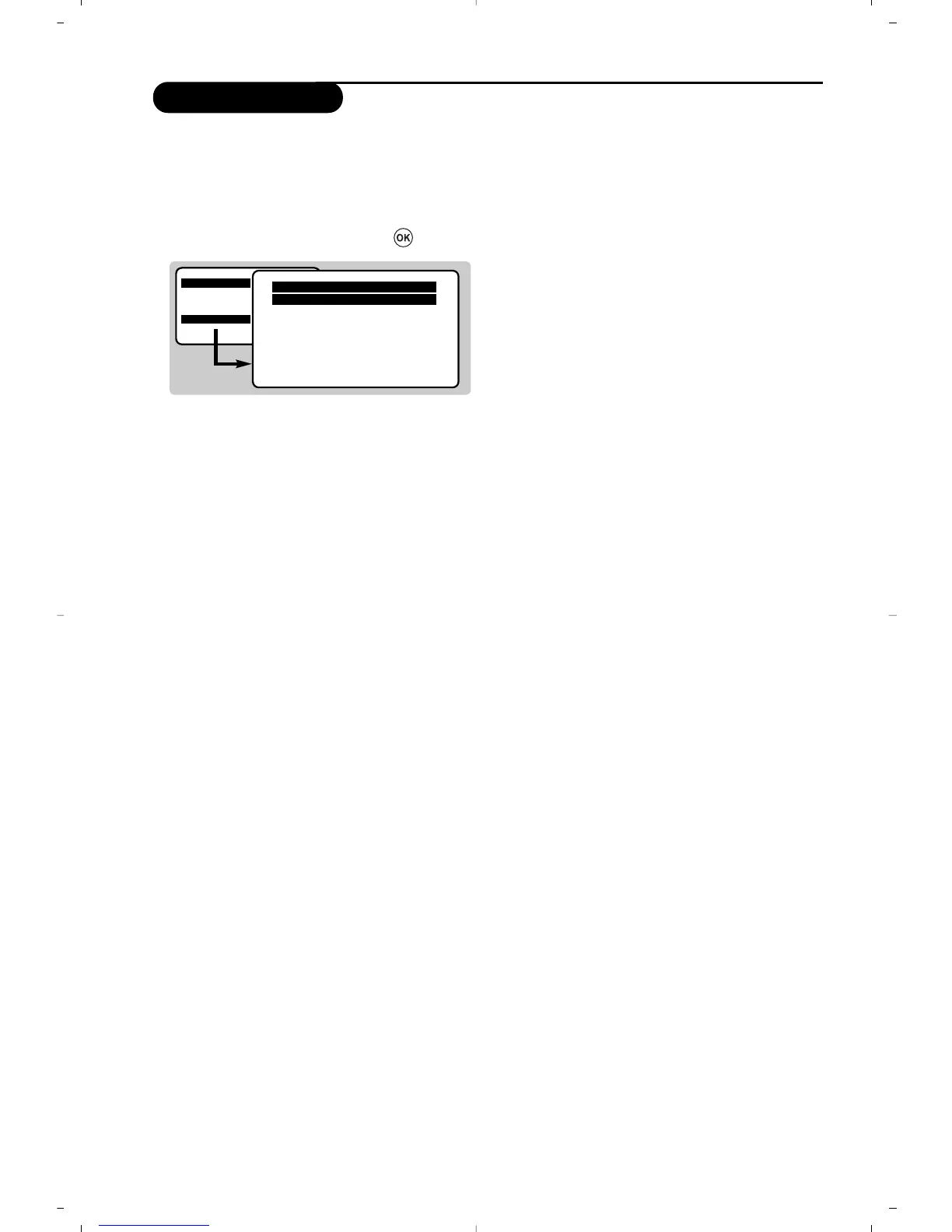
This menu is used to store the programmes
one at a time or to add a programme to the
existing list.
& Press the
H key to display the MAIN MENU.
Select INSTALLATION with the cursor then
the manual store
menu then press .
é System : select Europe (automatic detection*)
or according to the versions
Western Europe
(BG standard), Eastern Europe
(DK standard), United Kingdom
(I standard) or France (LL’ standard).
* Except for France (LL’ standard), you must select
the choice
France.
“ Search : press ¬.The search starts.
Once a programme is found, the scanning
stops. Go to the next step. If you know the
frequency of the required programme, enter its
number directly with the
0 to 9 keys.
If no picture is found, consult the possible solutions
(p. 12).
‘
Fine tuning : if the reception is not
satisfactory, adjust using the
Ȭkeys.
(
Programme : enter the desired number with
the keys
Ȭ or 0 to 9.
§
Name : use the Ȭ keys to move around
the name display area (5 characters) and the
îÏ
keys to select the characters.
When the name has been entered press the
È key to exit.
è
Store : press ¬.The programme is stored.
! Repeat steps é to è for each programme to
be stored.
ç To exit the menus press
H several times.
Manual store
MAIN MENU
PICTURE
SOUND
FEATURES
INSTALLATION
Manual Store
Program 01
Name -----
System EUROPE
Search 671 MHz
Fine Tune
Store





 To Next Page