7
Picture settings
Sound adjustments
(only available in stereo versions)
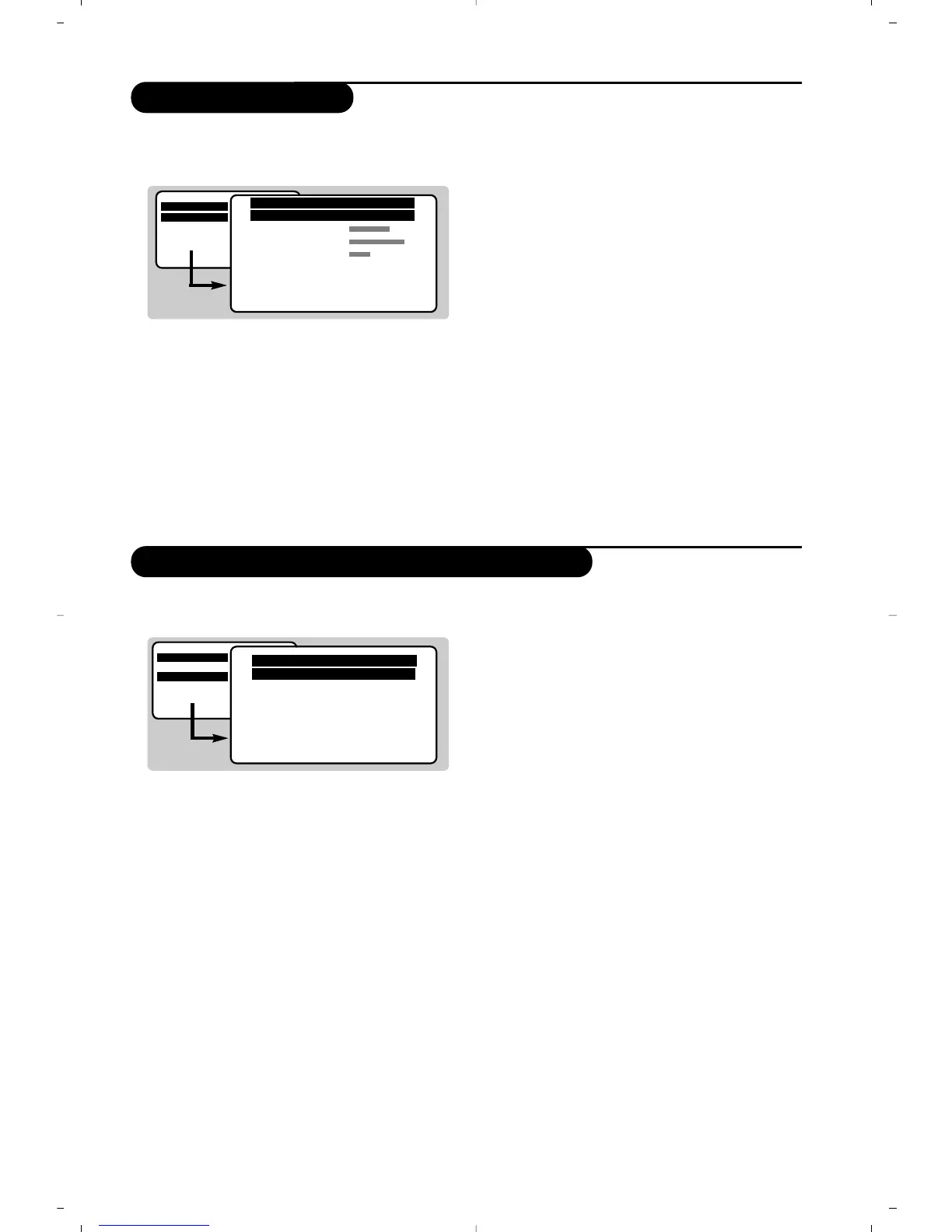
& Press H, select PICTURE and press ¬.
The
PICTURE menu appears :
é Use the
îÏ keys to select a setting and
Ȭ keys to adjust.
“ Once the adjustments have been made select
Store and press ¬ to store them.
‘ Press
H several times to exit the menus.
Description of the adjustments :
• Brightness : this changes the picture brilliance.
• Colour : this changes the intensity of the
colour.
•
Contrast : this changes the difference
between the light and dark tones.
•
Sharpness : this changes the picture
definition.
• Colour Temp. : this changes the colour
rendering:
Cold (bluer), Normal (balanced) or
Warm (redder).
•
NR (Noise Reduction) : reduces picture
noise (snow), in the case of difficult
reception.
•
Contrast+ : automatically adjusts contrast of
the picture by making the darkest part of the
picture permanently black.
•
Store : to store the picture adjustments.
& Press H, select SOUND (Ï) and press ¬.
The
SOUND sound menu is displayed :
é Use the
îÏ keys to select a setting and
the
Ȭ keys to adjust.
“ Once the adjustments have been made select
Store and press ¬ to store them.
‘ To quit the menus press
H several times.
Description of the settings :
•
Treble : this alters the high frequency sounds.
•
Bass : this alters the low frequency sounds.
•
Balance : to balance the sound on the left
and right speakers.
•
Delta Volume* : this is used to compensate
for any volume discrepancies between the
different programmes or EXT sockets.
• AVL (Automatic Volume Leveler) : automatic
volume control which limits increases in sound,
especially on programme change or advertising
slots.
• Store : this is used to store sound settings.
MAIN MENU
PICTURE
SOUND
FEATURES
INSTALLATION
PICTURE
Brightness ---I-------
Colour
Contrast
Sharpness
Colour Temp. Normal
NR OFF
Contrast+ ON
Store
MAIN MENU
PICTURE
SOUND
FEATURES
INSTALLATION
* only available in versions with delta volume feature.
SOUND
Treble ---I-------
Bass ------I----
Balance -----I-----
Delta volume ---I-------
AVL OFF
Store



 To Next Page