7
2. Setting up the monitor
2.2 Operating the monitor
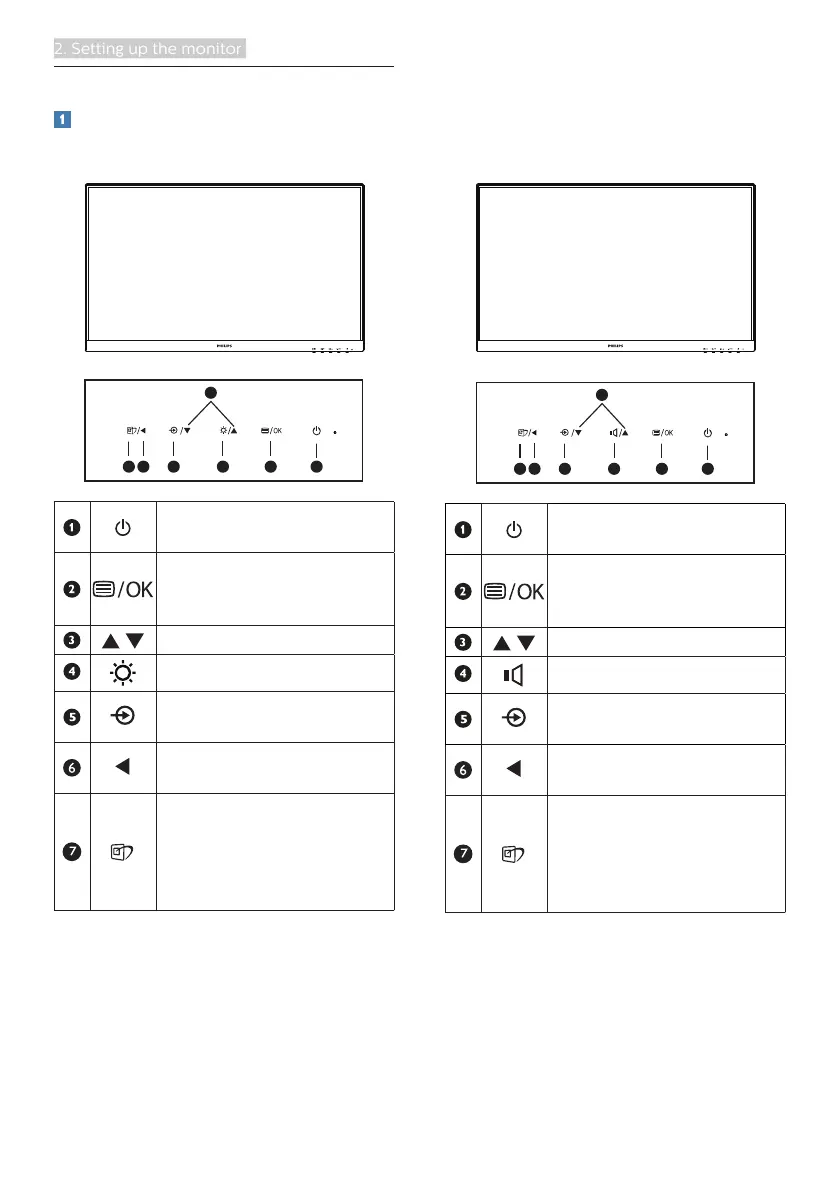
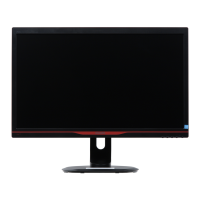
Front view product description
242E1GSJ
7
6
25
4
3
1
Switch monitor’s power
ON and OFF.
Access the OSD menu
.
Confirm the OSD
adjustment.
Adjust the OSD menu.
Adjust the brightness level.
Change the signal input
source.
Return to previous OSD
level.
SmartImage. There are
multiple selections: FPS,
Racing, RTS, Gamer 1,
Gamer 2, LowBlue Mode,
EasyRead and Off.
242E1GAJ
7
6
25
4
3
1
Switch monitor’s power
ON and OFF.
Access the OSD menu
.
Confirm the OSD
adjustment.
Adjust the OSD menu.
Adjust the speaker volume.
Change the signal input
source.
Return to previous OSD
level.
SmartImage. There are
multiple selections: FPS,
Racing, RTS, Gamer 1,
Gamer 2, LowBlue Mode,
EasyRead and Off.


 To Next Page