5
2. Setting up the
monitor
2.1 Installation
1
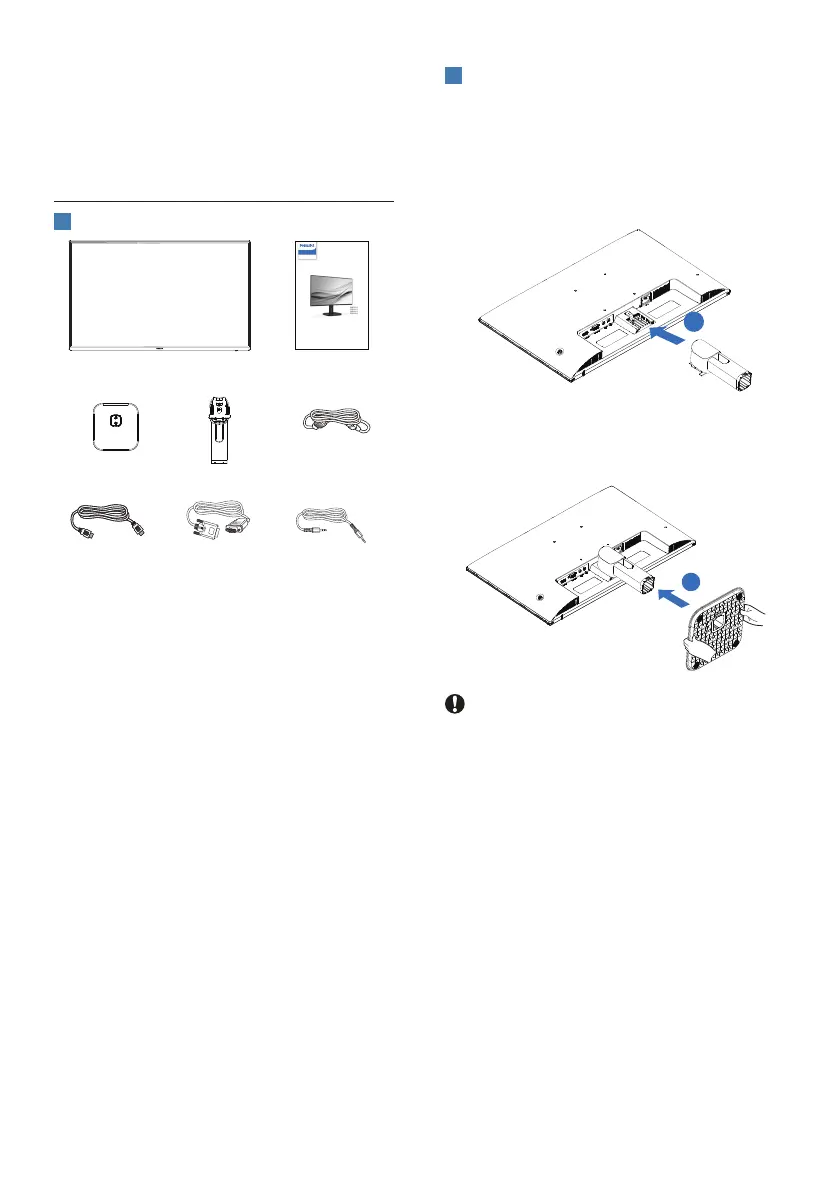
Package contents
Register your product and get support at
www.philips.com/welcome
Quick Start
24E1N1100A
27E1N1100A
24E1N1100AW
27E1N1100AW
1000 Series
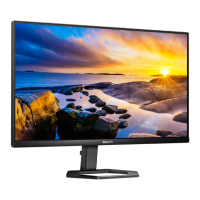
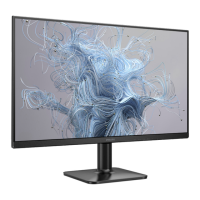
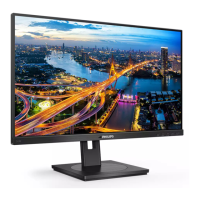
Monitor
*VGA
*Audio
*Dierent according to region
2
Install the base
1. Place the monitor face down on soft
and smooth surface taking care to
avoid scratching or damaging the
screen. Attach/Slide the base column
with the monitor until it clicks into
position.
1
2. Hold the monitor base stand with
both hands and rmly insert the
base stand into the base column.
2
Caution
Place the monitor face down on a
smooth surface. Pay attention not to
scratch or damage the screen.



 To Next Page