24
USING THE T IMER
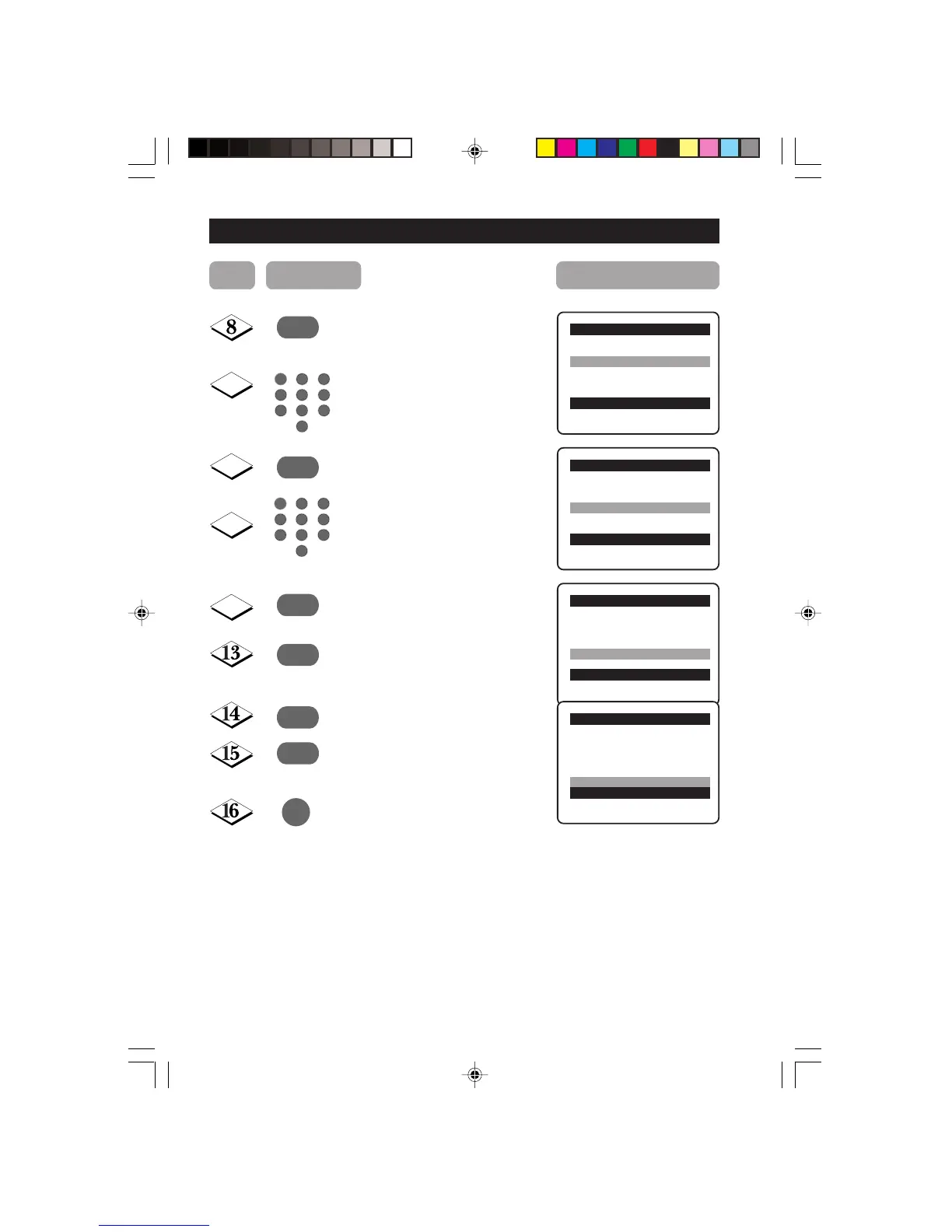
Select Stop Time.
Key in the time you want the
programme to be switched off.
Select Channel.
Key in the channel you want to
switch to.
Select Activate.
Activate timer. You can select
Once, Daily or Off.
Select Display.
Select On mode if you want to
display the time on the TV screen.
Exit menu from screen.
Note :
• After the Stop Time is activated, theTV will go to standby mode
immediately.
• If Stop Time is not keyed in, the set will go to standby mode after
2 hours.
• To switch on set from standby mode, press Channel +/–,
Digit (0 -9) or Power button.
ACTIVATING THE CHILD LOCK (ACCESS
¸
Timer o
■
Time
■ Start Time
✔
Stop Time π 12:30
■ Channel
■ Activate
■ Display
œ
Timer o
■
Time
■ Start Time
■ Stop Time
✔
Channel π
5
■ Activate
■ Display
œ
9
10
¸
11
12
¸
˙
¸
˙
Timer o
■
Time
■ Start Time
■ Stop Time
■ Channel
✔
Activate π
Once
■ Display
œ
Timer o
■
Time
■ Start Time
■ Stop Time
■ Channel
■ Activate
✔
Display π
On
œ
5
1
3
2
4
6
7
9
8
0
5
1
3
2
4
6
7
9
8
0
m
Step Press button Result on screen
23-29/E 24/9/01, 11:53 am24









 To Next Page