6
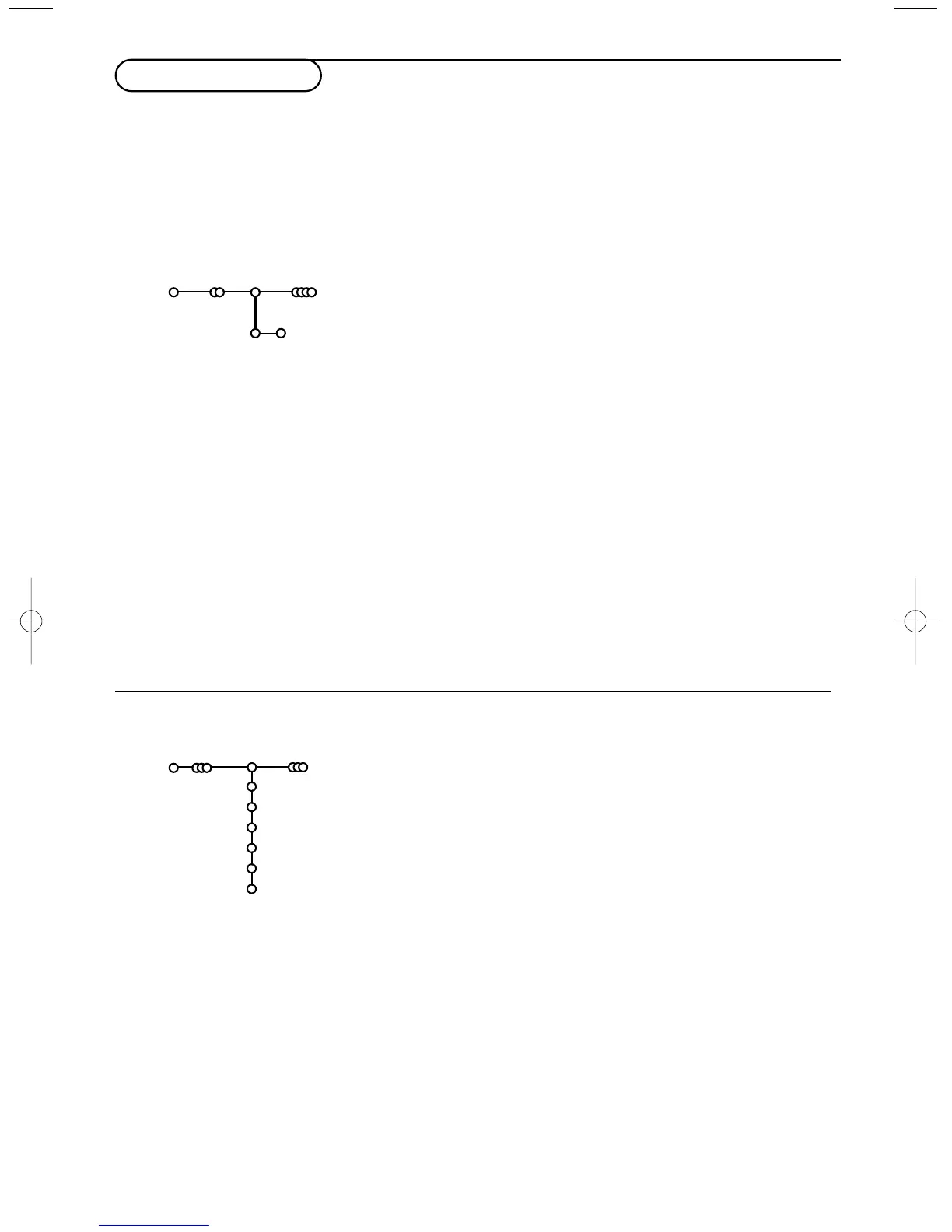
& Select Automatic install in the Install menu.
Note: All channels must be unlocked in order to autoprogram. If
requested, enter your code to unlock all channels. (See TV,
Features menu, Childlock, p. 12.)
é Press the cursor down.
The autoprogramming option label
Start appears.
“ Press the cursor right.
‘ The message Searching appears and the progress of
autoprogramming is displayed.
If a cable system or a TV channel which broadcasts ACI
(Automatic Channel Installation) is detected, a programme list
appears.Without ACI broadcast, the channels are numbered
according your language and country selection.You can use
Reshuffle to renumber them. See p. 7.
It is possible that the cable company or the TV channel displays a
broadcast selection menu. Layout and items are defined by the cable
company or the TV channel. Make your choice with the cursor and
press the
OK key.
After language and country are set correctly, you can now search for and store the TV channels in two
different ways: using Automatic Installation or Manual Installation (tuning-in channel by channel).
Select your choice with the cursor right.
Automatic install
Install Start
Install
Manual installation
Automatic installation
Searching for and storing TV channels is done channel by
channel.You must go through every step of the Manual
Installation menu.
& Select Manual install in the Install menu.
é Press the cursor down.
Follow the instructions on screen.
Note: Search or direct selection of a TV channel.
If you know the frequency, the C- or S-channel number, enter the
3 or 2 digits of the frequency or the channel number directly with
the digit keys 0 to 9 (e.g. 048). Press the cursor down to proceed.
Repeat to search for another TV channel.
Manual install
Install
Selection mode
System
Programme
Search
Fine tune
Store
Store TV channels


 To Next Page