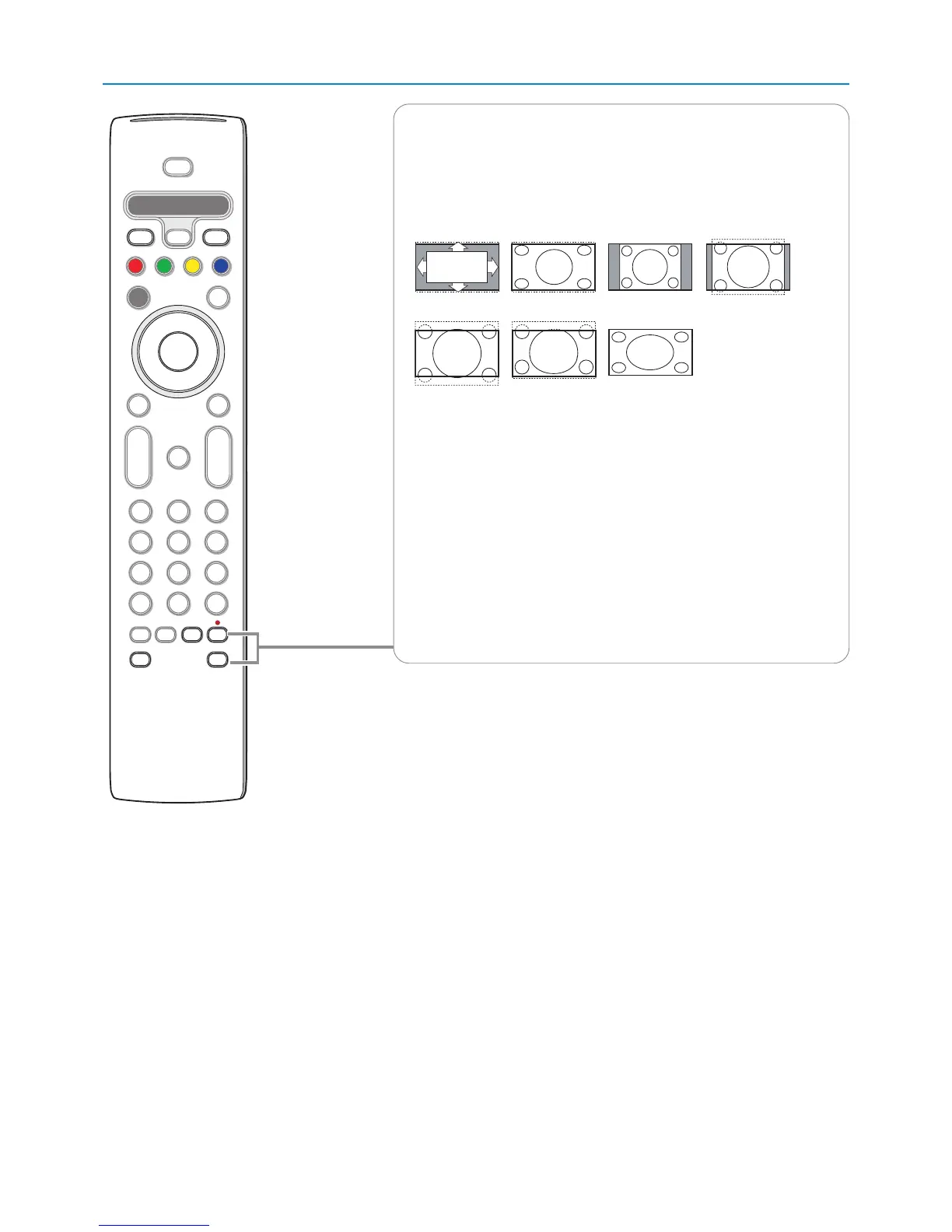
FORMAT
Press this button to summon a list of available display formats (depending on
the receiving signal).This lets you choose the display format of your
preference.
Press this button repeatedly to select another picture format:Automatic,
Super Zoom, 4:3, Movie expand 14:9, Movie expand 16:9, 16:9 subtitle,
Wide screen.
Automatic makes the picture fill the screen as much as possible.
Super zoom removes the black bars on the sides of 4:3 programs with
minimal distortion.
When in Movie expand 14:9, Movie expand 16:9 or Super zoom picture
format, you can make subtitles visible with the cursor up/down.
Note: With HD sources not all screen formats will be available.
FAVORITES
• VIEW To display a list of all channels marked as favorite (incl. subchannels).
• ✓ To add or remove a channel in the favorite list of TV channels.
®Ò‡†ºπ
• Audio and Video equipment buttons. See p. 38.
• Multimedia browser functional buttons. See p. 27.
Automatic Super zoom 4:3 Movie expand 14:9
Movie expand 16:9 16:9 subtitle Wide screen












 To Next Page