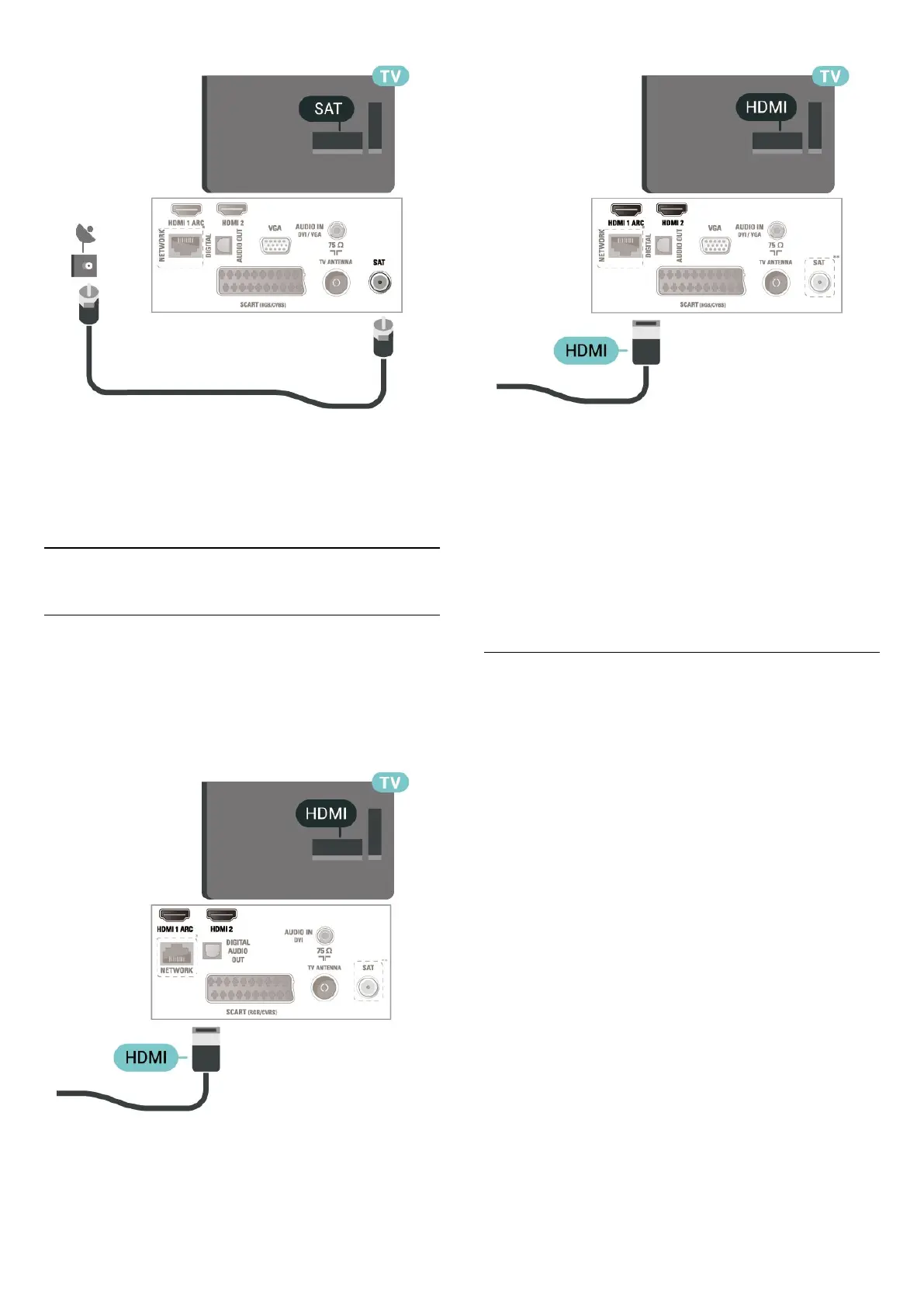
* Network port is only for UK models
** Satellite port is only for xxPxSxxxx series
5.4
Video Device
HDMI
For best signal quality transfer, use a High speed
HDMI cable and do not use an HDMI cable longer
than 5 m.
For 32" or above
For 22"/24"
* Network port is only for UK models
** Satellite port is only for xxPxSxxxx series
Copy protection
HDMI cables support HDCP (High-bandwidth Digital
Content Protection). HDCP is a copy protection signal
that prevents copying content from a DVD disc or Blu-
ray Disc. Also referred to as DRM (Digital Rights
Management).
HDMI - DVI
If you still own a device that only has a DVI
connection, you can connect the device to HDMI 2
connection with a DVI to HDMI adapter.
Use a DVI to HDMI adapter if your device only has a
DVI connection. Use HDMI 2 connection and add
an Audio L/R cable (mini-jack 3.5mm) to Audio In for
sound, on the back of the TV.
For 32" or above
14




 To Next Page