Multimedia Browser (Continued)
34
Function buttons at the bottom of the screen
Details to display a description of the selected file
or directory
Transitions to select if you like to apply a transition
during a slide show
Slide time to select the duration a picture will be
displayed in a slide show
Rotate to rotate a picture
Repeat one/all to repeat the playback of a music file
Shuffle to shuffle music collections in a random way
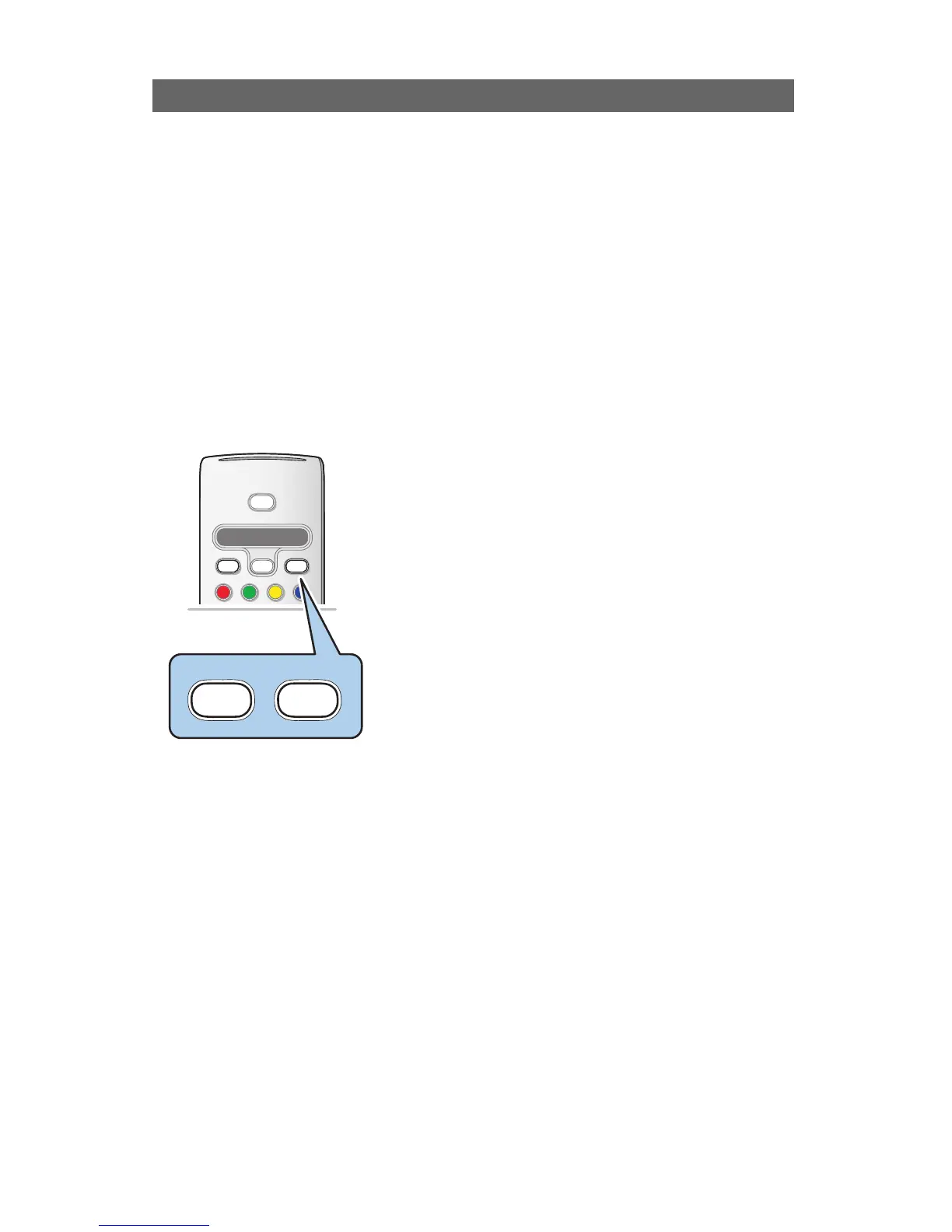
Multimedia function buttons on the remote control
‡ to stop displaying content;
º to pause displaying content;
π to play a single file, start a slide show, playback of a
folder or other collection.





 To Next Page