3139 246 14374
English
23
DVD Setup Menu Options
TIPS:
To return to the previous menu, press OK.
To remove the menu, press SYSTEM MENU.
Audio Setup
1 Press SYSTEM MENU.
2 Press 2 repeatedly to select {AUDIO
SETUP}.
3 Press OK to confirm.
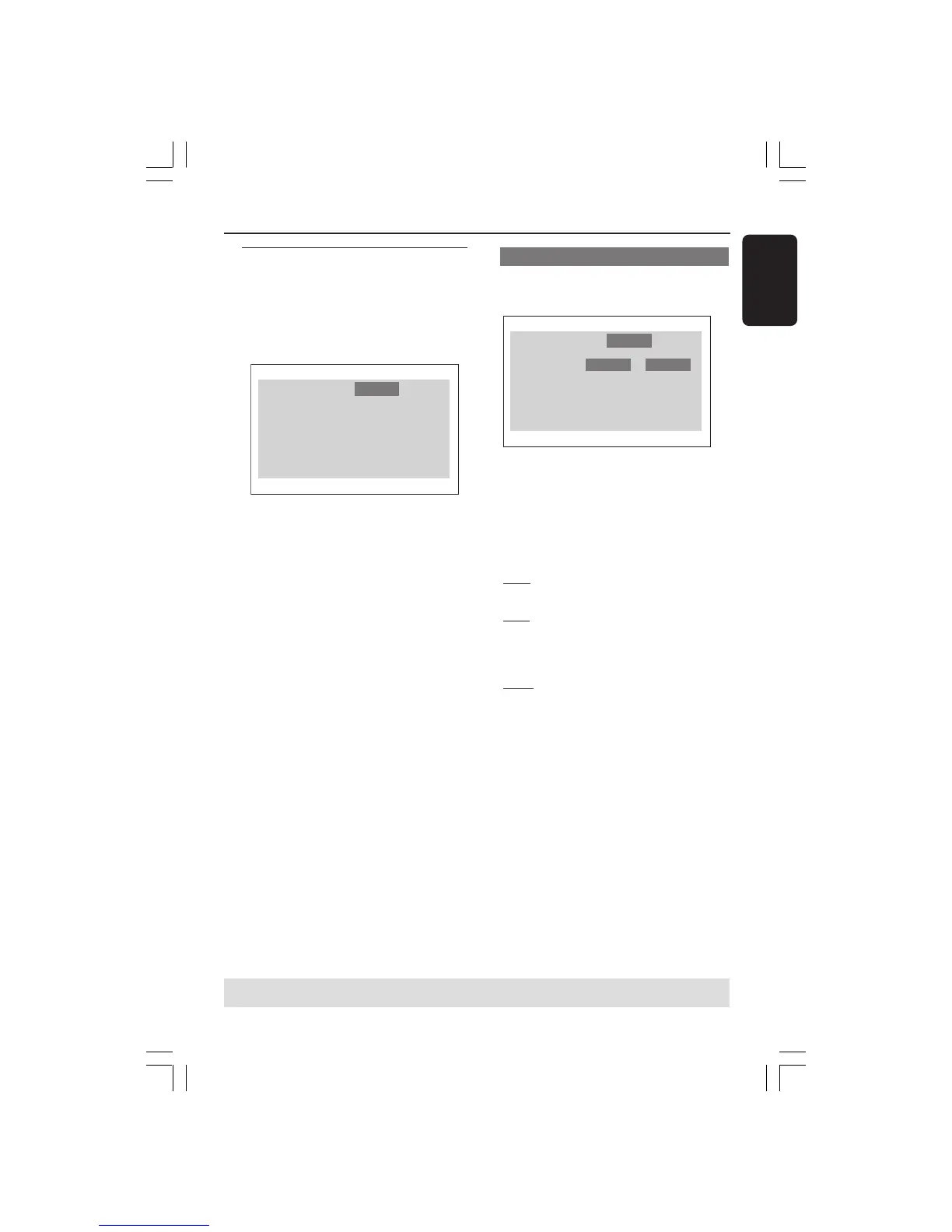
Language
Digital Output
LPCM Output
Night Mode
Audio RatingVideo
Digital Output
Set the Digital output according to your
optional audio equipment connection.
Language
Digital Output
LPCM Output
Night Mode
Audio RatingVideo
PCM
All
Off
PCM
48Khz
On
1 In ‘AUDIO SETUP’, press OK to enter
the submenu.
2 Press 3 4 to highlight {DIGITAL
OUTPUT}, then press OK.
3 Press 34 to highlight one of the options
below:
OFF
Turn off the digital output.
ALL
If you have connected your DIGITAL
AUDIO OUT to a multi-channel decoder/
receiver.
PCM
Only if your receiver is not capable of
decoding multi-channel audio.
4 Select an item and press OK.
Helpful Hint:
– If DIGITAL OUTPUT is set to ‘All’, all
audio settings except MUTE are invalid.
01-30 XDV425_EU_004 23/12/2004, 6:04 PM23



 To Next Page