10
4 Use your TV
Learn how to operate your TV for daily use.
4.1 Switch on or off - Standby
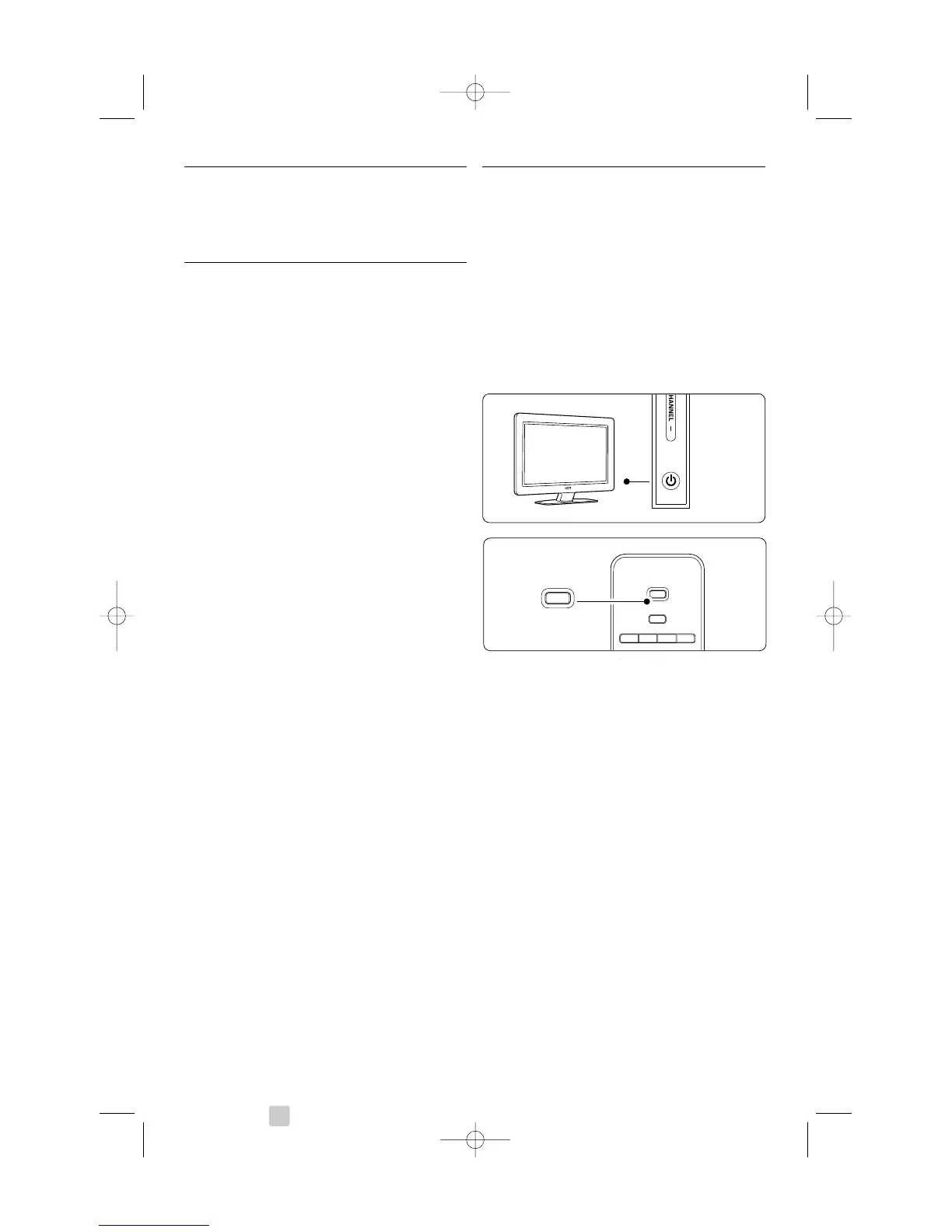
To switch on the TV:
• Press B Power at the right side of the TV if the
standby led is off.
• Press B on the remote control if the standby
led in on.
To switch to standby:
• Press B on the remote control.
To switch on from standby without remote control:
• Press B Power at the side of the TV to switch
off first and press B Power again to switch on.
To switch off:
• Press B Power at the side of the TV.
rNote
Energy consumption contributes to air and water
pollution. As long as the mains cord is plugged in,
the TV consumes energy.This TV has a very low
standby power consumption.
Use your TV









 To Next Page