12 Use your TV
4.5 Watch a DVD
‡ Insert a DVD disc in your player.
® Press Play π.
The picture from your player appears
automatically on your screen.
If the picture does not appear:
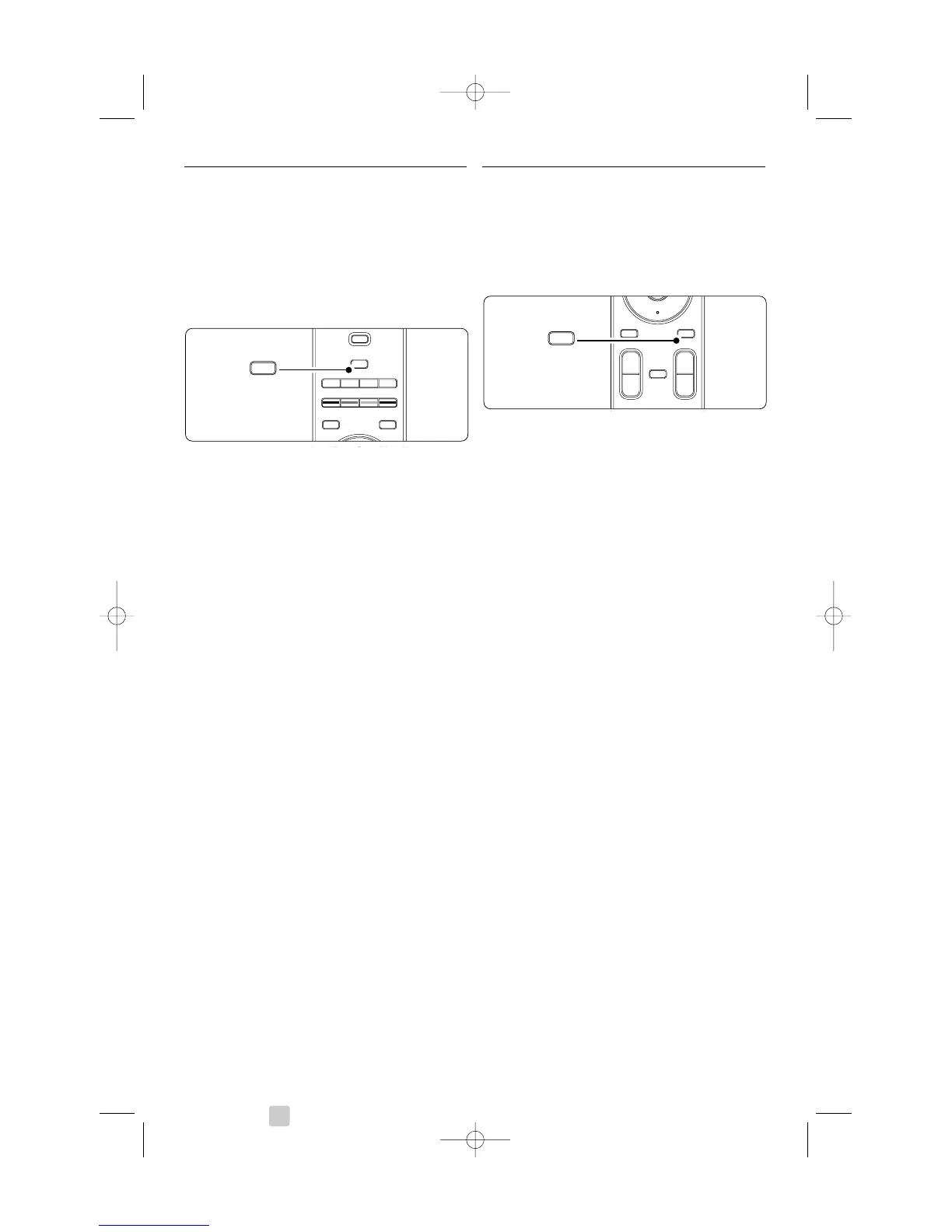
‡ Press v on the remote control.
® Press v repeatedly to select the DVD player.
Wait a few seconds until the picture appears.
ÒPress
OK.
† Press Play π.
4.6 Select a Teletext page
Most TV channels broadcast information via
Teletext.
To watch Teletext:
‡ Press b.
The main index page appears.
® To select a page of your choice:
• Enter the page number with the number keys.
• Press P- or P+ or navigation key up or down
to view the next or the previous page.
•Press a colour key to select one of the colour
coded items at the bottom of the screen.
à Tip
Press R to return to the previously viewed page.
ÒPress b again to switch Teletext off.
r
Note
Only for UK: some digital TV channels offer
dedicated digital text services (for example BBC1).
For more information on teletext, see section 5.5
Teletext.









 To Next Page