Connections 39
ENGLISH
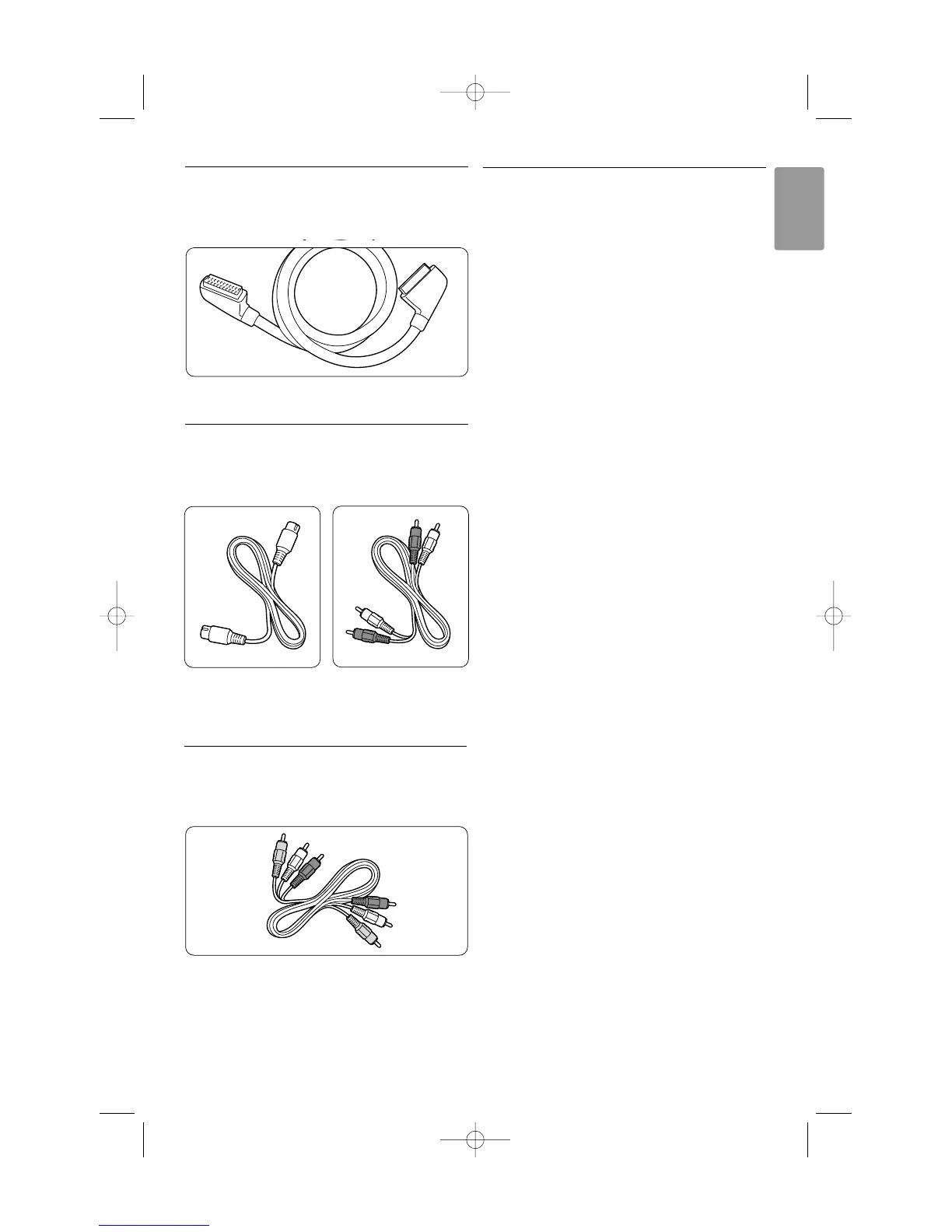
7.2.4 Scart - Good quality ★★★
One cable combines video and audio signals.
Scart connectors can handle RGB video but no HD
TV signals.
Scart cable
7.2.5 S-Video - Good quality ★★
Use a S-Video cable together with an Audio L/R
(cinch) cable. Match the cable colours when you
connect.
An S-Video cable Audio L/R cable
- Red, White
7.2.6 Video - Basic quality ★
Use a Video (cinch) cable together with an Audio
L/R (cinch) cable. Match the cable colours when
you connect
Combined Video - yellow and Audio L/R cable
- red and white
7.2.7 Display synchronised audio out
For the best match of image and sound in speech
on screen, connect a Home Theatre System to
Audio Out L/R or Digital Audio outputs.
See diagrams 7.3.4 and 7.3.8.
Do not connect the audio signal of a DVD player,
digital receiver or other audio/video device directly
to the Home Theatre System.










 To Next Page