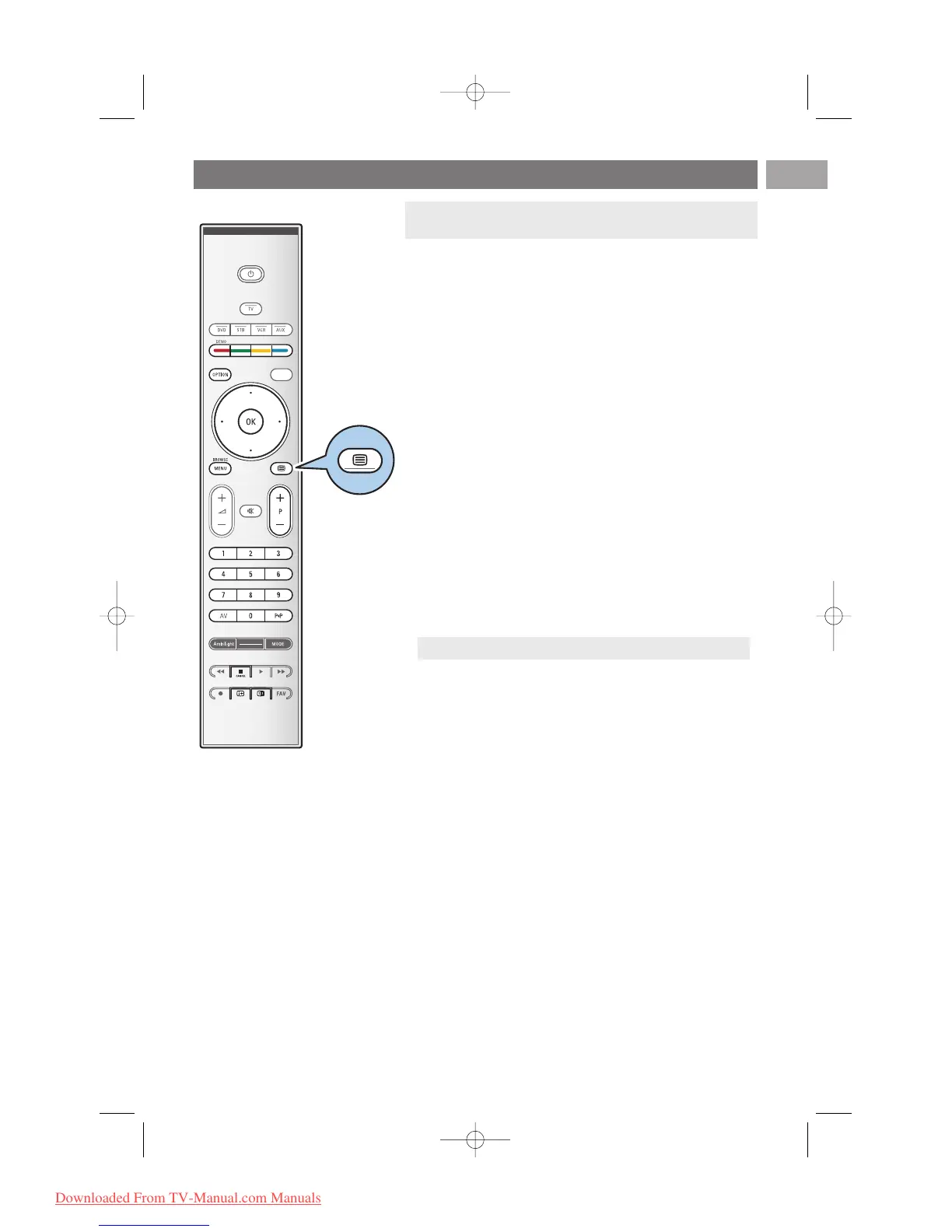
Most TV channels broadcast information via teletext.
This TV has a 1200 pages memory that will store most
broadcasted pages and subpages to reduce waiting time.After
each programme change, the memory is refreshed.
< Press b to switch the teletext on.
> The main index page appears on the screen.
Select a Teletext page
< Enter the desired page number with the digit keys or with
the
-P+ key.
< Select the options at the bottom of the screen with the
colour keys.
Previous selected teletext page
< Press the 0 key.
Select T.O.P. teletext broadcasts
< Press i.
> A T.O.P. overview of the teletext subjects available is
displayed.
< Select with the cursor up/down, left/right the desired
subject and press the
OK key.
Select subpages
When a selected teletext page consists of different
subpages, a list of available subpages appears on the screen.
Press the cursor left or right to select the next or previous
subpage.
Picture/Teletext
1. Press the b key.
2. Press the b key to show Teletext on the right of the
screen.
3. Press the b key to return to a full teletext picture.
4. Press the b key to return to a full screen picture.
Teletext
EN
43












 To Next Page