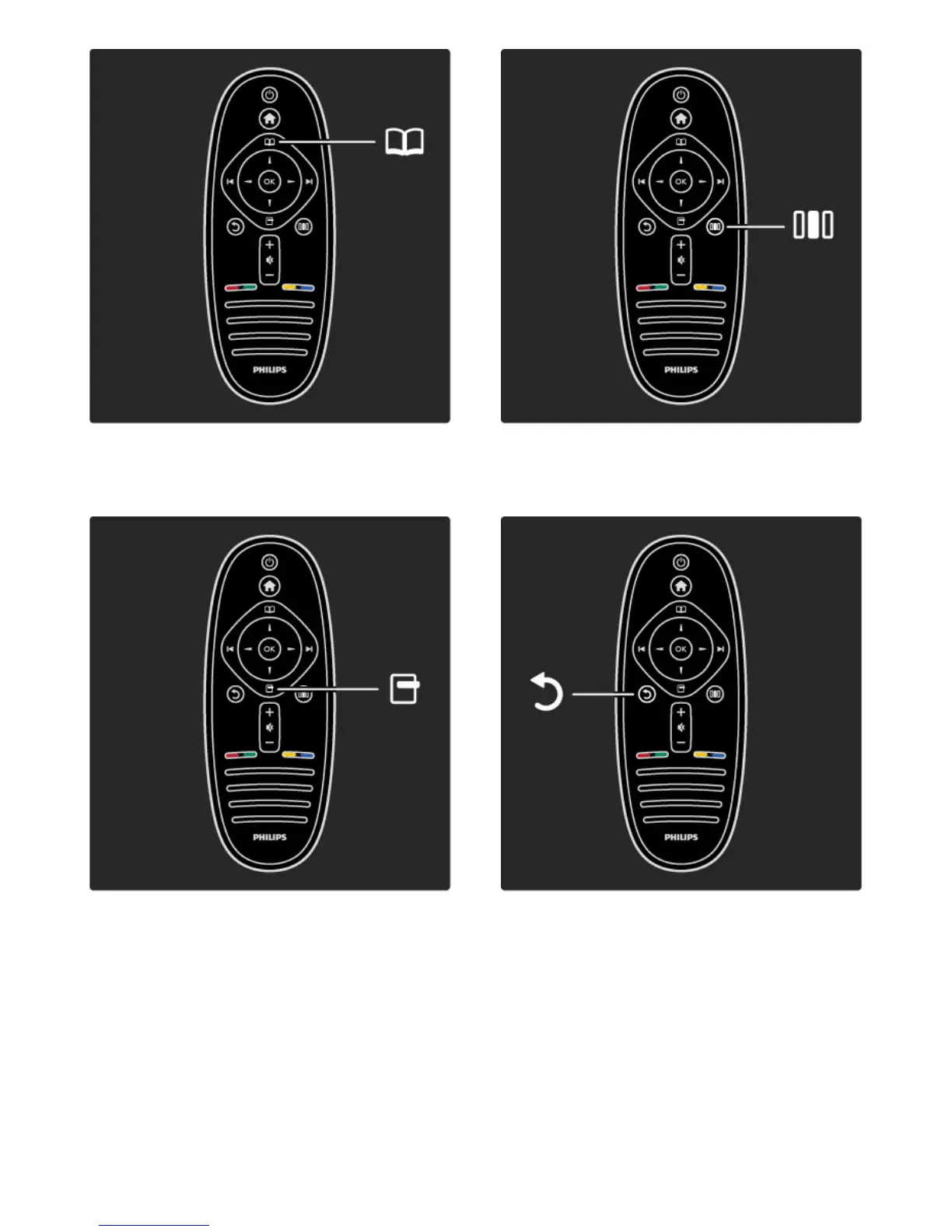
To open or close the Browse menu e.
In the Browse menu, you can open Text, the Channel list or the TV
programme guide.
To open or close the Options menu o.
In the Options menu, you can select settings related to what is
shown on screen.
While you watch a channel, mark it as a favourite or stop the
slideshow of your photos shown on screen.
To open or close the Adjust menu s.
In the Adjust menu, you can quickly adjust some picture and sound
settings.
Back b.
With Back you go back to the previous TV channel or go one step
back in a menu.








 To Next Page