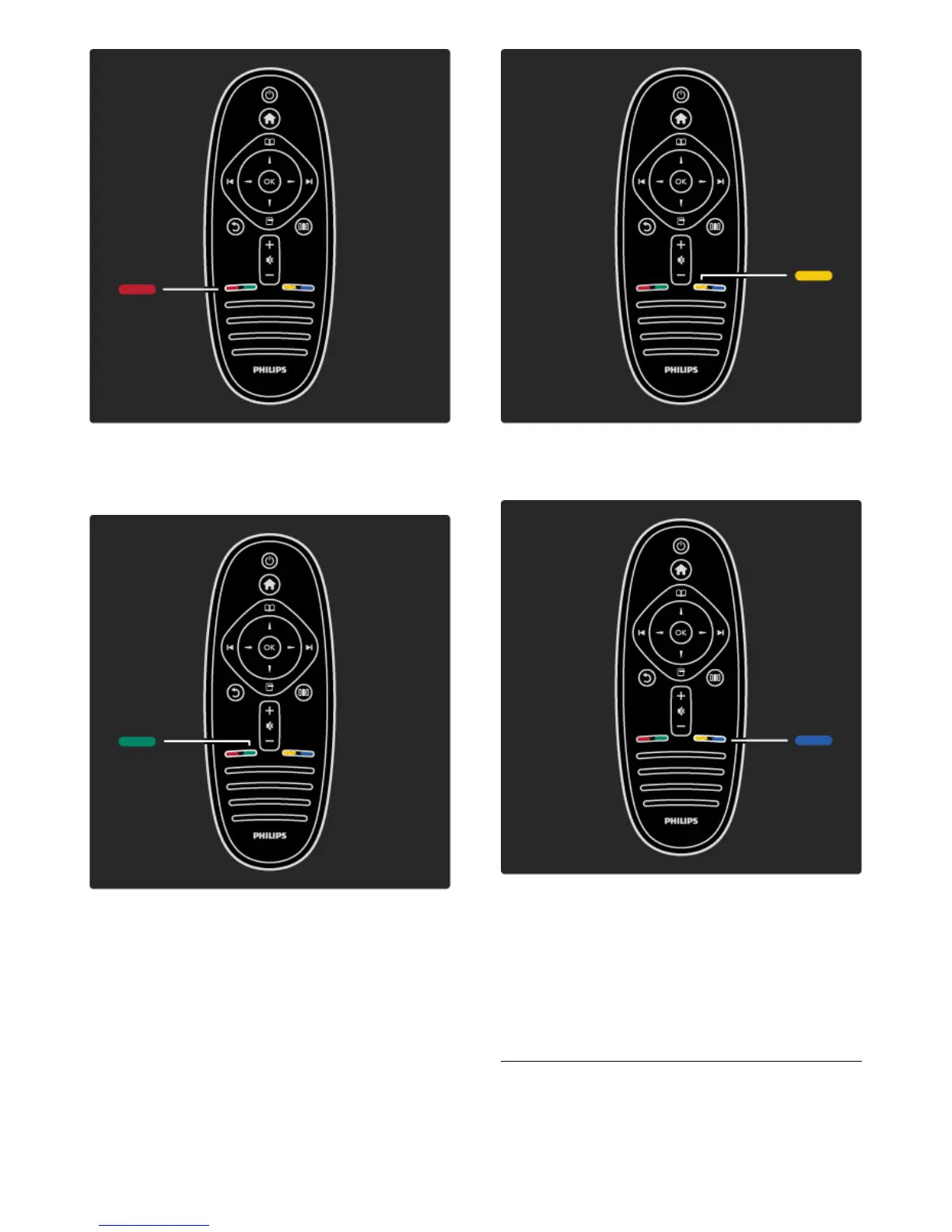
Red
With the red key, you select the red option or open digital
Interactive TV services or some TV demonstration clips.
Green
With the green key, you select the green option or the Eco settings.
Yellow
With the yellow key, you select the yellow option.
Blue
With the blue key, you select the blue option.
Read more about the remote control in Help > Use your TV >
Remote control > Overview.
Or go to the ¬ Search page to look for any topic.
Press u to select the next TV tour.
The TV menus








 To Next Page