5EN
• Do not put any substance
other than water in the
water tank. Do not put
fragrance in the water
tank.
• If you do not use the
humidication function
for a long time, clean
the water tank and
NanoCloud rotary
humidication wick tray,
and air dry the NanoCloud
rotary humidication wick.
• If you need to move the
appliance, disconnect the
appliance from the power
supply rst. Then empty
or remove the water tank
and water tray. Carry the
appliance horizontally by
the handles on both sides
of the appliance.
• Unplug the appliance
during lling and cleaning.
2 Your air purifier
Congratulations on your purchase, and
welcome to Philips!
To fully benet from the support that
Philips oers, register your product at
www.Philips.com/welcome.
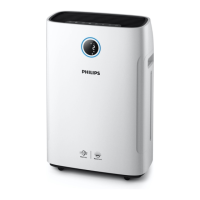
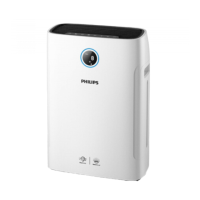
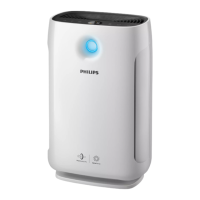
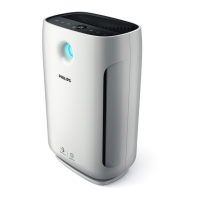
The Philips air purier brings fresh,
humidied air to your house for the
health of your family. It oers you
advanced evaporation system with
NanoCloud technology, using a special
humidication lter which adds H2O
molecules to the dry air, and produces
healthy humid air without formation
of water mist. Its humidication lter
retains bacteria, calcium and other
particles from the water. It delivers only
pure humidied air in your home. No
more dry air in the winter season or
from the air conditioning.
Read this user manual carefully before
you use the appliance, and save it for
future reference.


 To Next Page
 Loading...