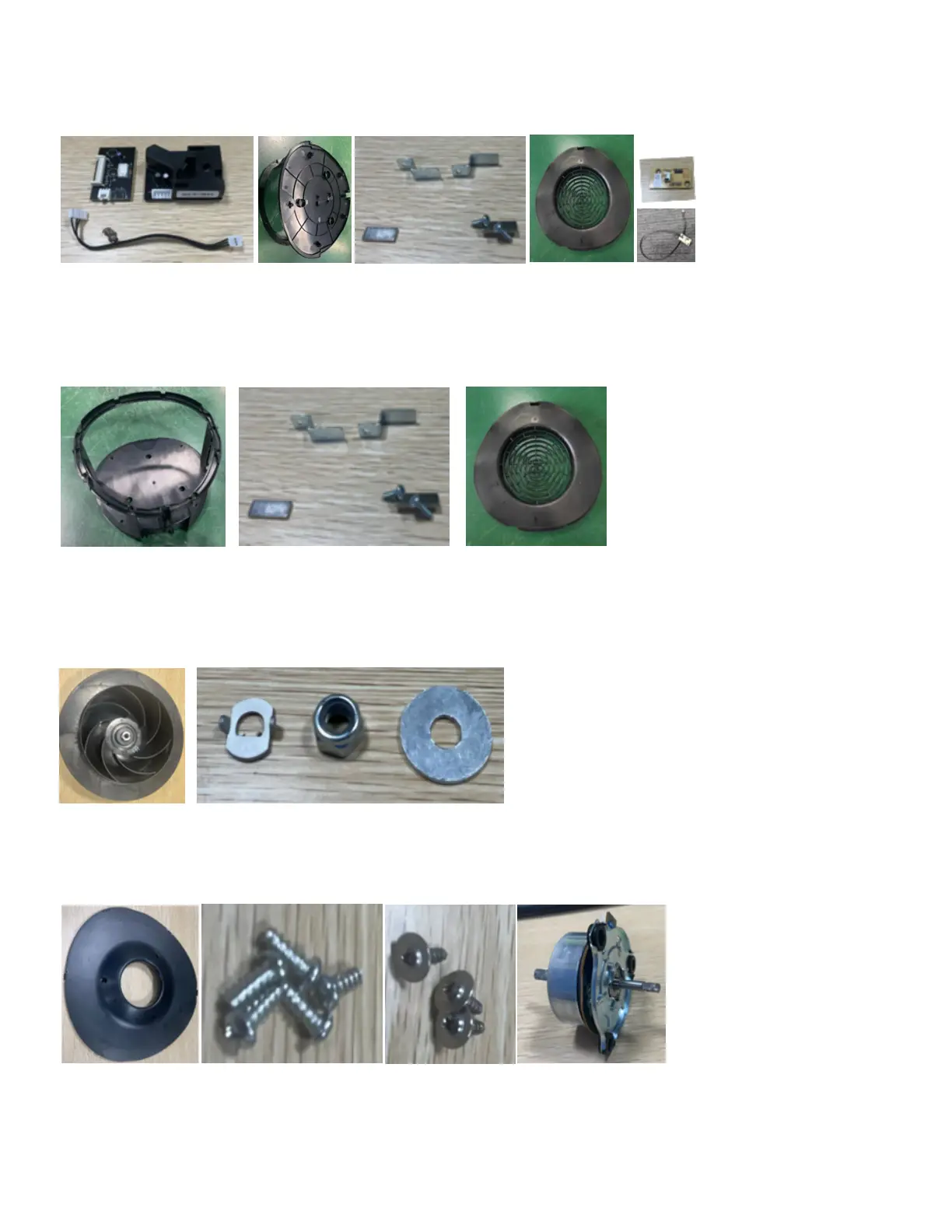
DISASSEMBLY INSTRUCTION
4. Take out the sensor and remove two screws from the temperature and humidity sensor, then
take out the cable of the sensor ,the cable of HALL board and Hall board, remove 8pcs screws
from lower filter housing and the related parts.
5. Remove 8pcs screws from the upper filter housing and the related parts.
6. Remove the related parts from the fan.
7. Remove 5pcs screws from the Impeller bracket cover and 3pcs screws from the motor.



 To Next Page