32 EN
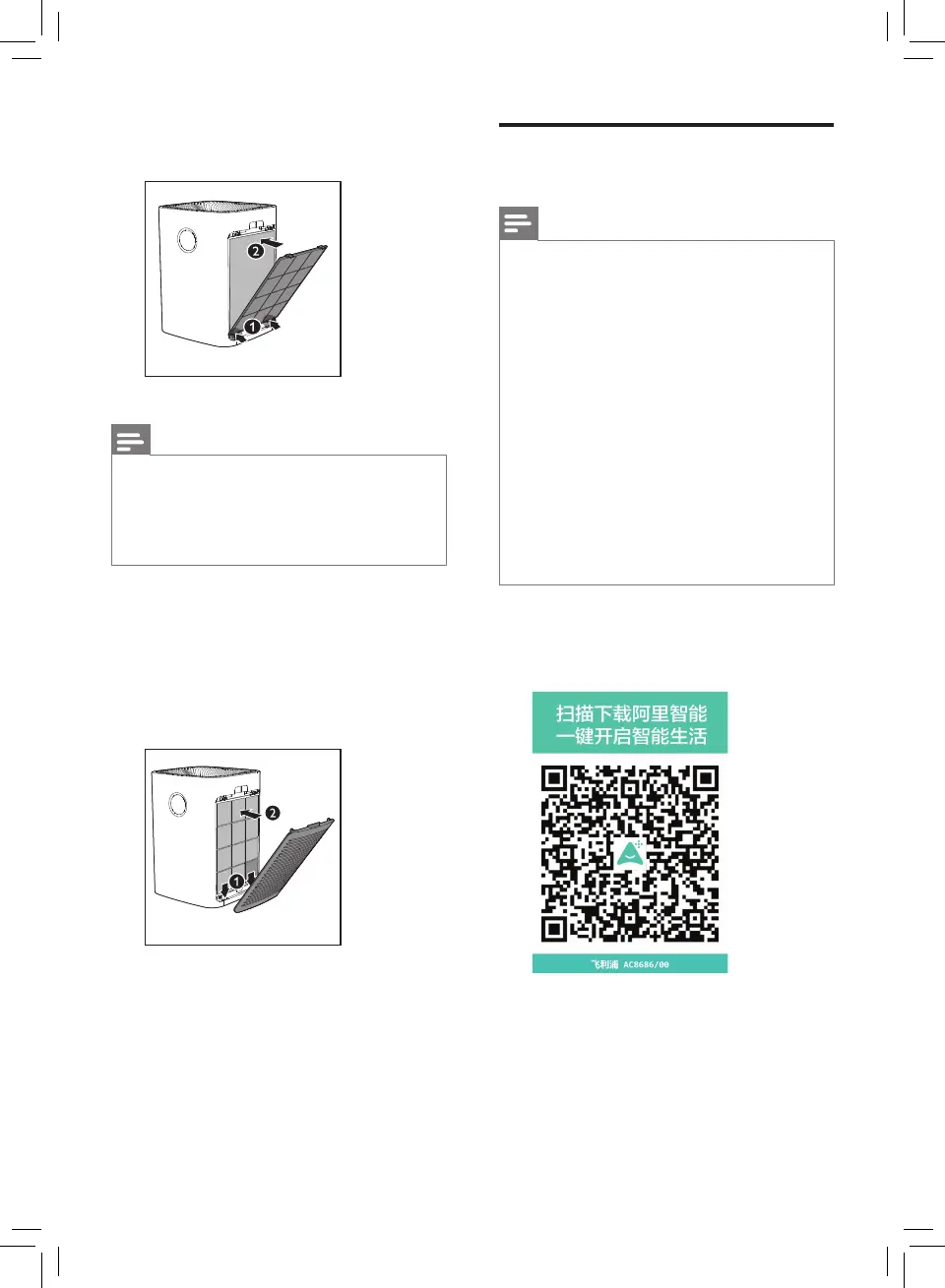
5 Put the pre-lter back into the
appliance.
Note
• Make sure the side with the two
clips is pointing towards you, and
that all hooks of the pre-lter are
properly attached to the purier.
6 To reattach the side panel,
mount the panel onto the
bottom of the appliance rst
(1). Then, gently push the
panel against the body of the
appliance (2).
7 Repeat the above steps and
assemble the lter for the other
side of the appliance.
Wi-Fi connection
Note
• If you want to connect more
than one air purier to your
smart device, you have to do
this one by one. Complete the
set up of one appliance before
you turn on the other appliance.
• Make sure the distance between
your air purier and Wi-Fi router
is less than 10m without any
obstruction.
• If the air purier installed at
room corner has a weak Wi-Fi
signal, it's recommended to set
Wi-Fi booster for remote usage.
1 Scan the below QR code, or
download the 'Ali Smart Living'
App from App market.



 To Next Page