43EN
1 Turn o the air purier and
unplug from the power socket.
2 Take out the pre-lters on both
sides of the appliance.
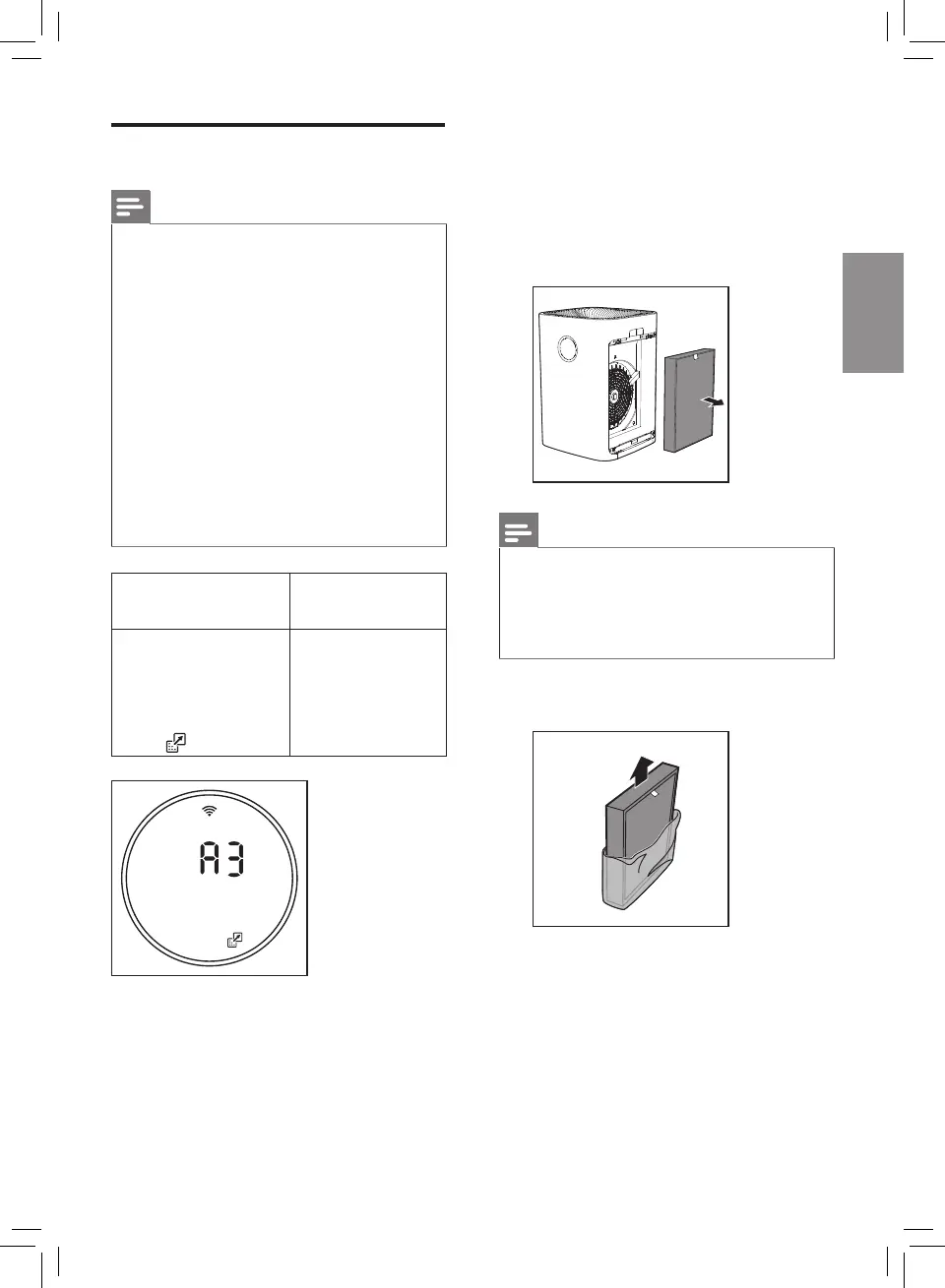
3 Take out the expired lters.
Discard used lters.
Note
• Do not touch the pleated lter
surface, or smell the lter as it
has collected pollutants from
the air.
4 Remove all packaging material of
the new lters.
Replacing the lters
Note
• The lters are not washable or
reusable.
• Always turn o the air purier
and unplug from the electrical
outlet before replacing the
lters.
• Do not clean the lters with a
vacuum.
• If the pre-lter is damaged,
worn or broken, do not use.
Visit www.philips.com/support
or contact the Consumer Care
Center in your country.
Filter alert light
status
Action
A3 displays
on the screen
and the lter
replacement
alert
goes on.
Replace the
NanoProtect
lter Pro S3
(FY8197)



 To Next Page