EasyManua.ls Logo

Philips AE 3750 - Power Supply and General Information; Power Supply Options

Philips AE 3750
13 pages
Print Icon
To Next Page IconTo Next Page
To Previous Page IconTo Previous Page
Loading...
Power
supply
General
MAINS
ADAPTOR
(not
included)
_
You
can
connect
the
set
to
the
MAINS,
using
a
mains
adaptor.
Make
sure
that
the
local
voltage
corresponds
to
the
voltage
of
the
9V
adaptor.
Important!
The
2.1
mm
centre
pin
of
the
5.5
mm
adaptor
plug
must
be
set
to
the
minus
pole
©,
as
indicated
under
the
9V
DC
IN
socket
©-©-©.
Connect
the
mains
adaptor
to
the
9V
DC
socket
of
the
set
and
plug
the
mains
adaptor
into
the
wall
socket.
The
battery
supply
will
now
be
disconnected.
Always
disconnect
the
mains
adaptor
if
you
are
not
using
it.
Note:
Remove
the
batteries
if
you
intend
to
operate
the
set
permanently
on
the
mains
supply.
BATTERIES
(not
included)
_
Open
and
lift
up
the
battery
door
and
insert
as
indicated
six
1.5
volt
batteries
(prefererably
alkaline),
type
R6,
UM
3
or
AA.
Make
sure
the
battery
polarity
is
correct.
-
Remove
the
batteries
from
the
set
if
they
are
exhausted
or
not
to
be
used
for
a
long
time.
-
When
the
batteries
are
running
low,
O
will
start
flashing
on
the
display.
If
the
radio
is
on,
it
will
automatically
switch
off.
-
Do
not
dispose
of
exhausted
batteries
with
your
household
waste.
Please
inquire
about
how
to
dispose
of
batteries
according
to
local
regulations.
GENERAL
FEATURES
_
Reset
hole
Should
you
receive
external
interference
e.g.
static
electricity
from
carpets,
which
affects
the
display
and
electronic
functions
of
your
set,
the
RESET
hole
allows
you
to
clear
all
data
from
the
set
and
to
start
up
again,
Use
a
bent-up
paper
clip
to
press
RESET.
Lock
The
LOCK
button
helps
to
prevent
any
of
the
front
panel
controls
from
accidentally
being
pressed
when
you
are
using
the
set
(POWER
ON)
or
in
POWER
OFF
position.
1.
I
f
you
wish
to
lock
the
functions
of
your
set,
press
the
LOCK
button.
-
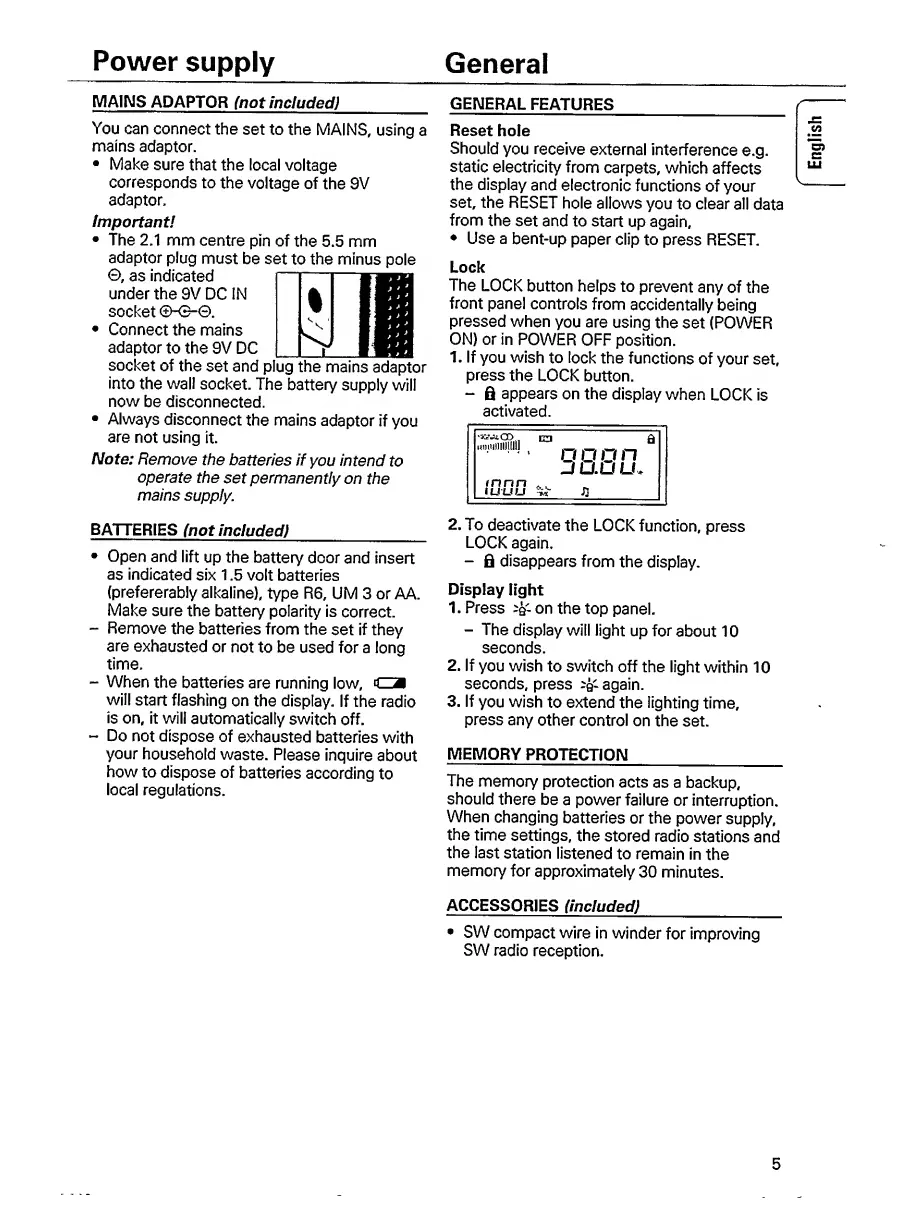
6
appears
on
the
display
when
LOCK
is
activated.
Limmiii
o
o
o
n
JUUU.
2.
T
o
deactivate
the
LOCK
function,
press
LOCK
again.
-
fi
disappears
from
the
display.
Display
light
1.
Press
-Q-
on
the
top
panel.
-
The
display
will
light
up
for
about
10
seconds.
2.
If
you
wish
to
switch
off
the
light
within
10
seconds,
press
^
again.
3.
If
you
wish
to
extend
the
lighting
time,
press
any
other
control
on
the
set.
MEMORY
PROTECTION
_
The
memory
protection
acts
as
a
backup,
should
there
be
a
power
failure
or
interruption.
When
changing
batteries
or
the
power
supply,
the
time
settings,
the
stored
radio
stations
and
the
last
station
listened
to
remain
in
the
memory
for
approximately
30
minutes.
ACCESSORIES
(included)
_
SW
compact
wire
in
winder
for
improving
SW
radio
reception.
5
English

Other manuals for Philips AE 3750

Related product manuals