EasyManua.ls Logo

Philips AE 3750 - Preset Radio Stations; Programming Preset Stations

Philips AE 3750
13 pages
Print Icon
To Next Page IconTo Next Page
To Previous Page IconTo Previous Page
Loading...
English
Preset
radio
stations
PROGRAMMING
PRESET
STATIONS
You
can
store
the
frequencies/meter
bands
of
up
to
40
radio
stations
in
the
memory.
1.
Select
a
waveband
and
tune
to
the
desired
radio
station.
2.
Type
in
a
number
(1-40)
to
choose
a
preset
position.
3.
Press
PROGRAM
(within
5
seconds)
to
store
the
selected
radio
station.
-
If
the
selected
preset
position
is
already
occupied,
the
preset
frequency
or
station
will
flash
briefly
on
the
display.
-
If
you
wish
to
overwrite
the
current
preset,
press
PROGRAM
(within
5
seconds)
a
second
time.
Your
new
selection
will
now
replace
the
previously
stored
station.
Repeat
steps
1-3
to
store
all
preset
stations
in
this
way.
Calling
up
a
preset
station
1.
Type
in
the
number
of
the
preset
position.
2.
Press
the
PRESET
A/V
button
briefly.
-
If
occupied,
the
set
will
automatically
tune
to
the
selected
preset
position.
-
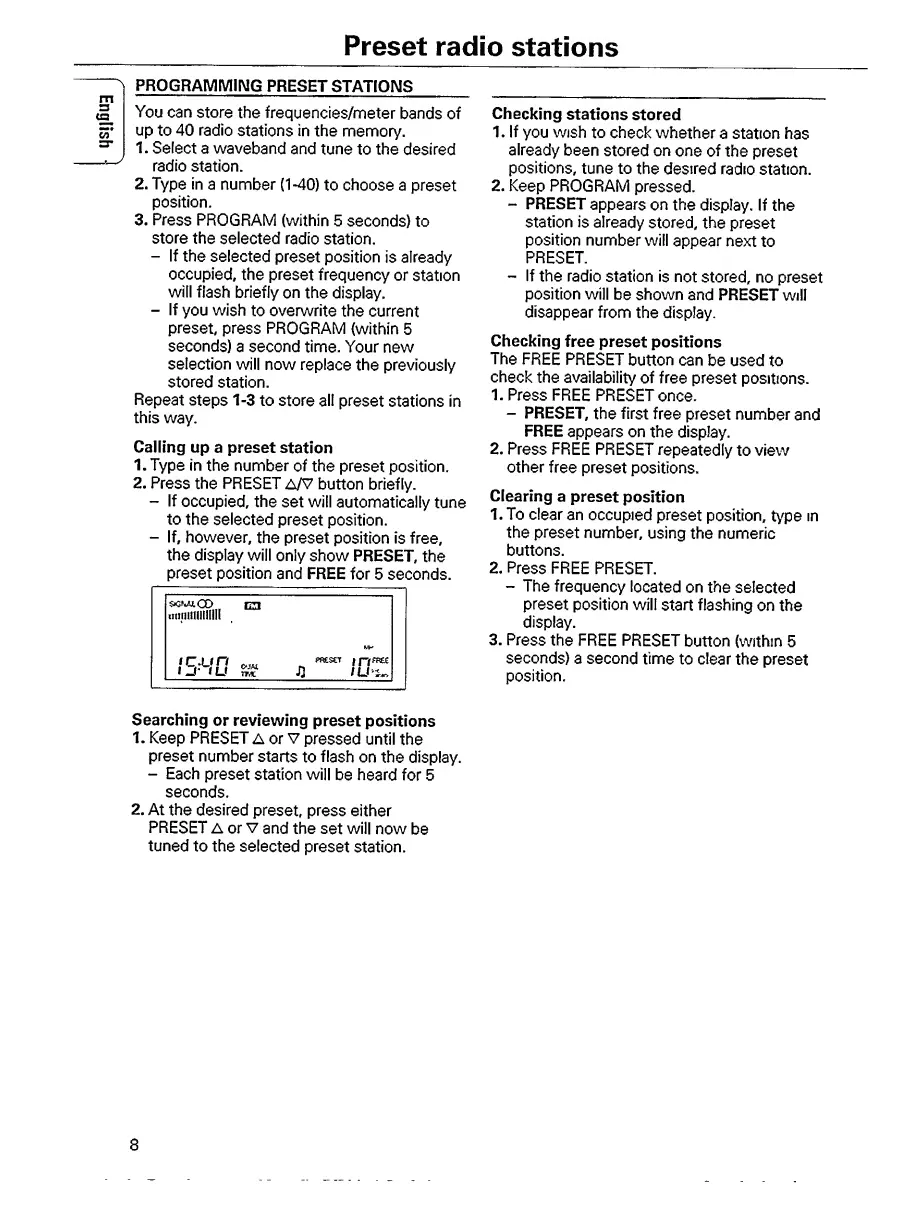
If,
however,
the
preset
position
is
free,
the
display
will
only
show
PRESET,
the
preset
position
and
FREE
for
5
seconds.
s»cnajlCD
mnillllllllil!
fr
a
*1
tcun
i
Dt
u
OJM
TMC
pf&scr
f
n
l
U'U>
Checking
stations
stored
1.
If
you
wish
to
check
whether
a
station
has
already
been
stored
on
one
of
the
preset
positions,
tune
to
the
desired
radio
station.
2.
Keep
PROGRAM
pressed.
-
PRESET
appears
on
the
display.
If
the
station
is
already
stored,
the
preset
position
number
will
appear
next
to
PRESET.
-
If
the
radio
station
is
not
stored,
no
preset
position
will
be
shown
and
PRESET
will
disappear
from
the
display.
Checking
free
preset
positions
The
FREE
PRESET
button
can
be
used
to
check
the
availability
of
free
preset
positions.
1.
Press
FREE
PRESET
once.
-
PRESET,
the
first
free
preset
number
and
FREE
appears
on
the
display.
2.
Press
FREE
PRESET
repeatedly
to
view
other
free
preset
positions.
Clearing
a
preset
position
1.
To
clear
an
occupied
preset
position,
type
in
the
preset
number,
using
the
numeric
buttons.
2.
Press
FREE
PRESET.
-
The
frequency
located
on
the
selected
preset
position
will
start
flashing
on
the
display.
3.
Press
the
FREE
PRESET
button
(within
5
seconds)
a
second
time
to
clear
the
preset
position.
Searching
or
reviewing
preset
positions
1.
Keep
PRESET
A
or
V
pressed
until
the
preset
number
starts
to
flash
on
the
display.
-
Each
preset
station
will
be
heard
for
5
seconds.
2.
At
the
desired
preset,
press
either
PRESET
A
or
v
and
the
set
will
now
be
tuned
to
the
selected
preset
station.
8

Other manuals for Philips AE 3750

Related product manuals