EasyManua.ls Logo

Philips AE 3750 - Radio Reception and Tuning; Radio Reception Basics; Tuning Methods

Philips AE 3750
13 pages
Print Icon
To Next Page IconTo Next Page
To Previous Page IconTo Previous Page
Loading...
English
Radio
reception
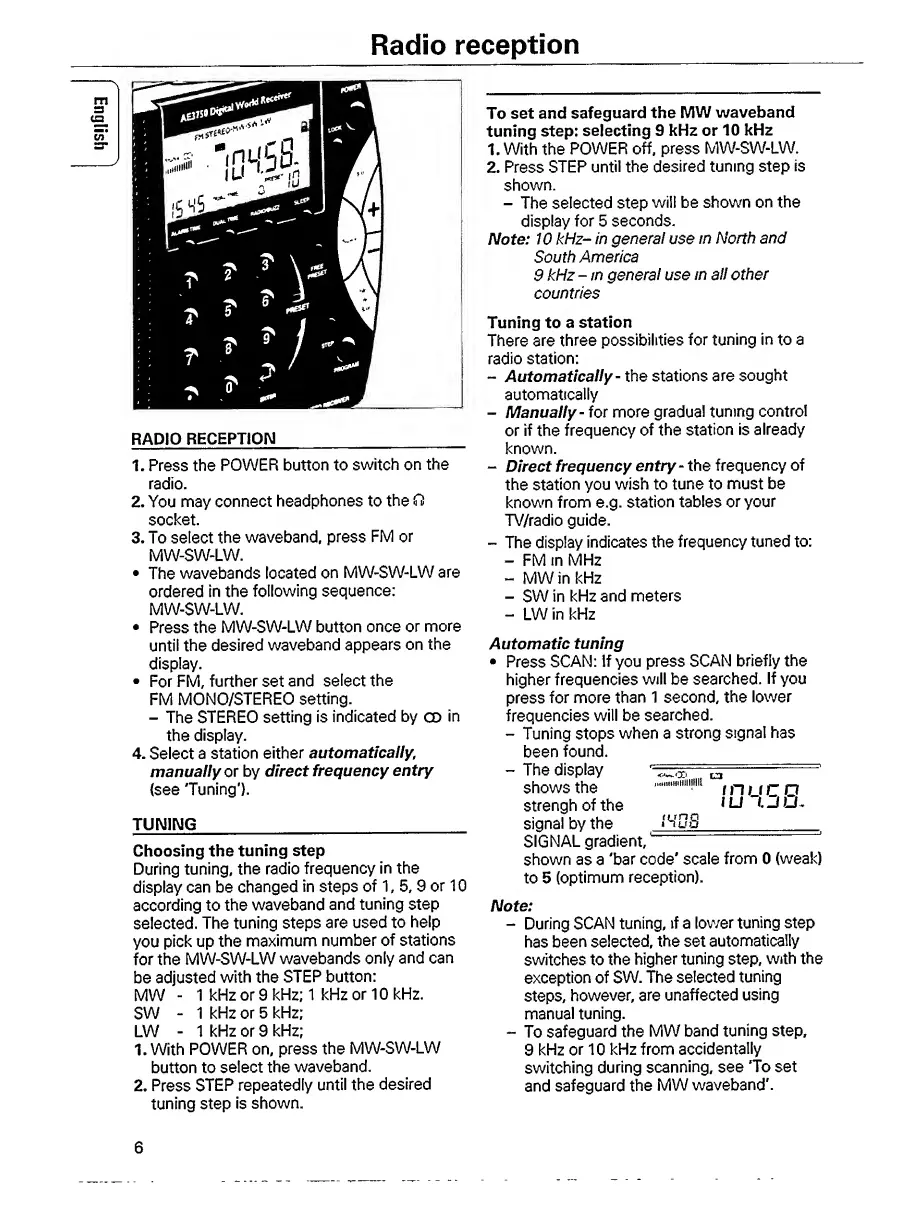
RADIO
RECEPTION
_
1.
Press
the
POWER
button
to
switch
on
the
radio.
2.
You
may
connect
headphones
to
the
O
socket.
3.
To
select
the
waveband,
press
FM
or
MW-SW-LW.
The
wavebands
located
on
MW-SW-LW
are
ordered
in
the
following
sequence:
MW-SW-LW.
Press
the
MW-SW-LW
button
once
or
more
until
the
desired
waveband
appears
on
the
display.
For
FM,
further
set
and
select
the
FM
MONO/STEREO
setting.
-
The
STEREO
setting
is
indicated
by
CD
in
the
display.
4.
Select
a
station
either
automatically,
manually
or
by
direct
frequency
entry
{see
'Tuning').
TUNING
_
Choosing
the
tuning
step
During
tuning,
the
radio
frequency
in
the
display
can
be
changed
in
steps
of
1,
5,
9
or
10
according
to
the
waveband
and
tuning
step
selected.
The
tuning
steps
are
used
to
help
you
pick
up
the
maximum
number
of
stations
for
the
MW-SW-LW
wavebands
only
and
can
be
adjusted
with
the
STEP
button:
MW
-
1
kFIz
or
9
kHz;
1
kHz
or
10
kHz.
SW
-
1
kHz
or
5
kHz;
LW
-
1
kHz
or
9
kHz;
1.
With
POWER
on,
press
the
MW-SW-LW
button
to
select
the
waveband.
2.
Press
STEP
repeatedly
until
the
desired
tuning
step
is
shown.
To
set
and
safeguard
the
MW
waveband
tuning
step:
selecting
9
kHz
or
10
kHz
1.
With
the
POWER
off,
press
MW-SW-LW.
2.
Press
STEP
until
the
desired
tuning
step
is
shown.
-
The
selected
step
will
be
shown
on
the
display
for
5
seconds.
Note:
10
kHz-
in
general
use
in
North
and
South
America
9
kHz
-
in
general
use
in
all
other
countries
Tuning
to
a
station
There
are
three
possibilities
for
tuning
in
to
a
radio
station:
-
Automatically-
the
stations
are
sought
automatically
-
Manually-
for
more
gradual
tuning
control
or
if
the
frequency
of
the
station
is
already
known.
-
Direct
frequency
entry-
the
frequency
of
the
station
you
wish
to
tune
to
must
be
known
from
e.g.
station
tables
or
your
TV/radio
guide.
-
The
display
indicates
the
frequency
tuned
to:
-
FM
in
MHz
-
MW
in
kHz
-
SW
in
kHz
and
meters
-
LW
in
kHz
Automatic
tuning
Press
SCAN:
If
you
press
SCAN
briefly
the
higher
frequencies
will
be
searched.
If
you
press
for
more
than
1
second,
the
lower
frequencies
will
be
searched.
-
Tuning
stops
when
a
strong
signal
has
been
found.
-
The
display
'
.^
^
shows
the
\
n
u
C
O
strengh
of
the
1
L
J
"T
30.
signal
by
the
NuS
_
SIGNAL
gradient,
shown
as
a
'bar
code'
scale
from
0
(weak)
to
5
(optimum
reception).
Note:
-
During
SCAN
tuning,
if
a
lower
tuning
step
has
been
selected,
the
set
automatically
switches
to
the
higher
tuning
step,
with
the
exception
of
SW.
The
selected
tuning
steps,
however,
are
unaffected
using
manual
tuning.
-
To
safeguard
the
MW
band
tuning
step,
9
kHz
or
10
kHz
from
accidentally
switching
during
scanning,
see
‘To
set
and
safeguard
the
MW
waveband'.
6

Other manuals for Philips AE 3750

Related product manuals